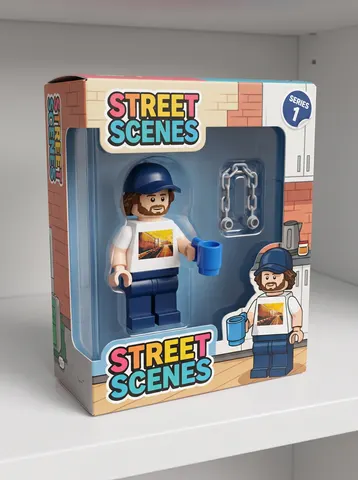
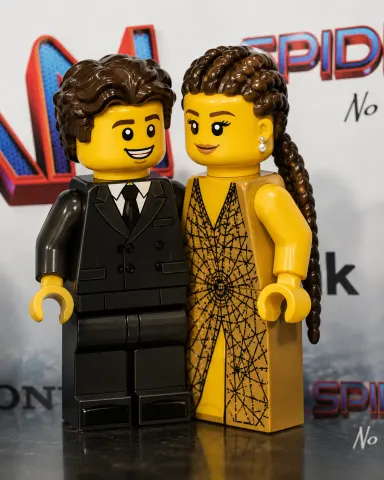
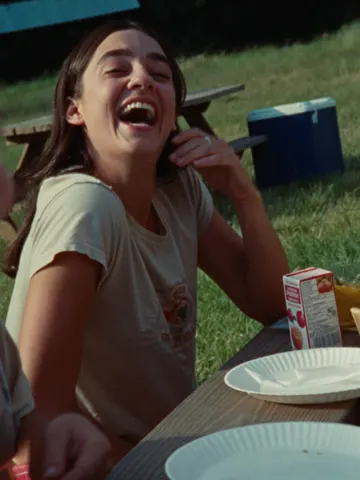
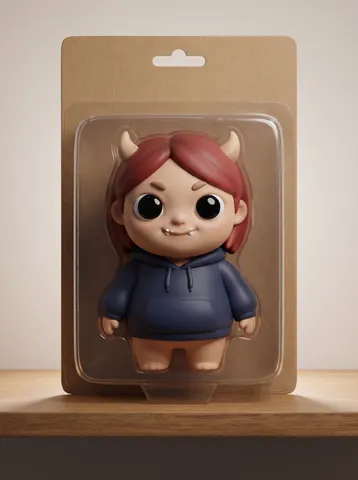
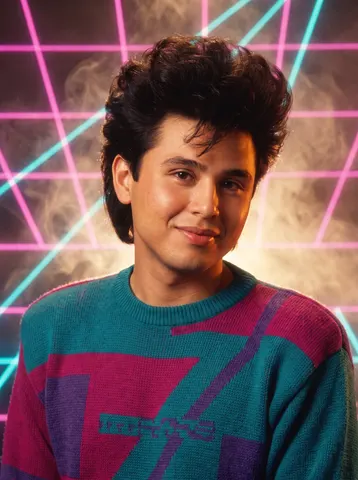
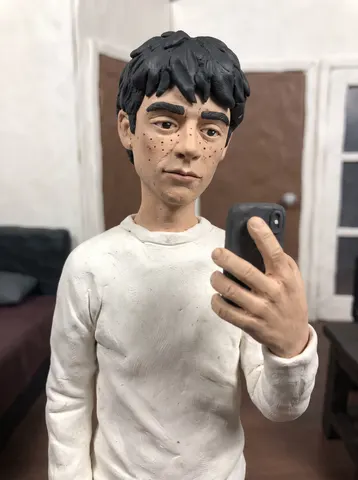
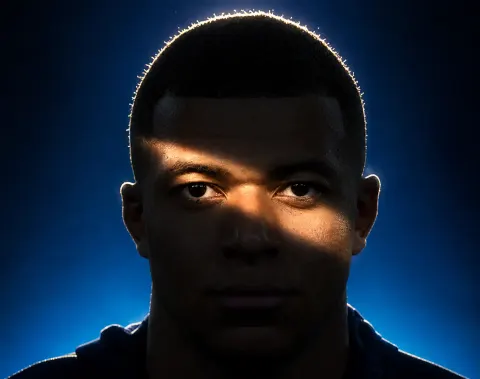
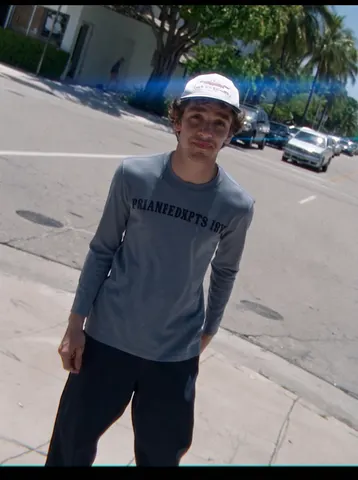
Complete prompt text, copyable straight from this page. Open any prompt for the real result and the step-by-step.
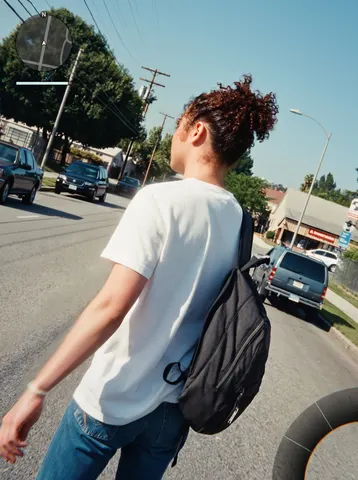
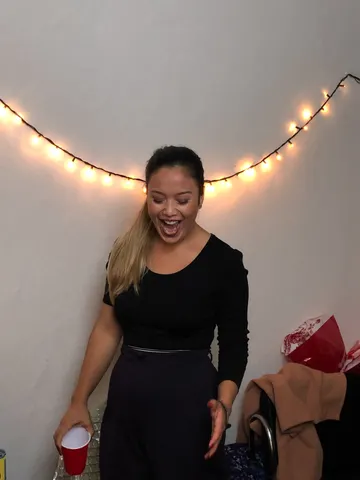
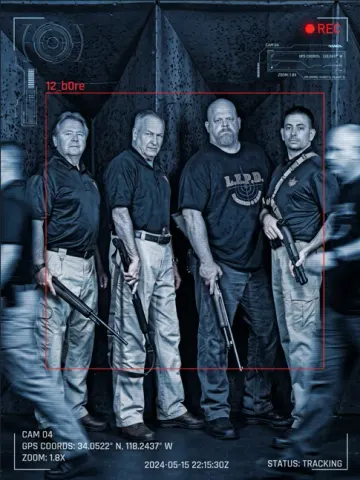
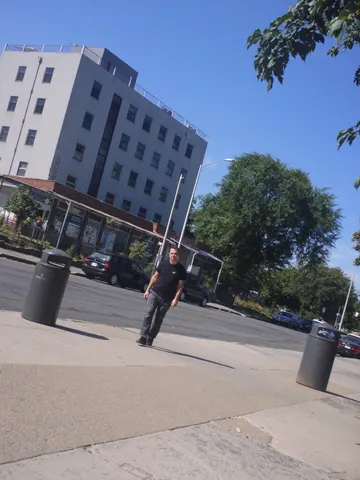
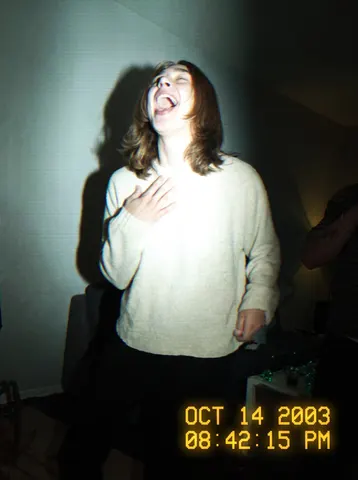
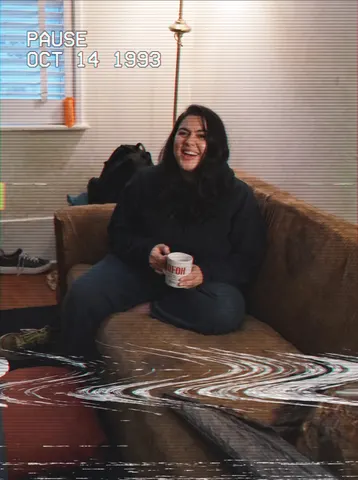
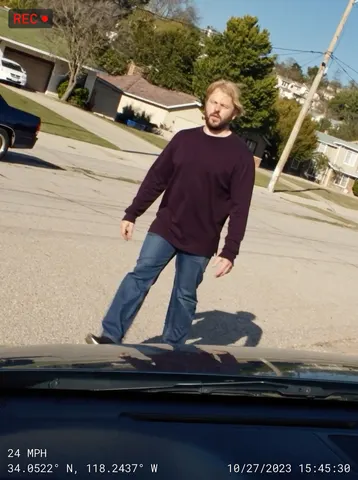
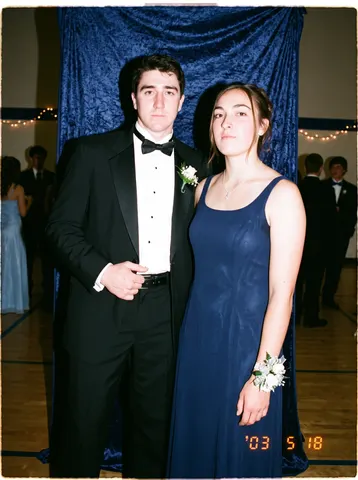
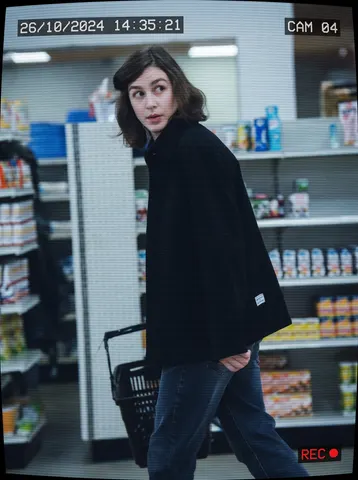
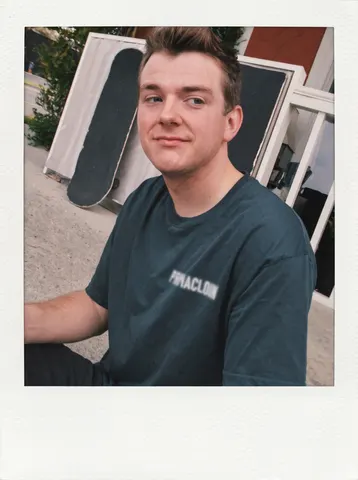
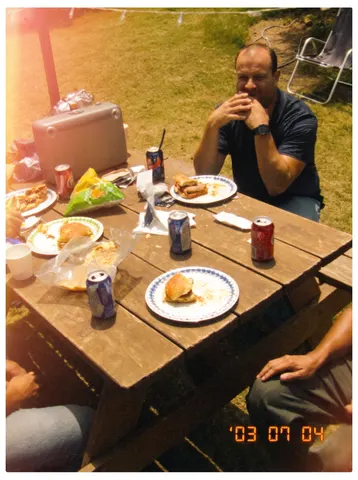
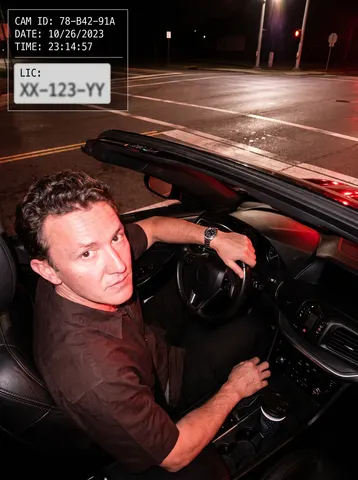
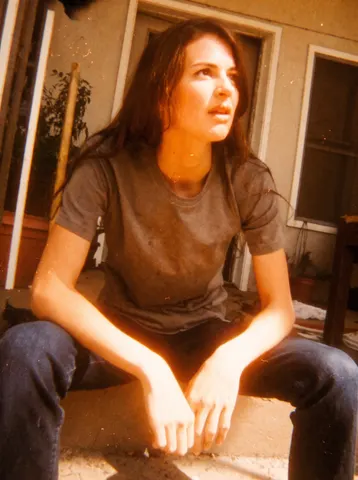
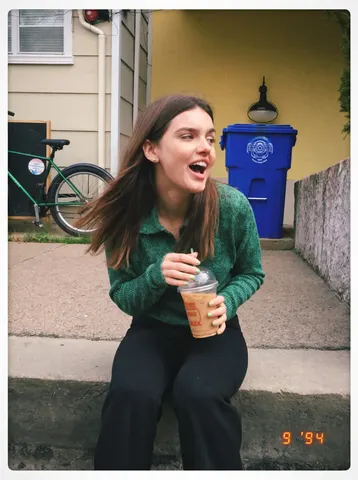
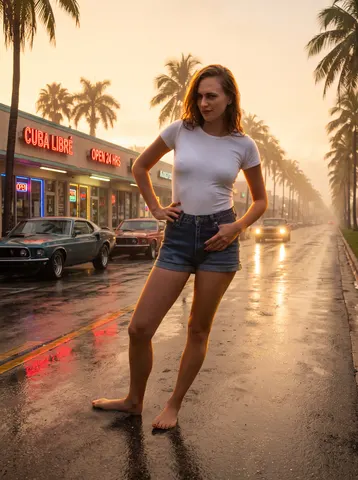
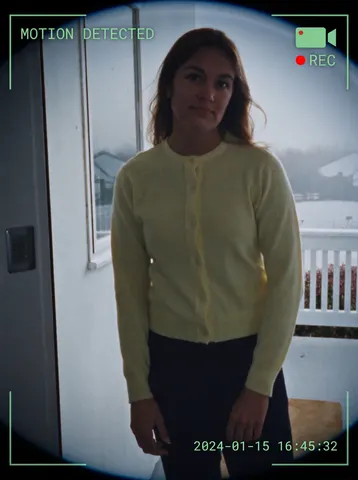
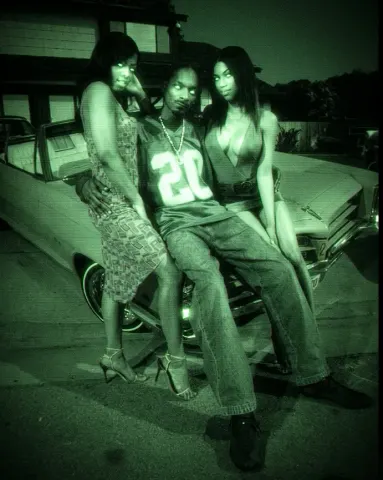
Transform this uploaded photo into a shot captured on a cheap 2003 camcorder. Overlay a glowing amber-yellow digital timestamp in the corner (date and time, thin pixelated font, slight glow bleed), and blow out the photo with a harsh on-camera flash — bright hotspot on the subject, fast falloff into a dark background, and a visible hard flash shadow behind them.

Degrade the image to match a low-resolution CCD sensor: soft blocky compression noise, slight chromatic fringing at high-contrast edges, faint horizontal interlacing lines, and mild VHS-style colour bleed where reds and blues smear at the edges. Push the white balance cool and slightly green, like an indoor fluorescent-lit room lit by camcorder flash. Keep the picture a little soft and low-fidelity — not sharp, not high-res.

Preserve the subject's identity, facial features, expression, pose, and the exact composition and framing of the original photo. Do not change what they are wearing, their surroundings, or add/remove objects. Do not smooth or retouch skin — keep texture, blemishes, and grain intact; this should look like a genuine old camcorder capture, not a modern filter.

The final result should look like a real photo pulled off an old MiniDV tape from 2003 — flash-blown, low-res, timestamped, and slightly rough around the edges.
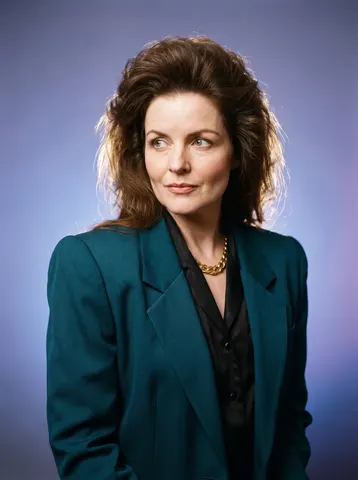
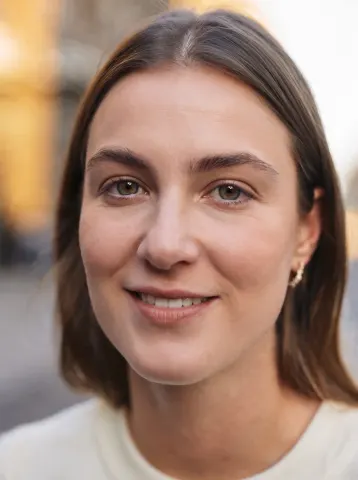
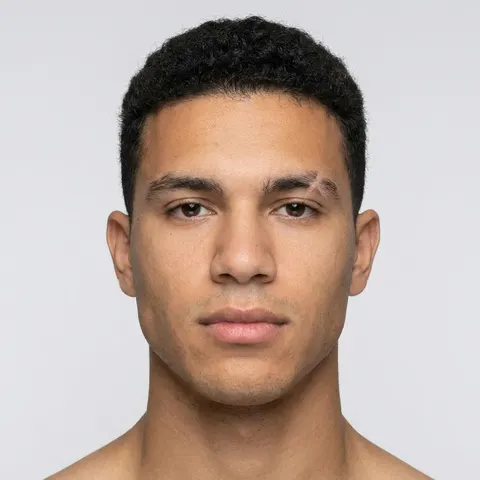
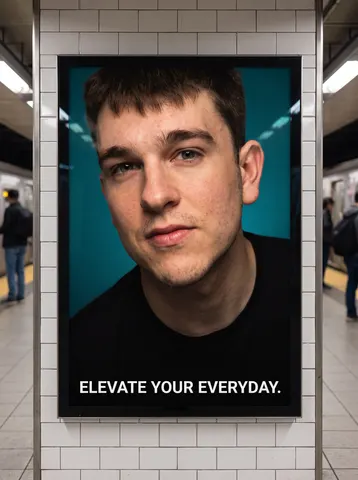
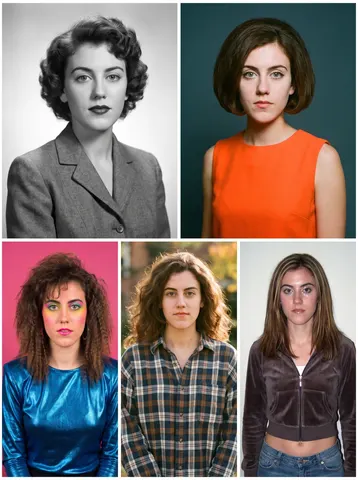
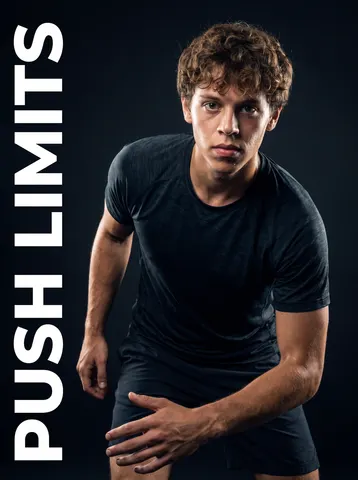
Keep this person's identity completely unchanged: same face shape, same facial features, same eye shape and colour, same nose, same mouth, same hairline and hairstyle, same skin tone, same ethnicity, same age, same build. It must read as the same person, not a lookalike.

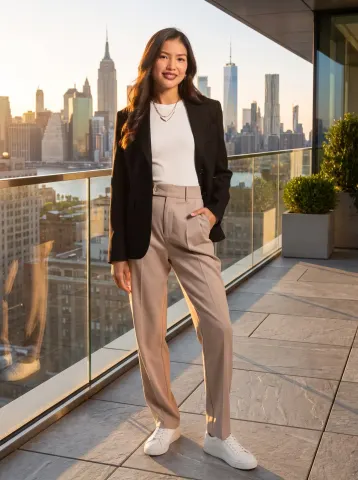
Re-pose them into a straight-on corporate headshot. This is the most important instruction — do not keep the original head angle:
- Rotate the head to face the camera directly, squared to the lens. No three-quarter turn, no tilt, no chin-down or chin-up angle, not looking off to the side.
- Eyes looking straight into the camera lens.
- Shoulders squared to the camera and relaxed, chin level and very slightly forward, spine tall.
- Calm, confident, closed-mouth smile — approachable, not stiff.

Wardrobe: a well-tailored navy suit jacket over a crisp white shirt. Clean and modern, no loud patterns, no visible branding.

Background: a softly blurred modern office — floor-to-ceiling windows, daylight, neutral tones. Shallow depth of field so the background falls well away from the subject.

Lighting: a large soft key light about 45 degrees off-axis, gentle fill on the shadow side, and a subtle hair/rim light to separate the subject from the background. Natural catchlights in both eyes.

Camera: shot on an 85mm portrait lens at f/2.8, camera at eye level, head-and-shoulders crop with a little headroom.

Photorealism is critical. This must look like a photograph, not a render:
- Keep visible skin texture — pores, fine lines, natural imperfections. Do NOT smooth the skin into plastic or wax.
- Keep natural facial asymmetry. Perfectly symmetrical faces read as fake.
- Real fabric texture with natural folds and weave in the suit and shirt.
- Individual hair strands, including a few natural flyaways — not painted-on hair.
- Neutral, true-to-life colour. No HDR glow, no heavy vignette, no beauty filter, no airbrushing, no artificial sharpening halos.

No text, no logos, no watermarks, no borders.
## Raw iPhone Selfie Aesthetic Prompt

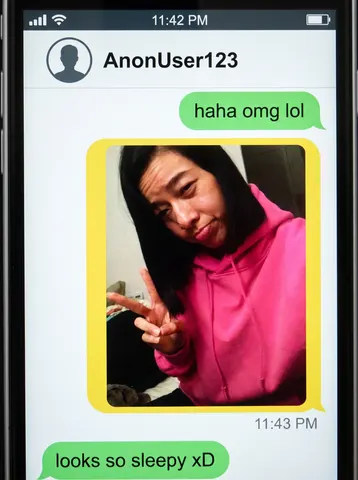
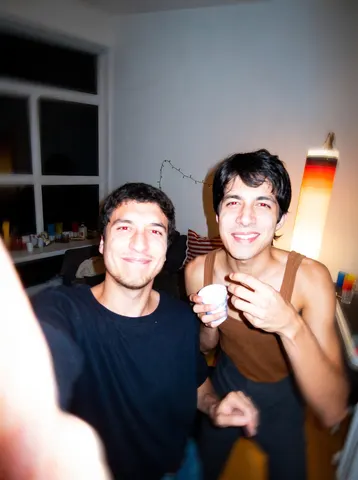
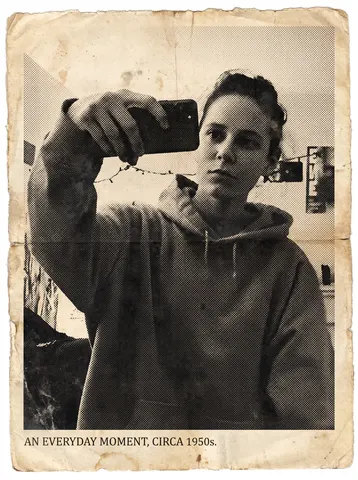
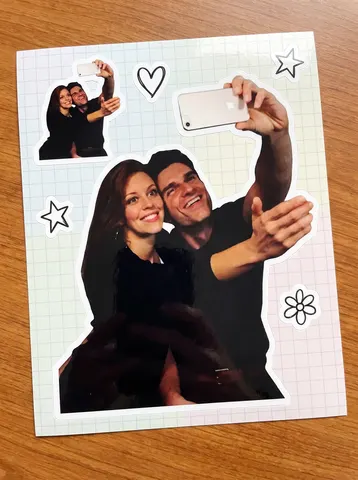
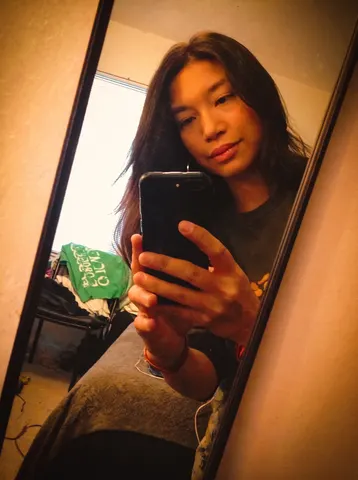
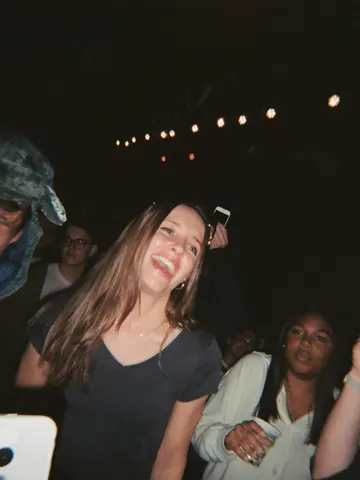
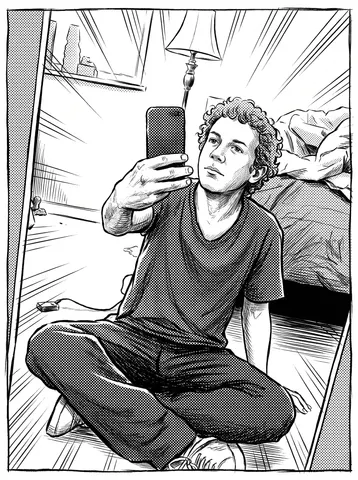
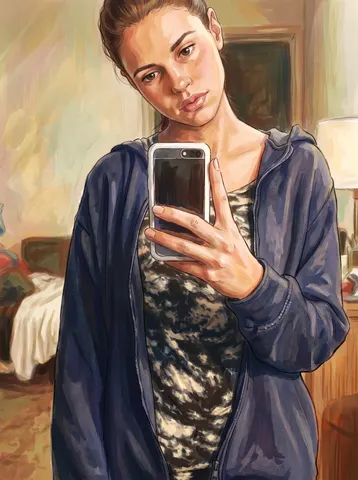
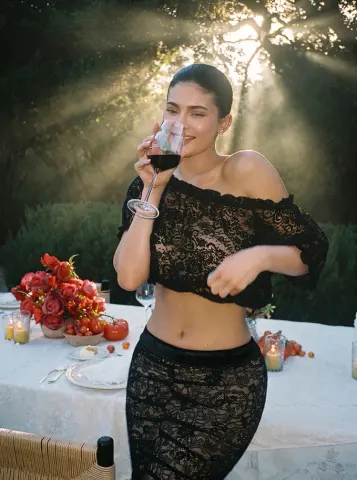
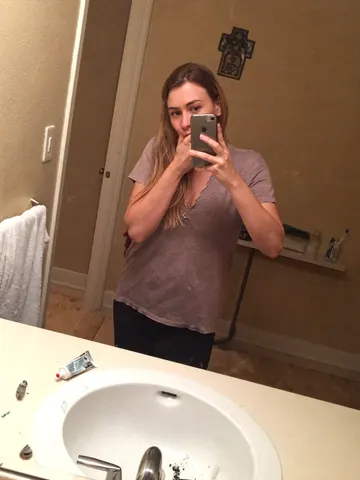
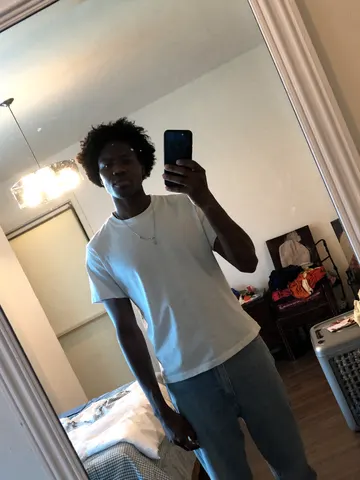
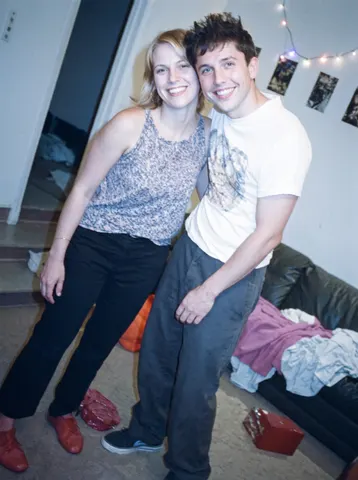
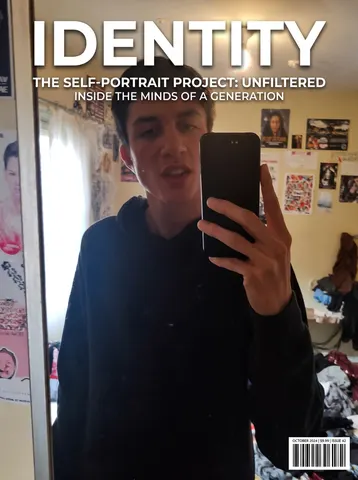
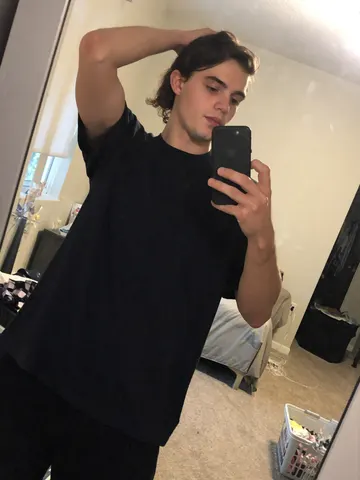
Raw iPhone selfie aesthetic. Subjects from reference images standing close together, both leaning slightly into frame, casual shoulder-to-shoulder composition, direct gaze into camera with relaxed neutral expressions. Handheld at arm's length with slight upward tilt. Soft indoor lighting mixed with phone flash causing mild overexposure on highlights and shadow falloff. Natural skin texture visible with pores and subtle makeup detail. Stray hairs and fabric creases present. Background loosely visible with everyday environment elements slightly out of focus. Minor motion blur on edges. Slight lens distortion from close proximity. Off-center framing with imperfect crop. Subtle ISO grain and uneven white balance. Unpolished, candid realism.
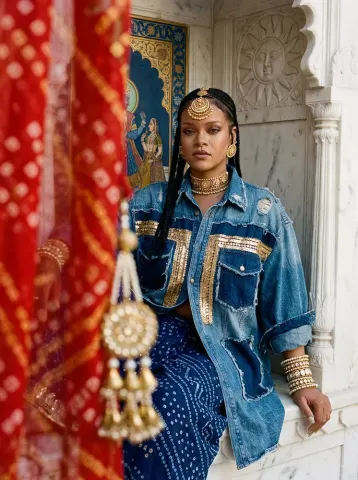
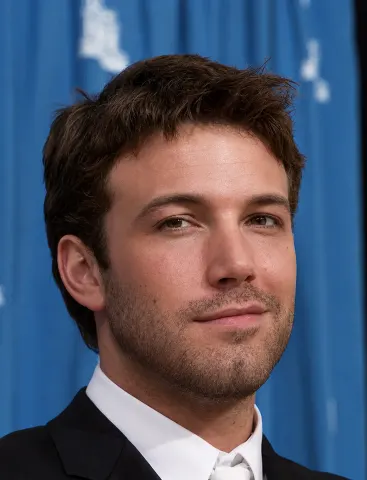
Ultra-high-resolution 4K upscaling based on the exact given reference image of Cristiano Ronaldo. Absolute fidelity to the original facial anatomy, proportions, and identity. Maintain expression, gaze, pose, camera angle, framing, and perspective without distortion.
Clothing, hair, skin, and background elements must remain unchanged in structure, placement, and design. Restore fine details with natural realism. Enhance pores, fine lines, hair strands, eyelashes, fabric weaves, seams, and material edges without adding stylization.
Maintain the original color science, white balance, and tonal relationships exactly as captured. Lighting direction, intensity, contrast, and shadow behavior must match the source image exactly, only with increased clarity and expanded dynamic range.
No relighting, no reshaping. Remove noise. Apply controlled sharpening and reconstruct high-frequency details. Eliminate compression artifacts and noise while maintaining authentic textures. No smoothing, no plastic skin, no artificial shine.
Facial features must remain consistent throughout the image with coherent anatomy and clean, stable edges.
Negative constraints:
• No distortion
• No facial shifts
• No addition or subtraction of anatomy
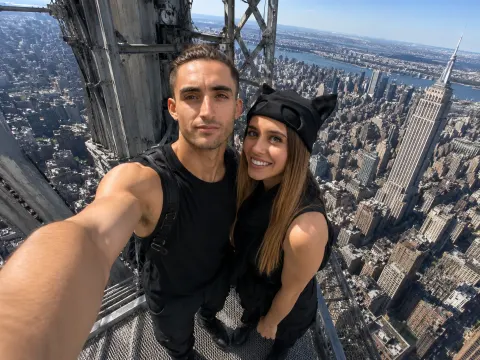
iPhone front camera selfie, use the uploaded reference images only for the identities of the two people, preserving their facial features, hairstyles, body proportions, and overall appearance. Do not copy the clothing from the reference images. Dress them in coordinated black streetwear inspired by urban climbing aesthetics: black cargo pants, black sleeveless tops, combat boots, one person wearing a black cap, the other with a black scarf loosely around the neck, faces fully visible. The two people are taking a spontaneous selfie from the very top maintenance platform of the Empire State Building, standing on the small exposed steel platform directly beneath the antenna, with no tourists or other people visible anywhere. Massive steel framework surrounds them while the Manhattan skyline stretches far below in every direction, emphasizing the extreme height. One person holds the phone naturally at arm's length using the front camera. They lean slightly toward each other, looking directly at the screen instead of the lens, with relaxed expressions as if capturing a quick memory rather than posing. Authentic iPhone front camera look, 24-26mm equivalent ultra-wide lens, slight barrel distortion around the edges, visible outstretched arm, natural hand position, imperfect framing, slight horizon tilt, casual crop, tiny finger shadow near one corner, subtle HDR processing, slightly over-sharpened smartphone details, realistic skin texture with pores and small imperfections, wind-blown hair, clothing wrinkles, mild highlights from harsh midday sun, realistic auto exposure, slightly lifted shadows, faint lens smudging, minimal digital noise, natural color science, looks like an unedited iPhone selfie posted straight from the camera roll, photorealistic, candid, not professional, not cinematic, not influencer-style, believable tourist snapshot.
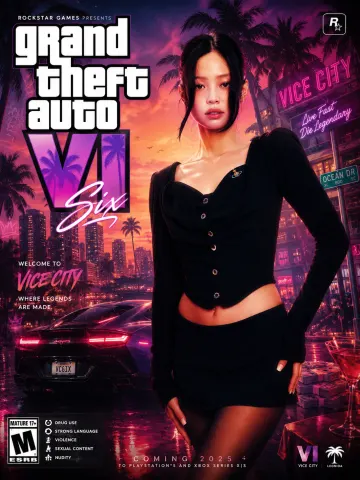
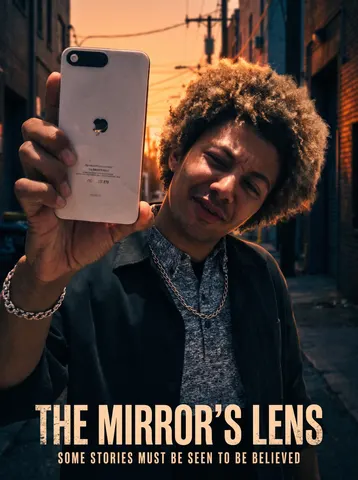
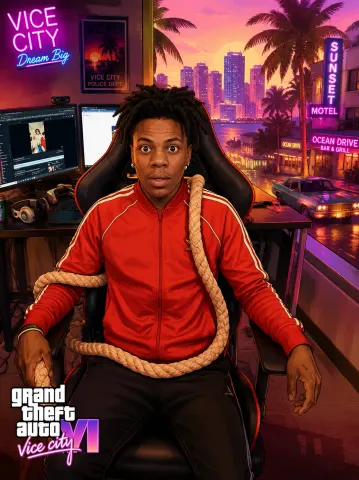
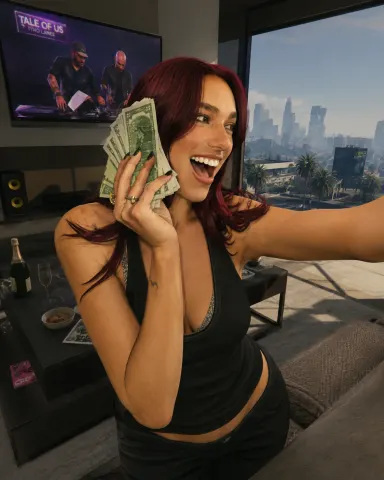
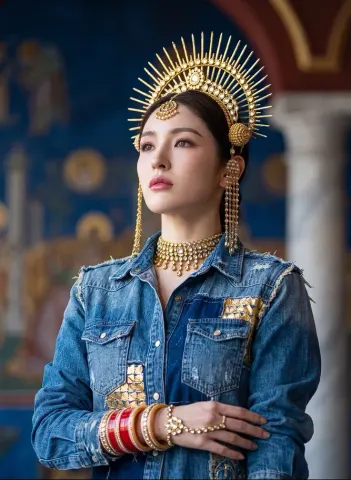
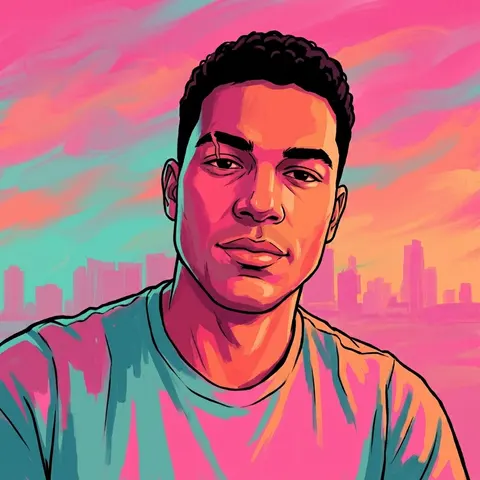
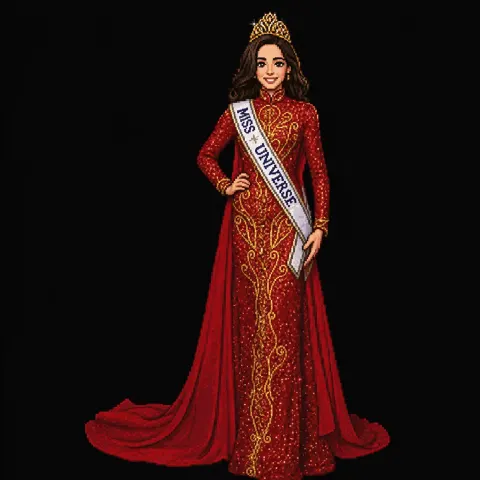
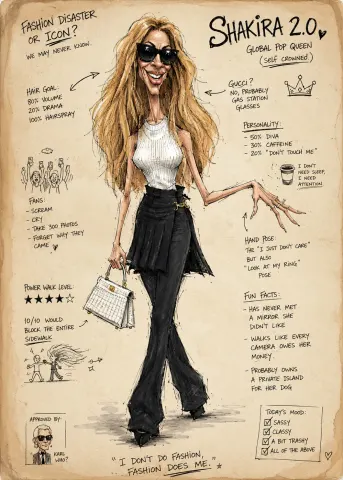
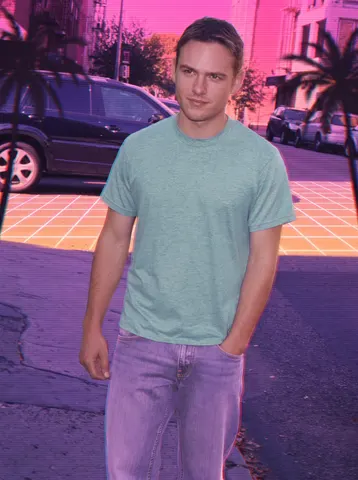
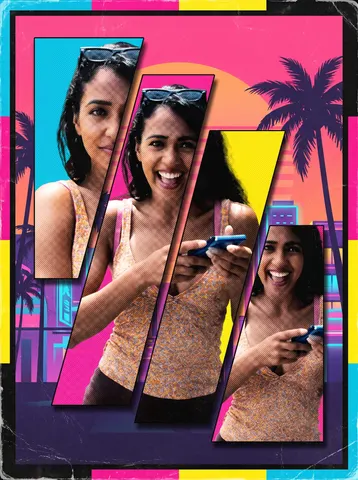
Create a highly detailed 8K portrait poster inspired by the iconic visual style of the modern Grand Theft Auto VI promotional artwork aesthetic, featuring a cinematic urban atmosphere with bold composition, vibrant lighting, layered graphic elements, and stylish contemporary street-luxury fashion energy. The overall design must strongly capture the signature mood of GTA VI posters, including dynamic neon color grading, tropical-modern city vibes, dramatic shadows, glossy highlights, stylized textures, decorative ornaments, graphic overlays, urban symbols, luxury lifestyle accents, and immersive environmental storytelling. Add premium poster decorations such as abstract shapes, graffiti-inspired accents, subtle retro-modern textures, luxury vehicle silhouettes, nightlife elements, palm tree shadows, street sign details, glowing reflections, and layered visual effects that enrich the composition without making it feel overcrowded. Include a large cinematic title text "Grand Theft Auto VI" prominently on the poster using typography inspired by official AAA video game promotional posters, with the full version of "GTA" clearly written as "Grand Theft Auto." The typography should feel bold, luxurious, modern, and integrated naturally into the poster design, supported by additional smaller decorative texts, symbols, labels, and graphic UI-style elements to strengthen the authentic game-poster atmosphere...
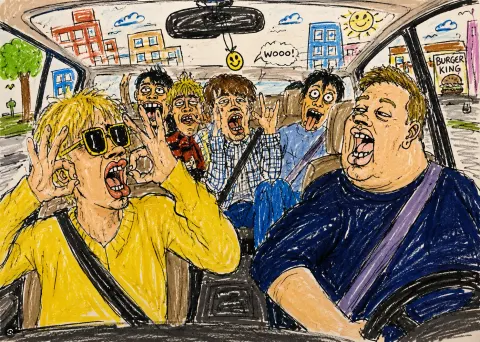
## Funny Ugly Doodle Prompt

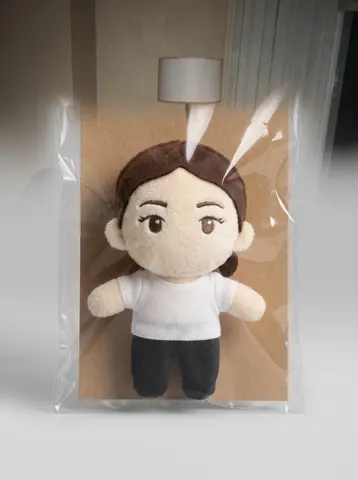
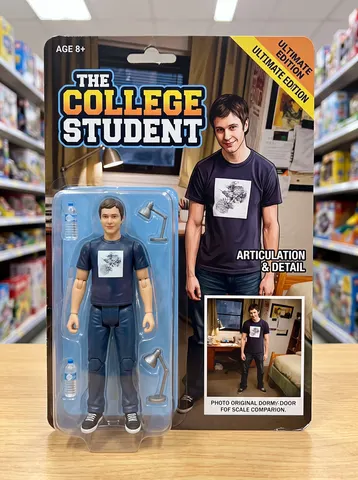
Turn this photo into a funny ugly doodle drawing. Make it look like: a quick sketch using a cheap marker or crayon messy, rough, childlike style bad perspective and awkward proportions slightly exaggerated facial features Add: simple cartoon background (like buildings, trees, street) random sketchy lines and details uneven coloring and visible strokes Style: looks like a lazy drawing, not polished humorous and a bit stupid-looking meme-like, casual, internet style Do NOT: make it realistic.
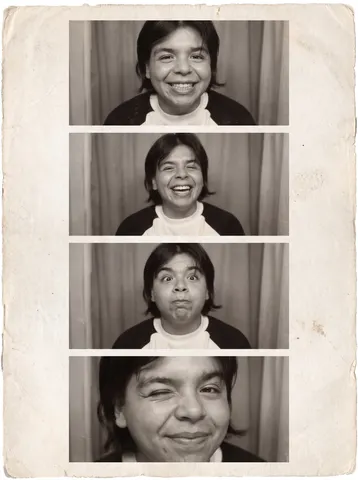
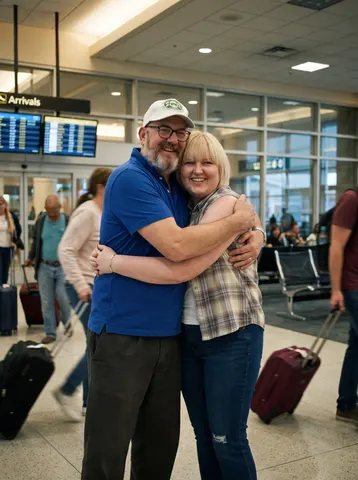
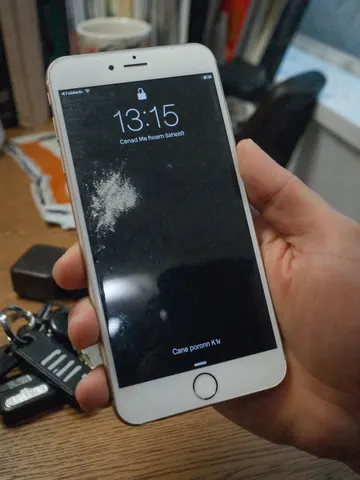
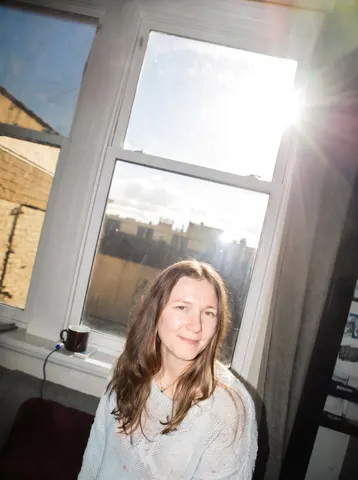
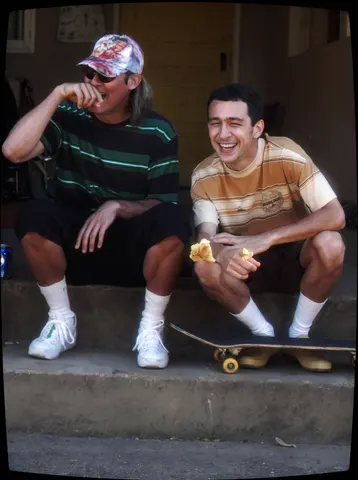
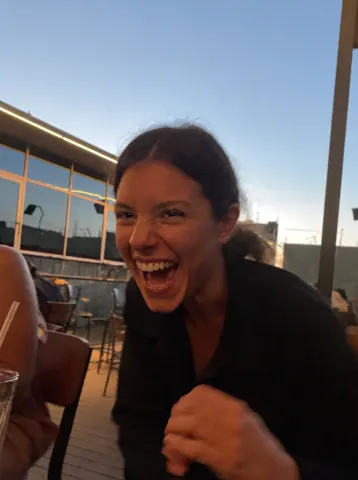
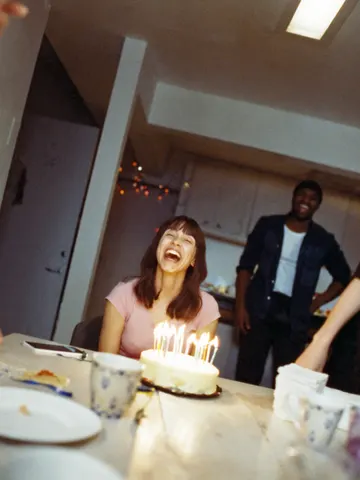
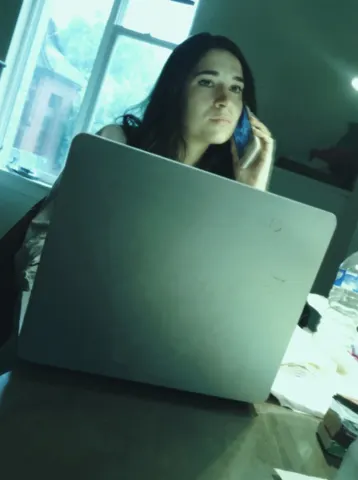
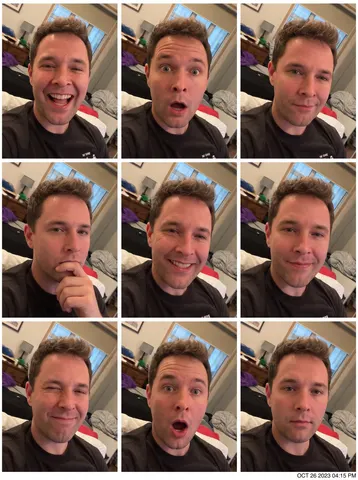
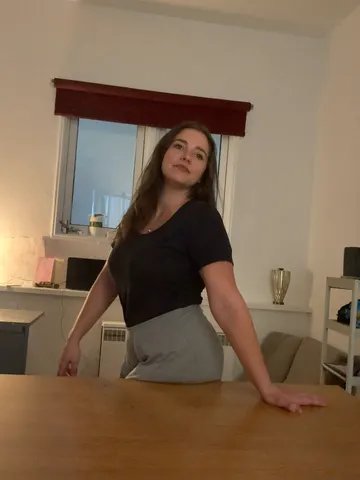
Open the closed eyes in this photo naturally while keeping the person's identity, expression, pose, hair, lighting, and the entire scene completely unchanged.

Reconstruct the open eyes with complete fidelity to the person's real facial anatomy: natural eye shape matching their bone structure, realistic iris color, and catchlights consistent with the scene's actual lighting. Both eyes should be equally and naturally open, with an expression that matches whatever the face is doing — a laugh keeps joyful eyes, a calm face keeps relaxed ones. Eyelids, lashes, and the surrounding skin must blend seamlessly with the real skin texture.

Do not beautify anything: no smoothing, no reshaping, no change to the smile, teeth, hair, background, colors, grain, or composition. If the photo has a casual phone-camera character, keep it exactly.

The final result should look like the same photo taken a half-second earlier, before the blink — completely natural, with no trace of editing.
Recrop and reformat this uploaded photo into a clean, standard ID-style headshot. Adjust the framing to head-and-shoulders proportions, centered, with the subject facing directly forward, neutral relaxed expression, eyes open, mouth closed. Replace the background with a plain, even light-gray studio backdrop with no shadows. Apply soft, even, shadowless studio lighting across the face to match professional photo booth standards.

This is a formatting and lighting correction only — no document elements, borders, printed text, security features, or frame of any kind. The output should be a clean, correctly proportioned photo of the person, ready to be used wherever a standard ID-style photo is required.
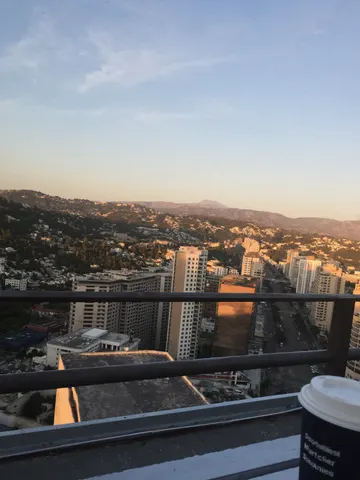
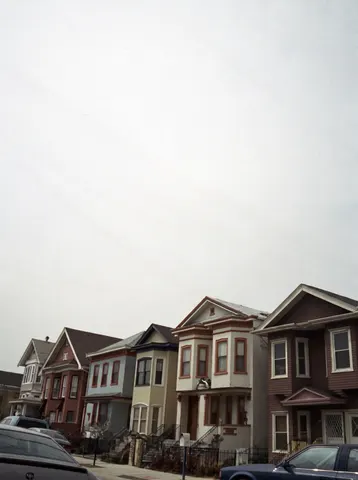
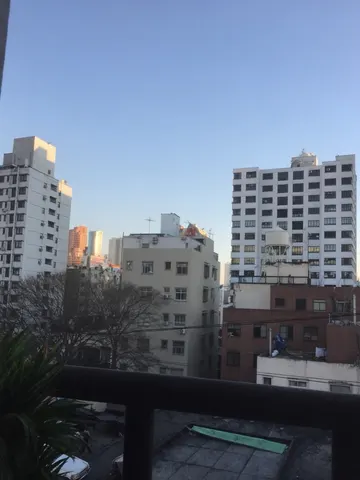
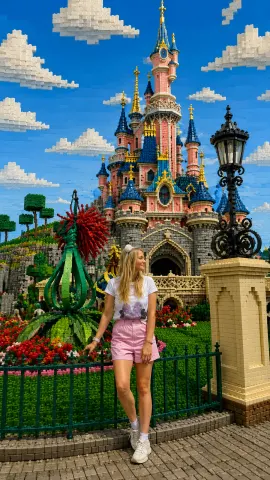
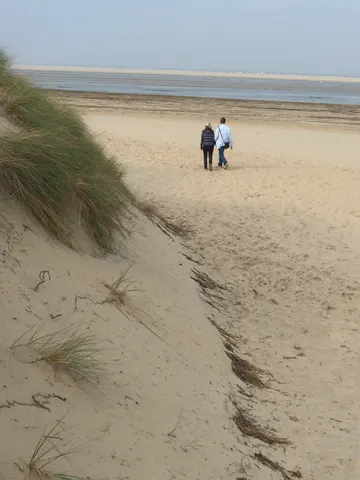
Use the Sky Replacer prompt from the library on Image 1.
Preserve everything from the original image:
identical subject
identical pose
identical clothing
identical expression
identical framing
identical perspective
identical camera angle
identical landscape
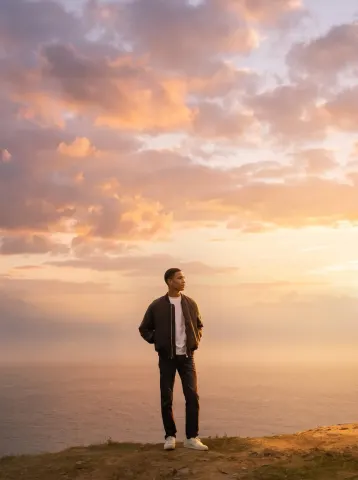
Replace only the dull gray sky with a breathtaking golden-hour sunset featuring dramatic clouds illuminated with warm orange, pink, and soft purple tones.
Update the entire scene naturally:
realistic sunlight direction
warm highlights on the subject
accurate shadows
natural reflections on the ocean
atmospheric haze
subtle volumetric light
seamless color harmony
The final image should look as though it was originally photographed during sunset.
No text. No logos. No watermark.
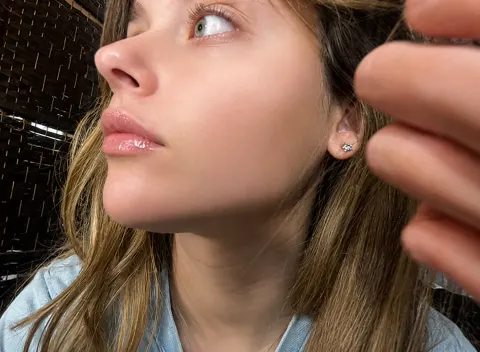
Correct unflattering low camera angle subtly naturally
Reduce double chin caused by perspective distortion
Define jawline through lighting and angle correction
Preserve identity, face, anatomy, expression, composition fully
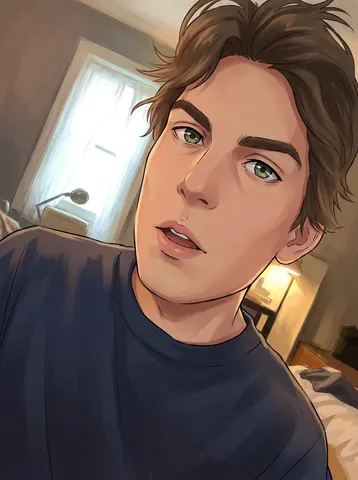
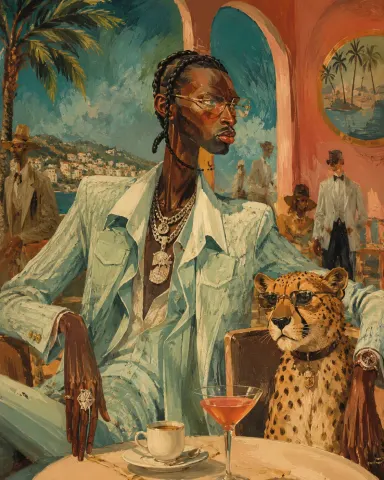
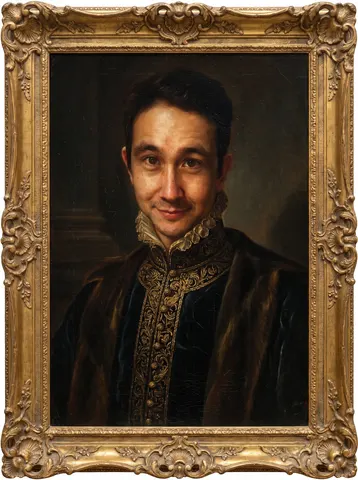
Surreal mid-century editorial illustration of an eccentric version of the person in the photo and a [ANIMAL] inside a stylish [SCENERY], elongated proportions, exaggerated narrow faces, deadpan expressions, oversized accessories, bizarre fashionable atmosphere, painterly brush textures, distorted anatomy, subtle lowbrow surrealism, sophisticated absurdity, vivid retro color palette dominated by [COLOR 1], [COLOR 2], and [COLOR 3], expressive oil-painted strokes, fashionable vintage clothing, dramatic jewelry and eyewear, whimsical background characters softly blurred in distance, elegant café culture energy, cinematic composition, textured painted background, contemporary art gallery meets 1960s Riviera illustration, highly stylized editorial aesthetic, vertical composition 4:5
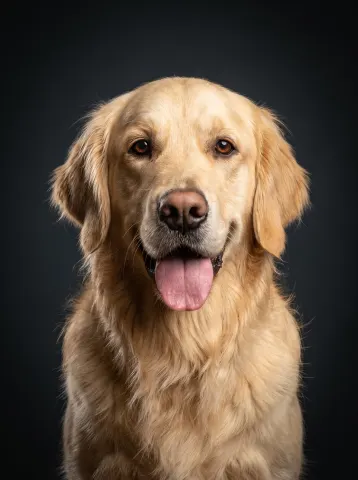
Transform this casual photo of a pet into a professional studio portrait while keeping the exact same animal completely recognizable — identical breed, fur color and texture, markings, expression, and eyes, with any flash red-eye corrected to the pet's natural eye color.

Place the pet against a deep charcoal studio backdrop with a subtle vignette. Light it like a professional pet photographer: a large softbox key light creating soft dimensional modeling across the fur, a gentle rim light separating the animal from the backdrop, and rich, sharp detail in every strand of fur or whisker. Compose it as a classic head-and-chest portrait, centered, shot at the pet's eye level. Remove the original background entirely.

Do not change the pet's proportions, expression, or personality — a tongue-out goofy grin stays a tongue-out goofy grin. No cartoonish smoothing, no exaggerated eyes.

The final result should look like a gallery-quality studio portrait of this exact animal — warm, premium, and true to them: the kind of photo people frame.
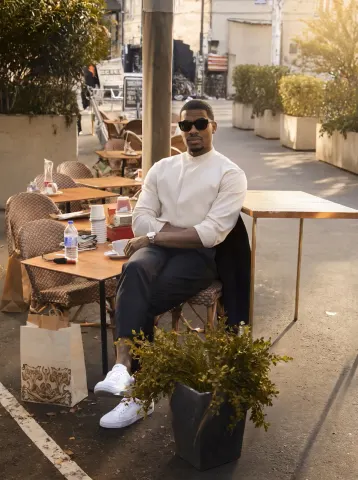
Preserve absolutely everything about the original image:
identical person
identical pose
identical clothing
identical facial expression
identical lighting
identical framing
identical shadows
identical colors
identical café atmosphere
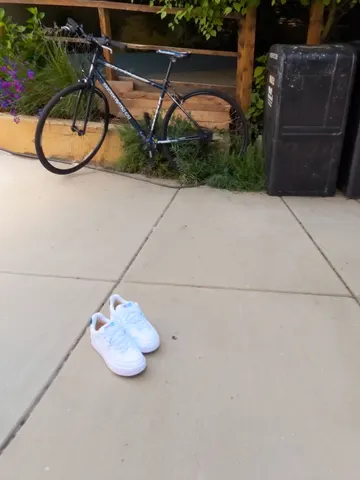
Remove only distracting clutter:
traffic cones
cables
trash
plastic bottles
signs
parked scooter
messy tables
loose objects
random bags
construction barriers
cigarette butts
unnecessary street clutter
Naturally reconstruct every removed area using surrounding pavement, tables, walls, plants, chairs, and architectural textures.
The finished image should feel like the exact same café moments after someone professionally cleaned the scene.
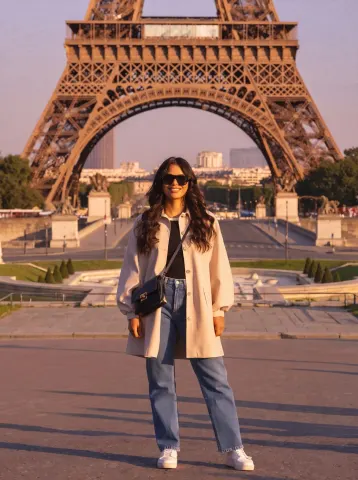
Edit this photo into a cinematic The Lord of the Rings style while preserving the original composition, subject, pose, clothing, facial features, expression, camera angle, perspective, framing, and every background element exactly.
Transform the lighting into a soft sunrise from the upper left with natural god rays, subtle volumetric lighting, gentle morning mist, and a soft cinematic lens flare.
Apply a rich, natural color grade with deep greens, warm golden-hour highlights, clean blue sky, accurate skin tones, and soft neutral shadows without an orange or yellow cast.
Enhance dynamic range, local contrast, texture, and detail to an iPhone 17 Pro Smart HDR look while keeping it fully photorealistic.
Create an immersive fantasy atmosphere inspired by The Lord of the Rings that still looks like a genuine sunrise photograph, not AI-generated artwork.