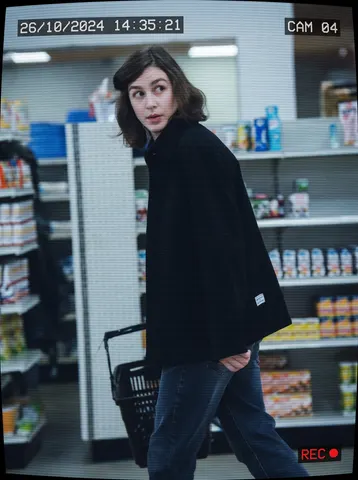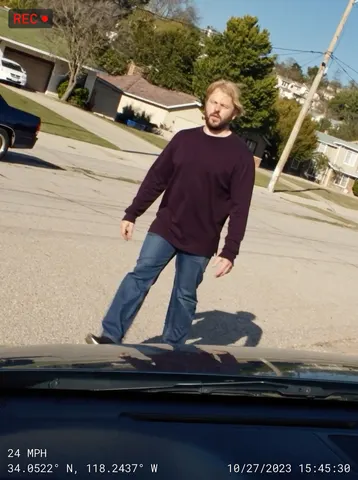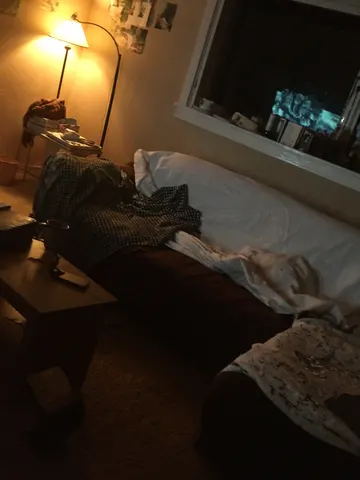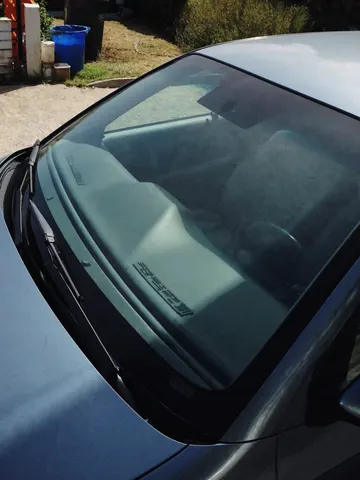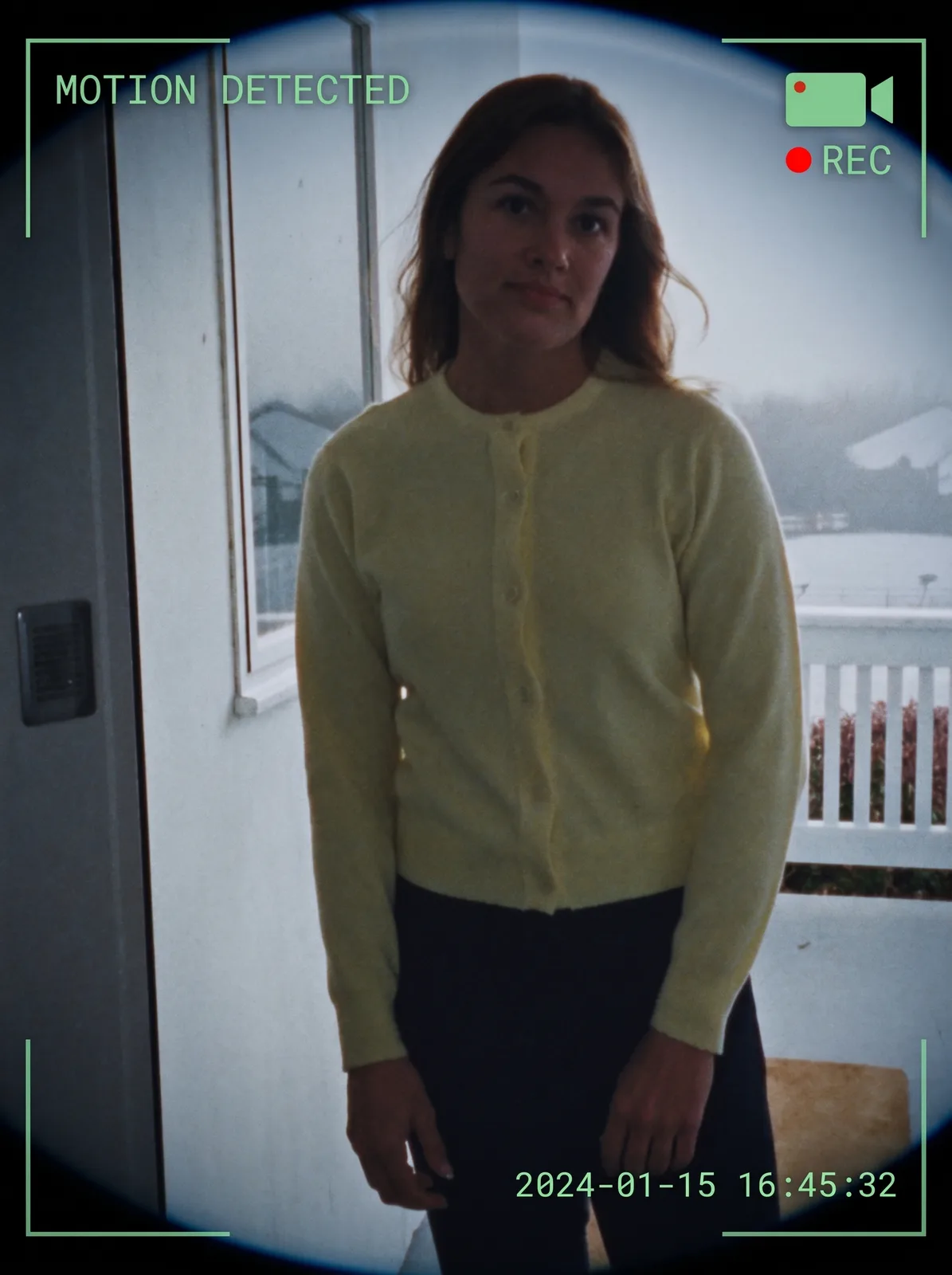
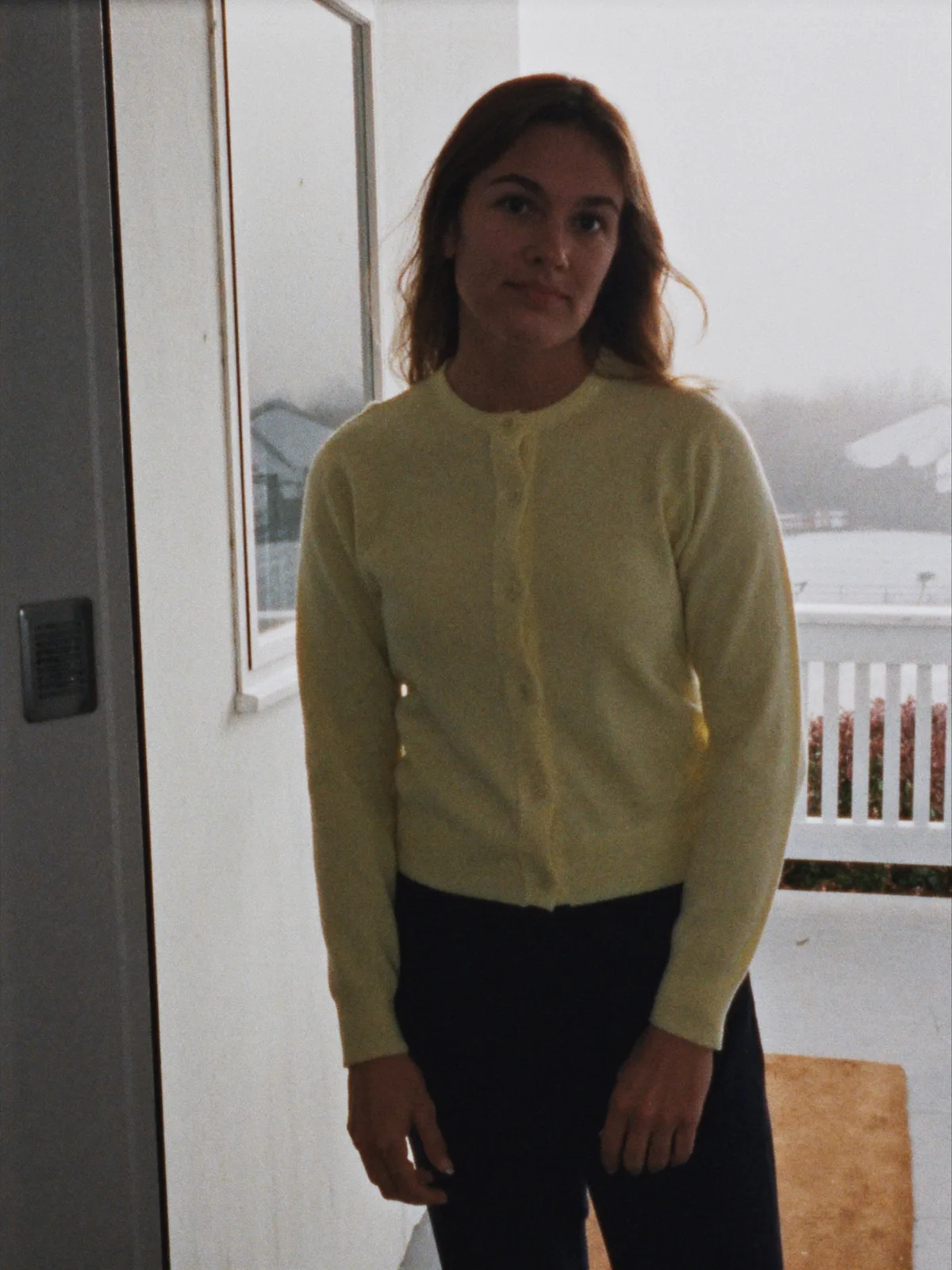
drag to compare — this is a real result from this exact prompt
Smart Doorbell Camera Clip
0 steals· updated sep 2026
Full prompt
Transform this uploaded photo into a smart doorbell camera capture. Apply a subtle fisheye lens distortion to the edges of the frame, as if seen through a wide-angle doorbell camera lens. Overlay a semi-transparent HUD in the corners: a small plain camera icon with a red dot and the text REC beside it, a plain text banner near the top reading MOTION DETECTED, and a digital timestamp burned into a bottom corner showing a plausible date and time, all rendered in a crisp white or green monospace font like real doorbell camera firmware.

Preserve the subject's face, identity, pose, and the original scene composition and lighting exactly as captured — only add the lens distortion and HUD overlay elements, do not restyle the photo itself. Keep colors true to a slightly cool, slightly low-dynamic-range security camera look without over-processing.

Do not add any real brand names, logos, or app names to the HUD — use only generic icon shapes and plain text labels like MOTION DETECTED and a plain timestamp, with no trademarked doorbell brand wording anywhere on the overlay or in the scene. Avoid adding soft grain, film noise, or light leaks — the unpolished look must come only from the graphic overlay elements themselves, keep the underlying image sharp and clean.

The final result should look like a genuine motion-triggered clip captured by a smart doorbell camera, complete with fisheye framing and an authentic on-screen HUD.
How to use — free
01
Steal the prompt
Hit the button — the full prompt is on your clipboard.
02
Open Gemini or ChatGPT
Start a new chat and attach a clear photo of yourself (face visible, good light).
03
Paste & generate
Paste the prompt, send, and download your result. Tweak words to taste.
Questions
Is the Smart Doorbell Camera Clip prompt free?
Yes — completely free. No login, no credits, no paywall. Click the copy button and the full prompt is yours.
Which AI tools work with the Smart Doorbell Camera Clip prompt?
It's tested with Gemini and ChatGPT. Attach a clear photo of yourself, paste the prompt, and generate.
Can I edit the prompt?
Absolutely — that's the point. Swap any clause (lighting, mood, film stock, setting) to make the result yours.