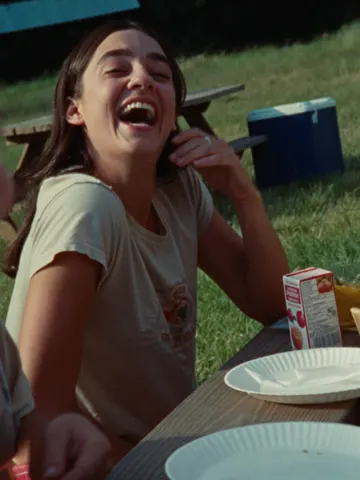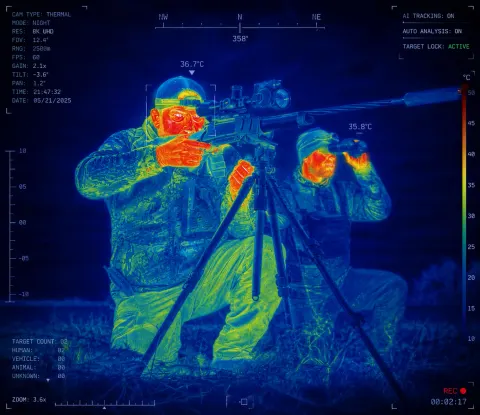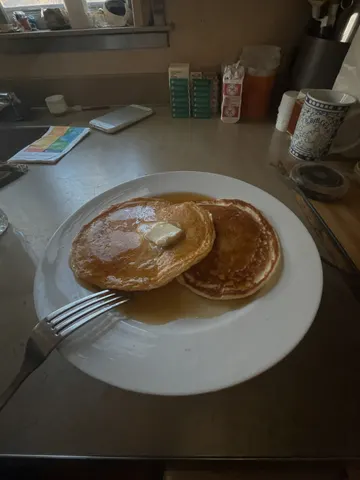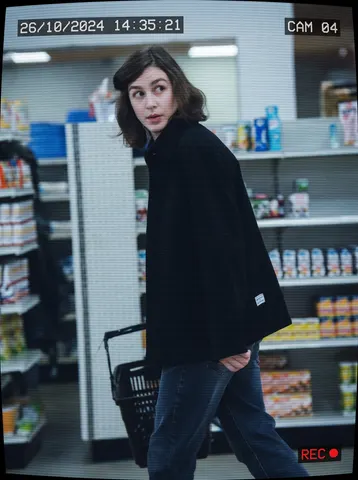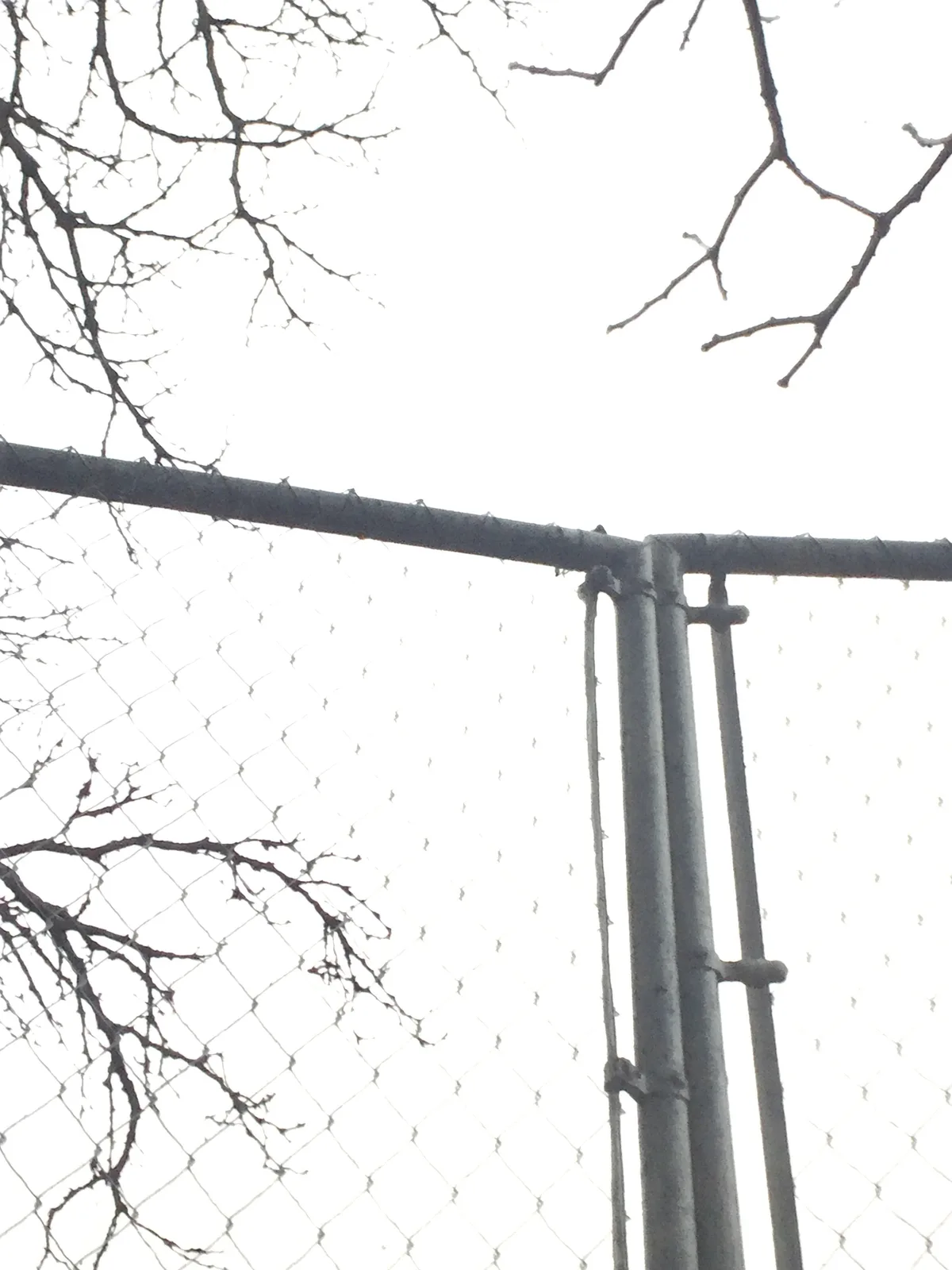
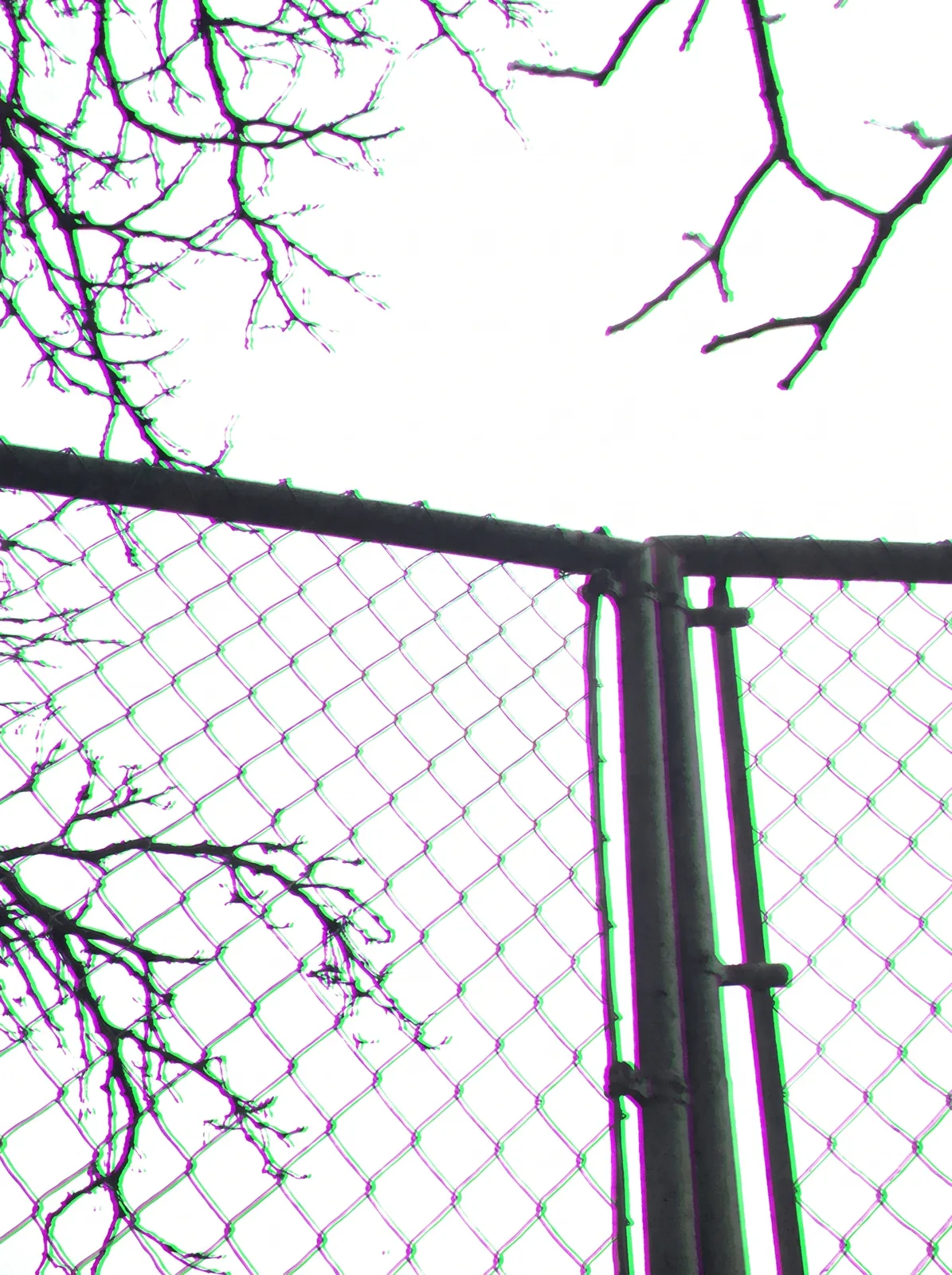
drag to compare — this is a real result from this exact prompt
Color Fringe Remover
0 steals· updated sep 2026
Full prompt
Remove the chromatic aberration from this uploaded photo. Along every high-contrast edge — where a dark branch, railing, or rooftop line meets a bright sky, or where backlit hair meets a bright background — eliminate the fringes of purple, magenta, and green color bleeding just outside the edge. Pull those color halos back into the correct, true color of the object and the background behind it.

Keep the composition, framing, and lighting of the photo exactly as they are. Do not recolor, recrop, or straighten anything, and do not change the identity of any person, the position of any object, or the overall exposure. Only correct the fringing artifact itself.

Preserve the photo's natural grain and texture — do not smooth skin, do not apply plastic-looking denoising, and do not blur the edges to hide the fix. The corrected edges should still look crisp and photographic, just without the rainbow-colored bleeding.

The final result should look like a photo taken with a well-corrected, high-quality lens — every edge naturally sharp and true to color, as if the fringing was never there.
How to use — free
01
Steal the prompt
Hit the button — the full prompt is on your clipboard.
02
Open Gemini or ChatGPT
Start a new chat and attach a clear photo of yourself (face visible, good light).
03
Paste & generate
Paste the prompt, send, and download your result. Tweak words to taste.
Questions
Is the Color Fringe Remover prompt free?
Yes — completely free. No login, no credits, no paywall. Click the copy button and the full prompt is yours.
Which AI tools work with the Color Fringe Remover prompt?
It's tested with Gemini and ChatGPT. Attach a clear photo of yourself, paste the prompt, and generate.
Can I edit the prompt?
Absolutely — that's the point. Swap any clause (lighting, mood, film stock, setting) to make the result yours.