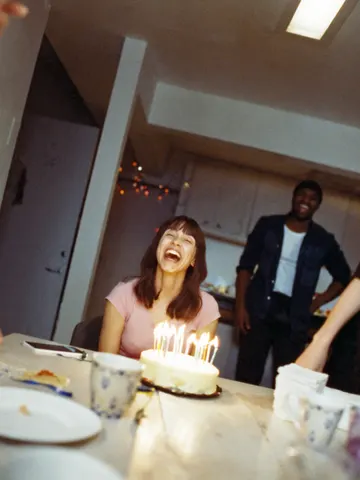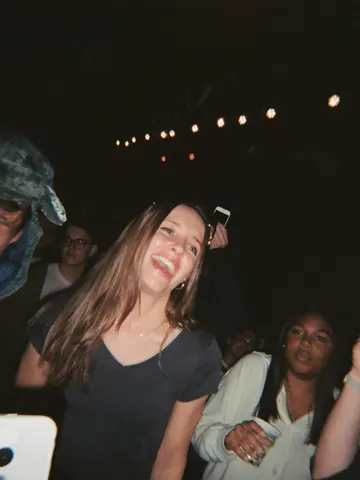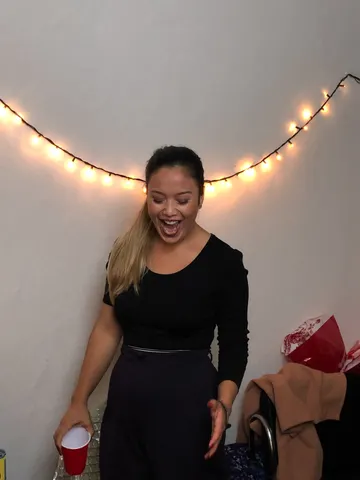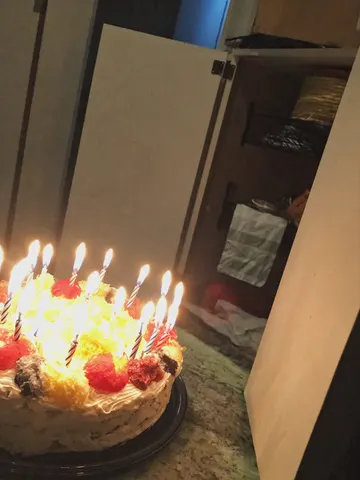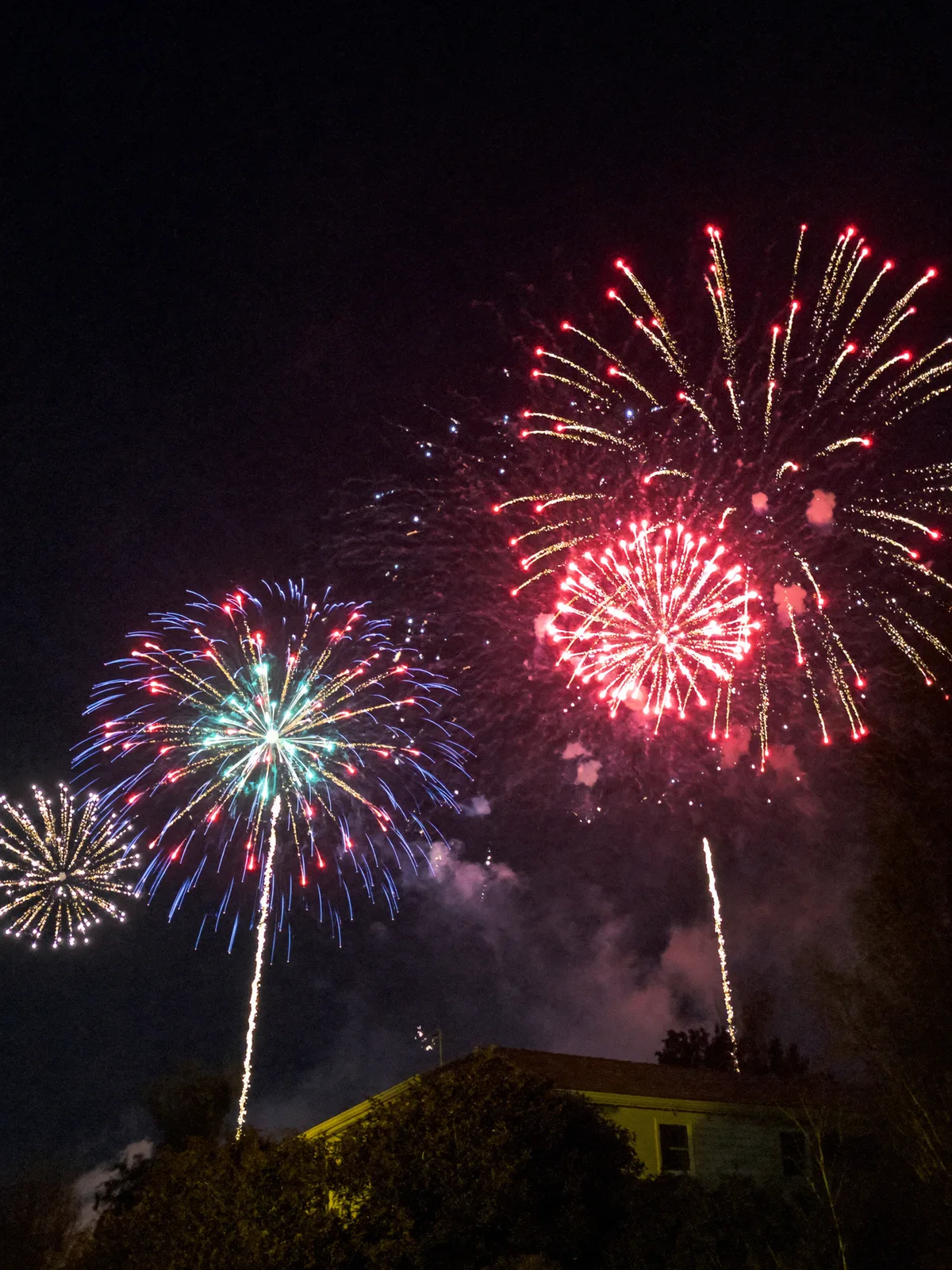
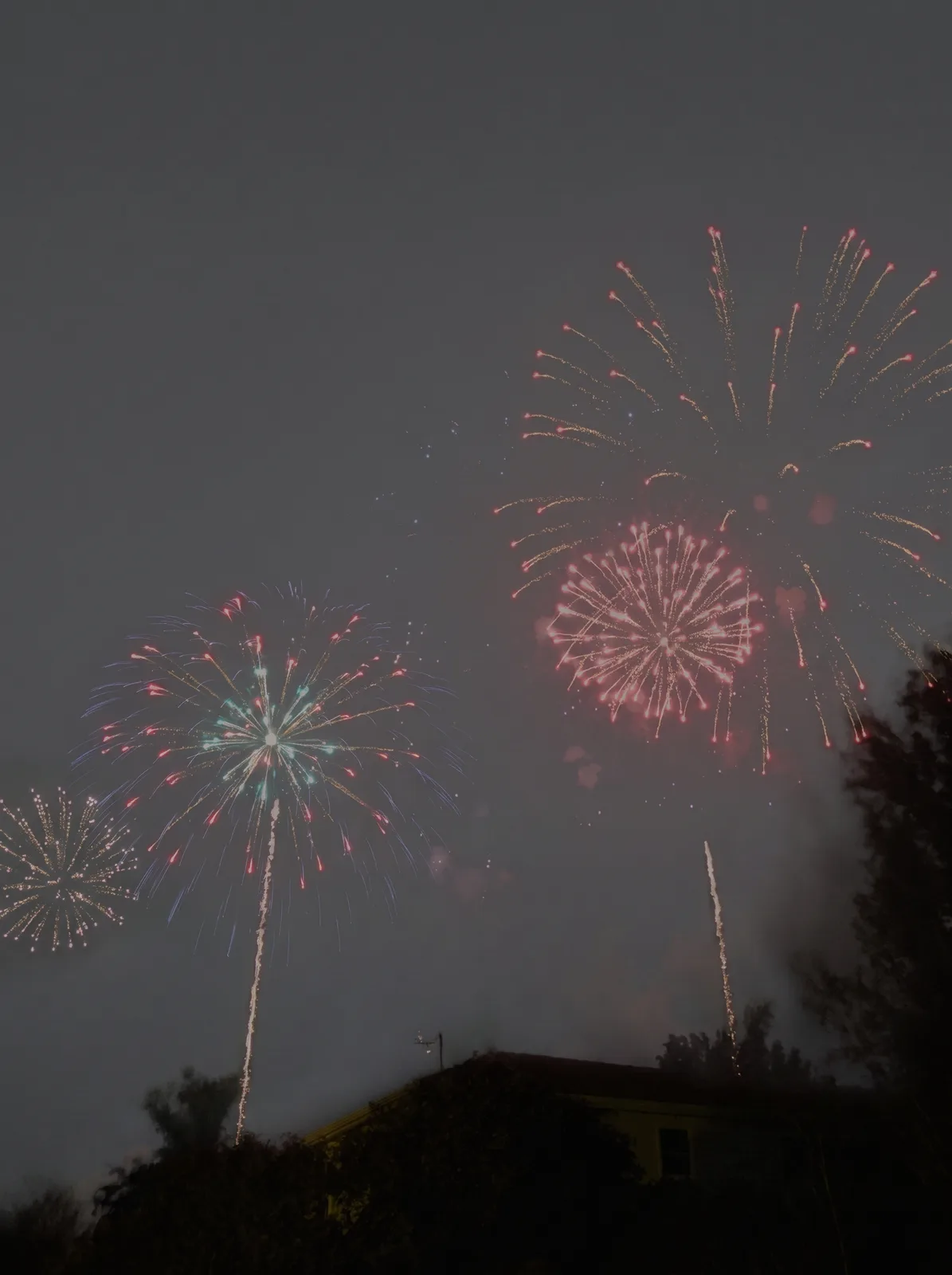
drag to compare — this is a real result from this exact prompt
Firework Photo Fix
0 steals· updated sep 2026
Full prompt
Fix this uploaded photo of a fireworks display. The fireworks came out dim, hazy, and smeared with motion blur — the bursts look like faint smudges of light lost in smoke and darkness instead of the crisp show you actually saw.

Sharpen every firework burst into crisp, well-defined trails and sparks, boost the color saturation of the burst colors, and clear away the haze and smoke so the night sky reads deep black instead of murky gray. Keep the composition, camera angle, and any visible skyline, crowd, or silhouettes exactly as they are — don't crop, don't add fireworks that weren't there, don't change what's actually in frame.

Preserve the photo's natural night-photography grain and any ambient light sources unchanged in position and color; avoid over-sharpening into a plastic or HDR-painted look, and don't smooth away the texture of smoke or clouds that are supposed to be there. This is a clarity and color correction, not a repaint.

The final result should look like the fireworks photo you meant to capture — crisp, vivid bursts against a clean night sky, exactly what your eyes saw in the moment.
How to use — free
01
Steal the prompt
Hit the button — the full prompt is on your clipboard.
02
Open Gemini or ChatGPT
Start a new chat and attach a clear photo of yourself (face visible, good light).
03
Paste & generate
Paste the prompt, send, and download your result. Tweak words to taste.
Questions
Is the Firework Photo Fix prompt free?
Yes — completely free. No login, no credits, no paywall. Click the copy button and the full prompt is yours.
Which AI tools work with the Firework Photo Fix prompt?
It's tested with Gemini and ChatGPT. Attach a clear photo of yourself, paste the prompt, and generate.
Can I edit the prompt?
Absolutely — that's the point. Swap any clause (lighting, mood, film stock, setting) to make the result yours.