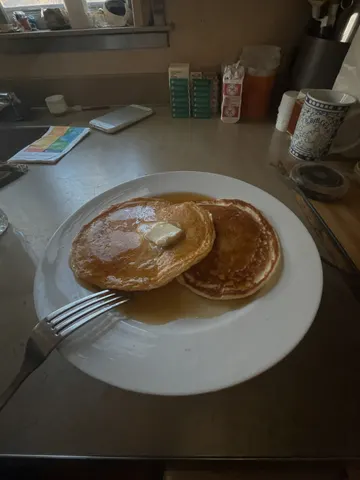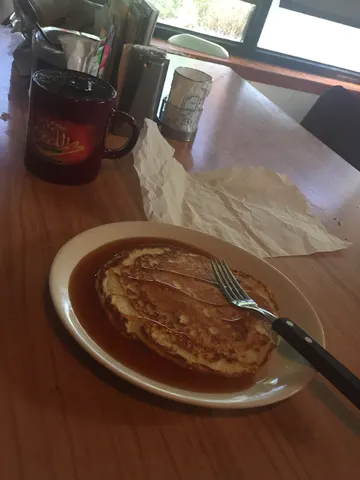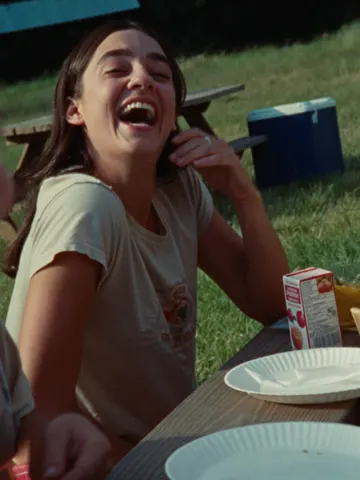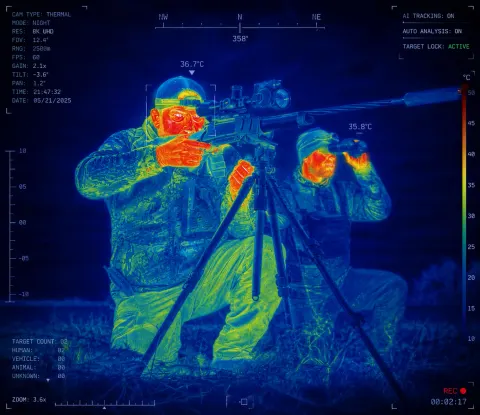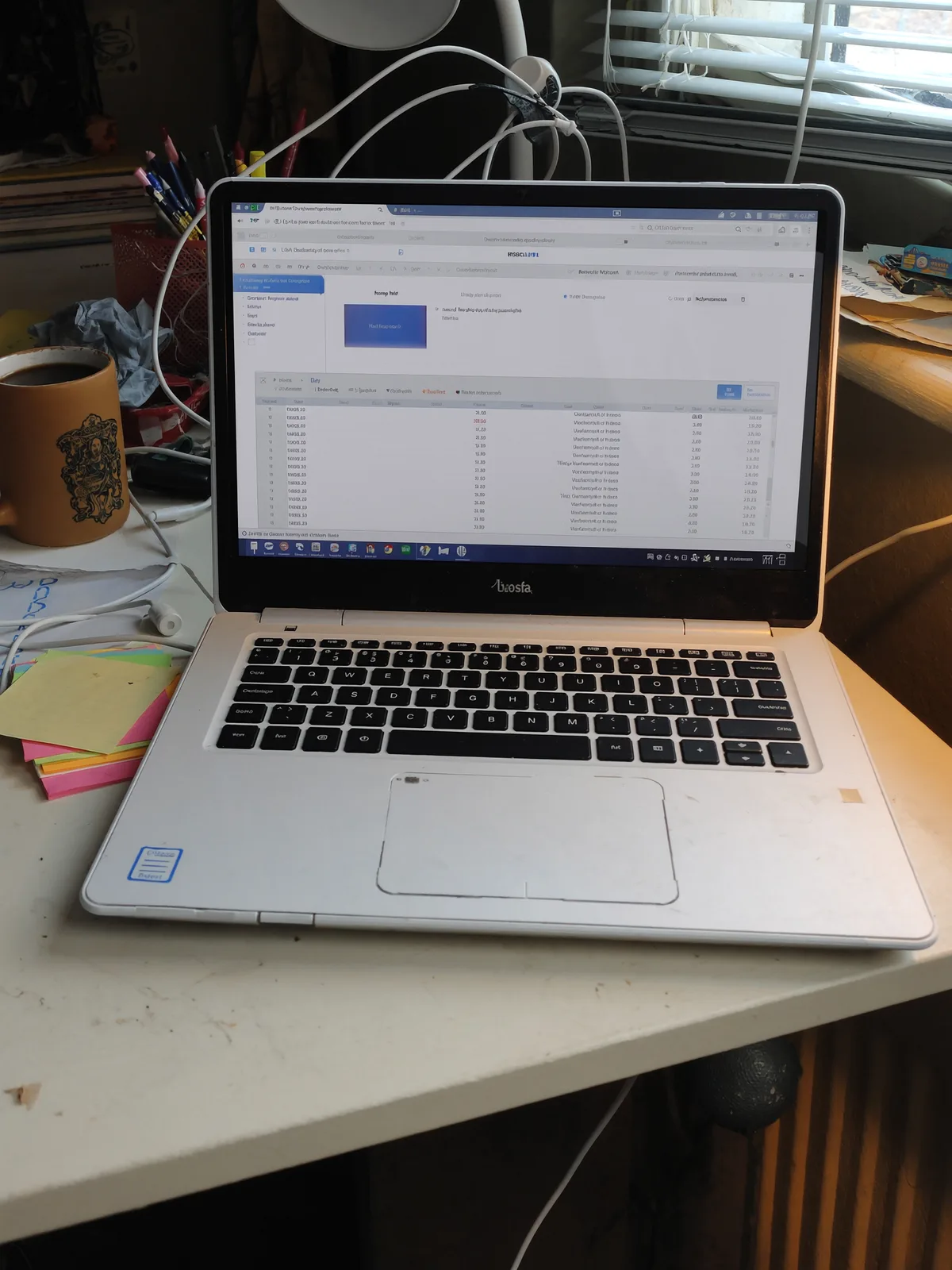
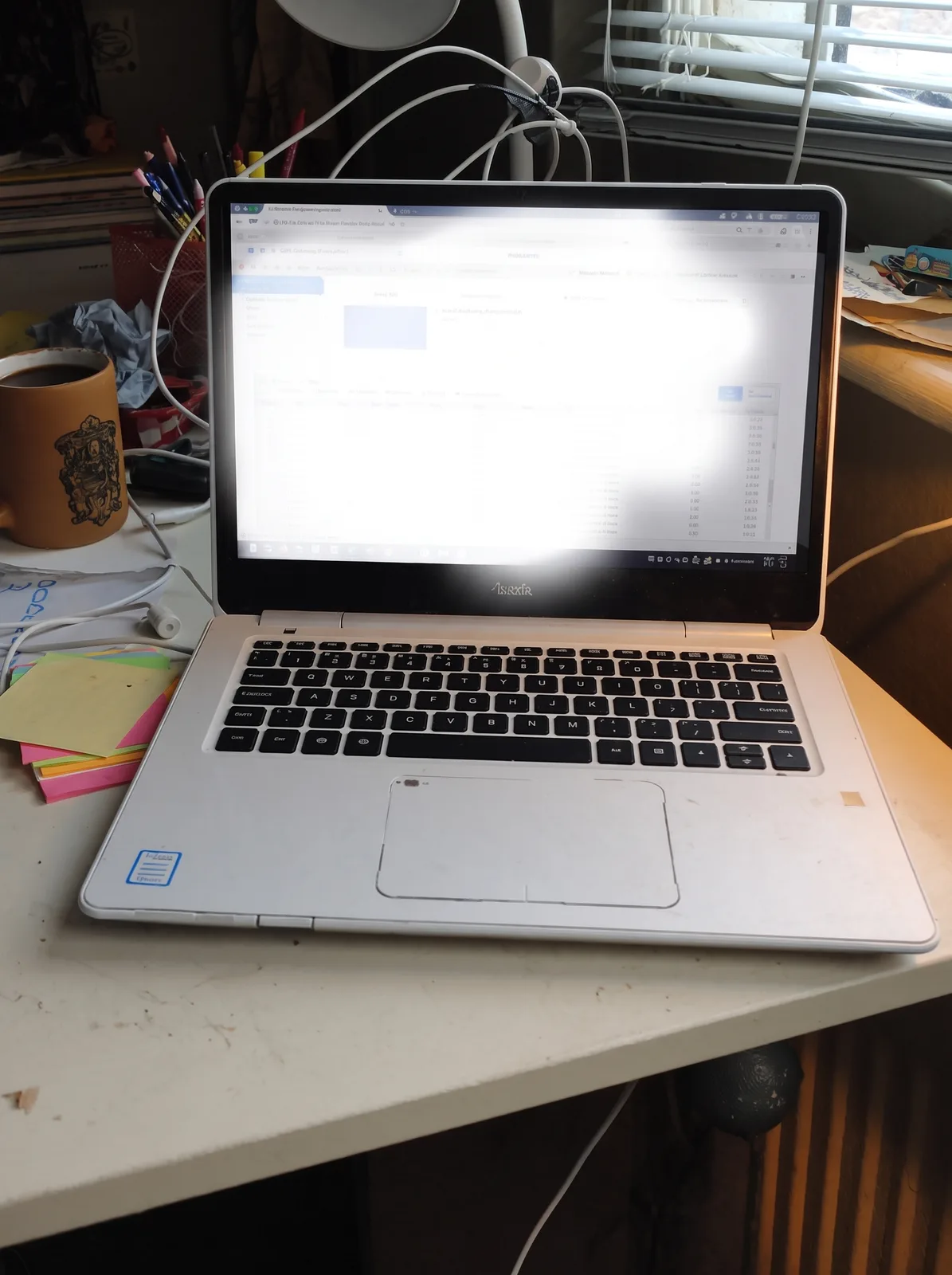
drag to compare — this is a real result from this exact prompt
Screen Glare Remover
0 steals· updated sep 2026
Full prompt
Remove the harsh glare and reflection washing out this uploaded photo's laptop or monitor screen. Reconstruct the obscured screen content — text, images, or interface — so it reads clearly and naturally, matching the screen's original brightness and color balance.

Keep the subject, room, desk setup, and lighting outside the screen completely untouched — only correct the glare on the display itself. Do not change the composition, add or remove objects, or alter anything beyond the screen surface.

Preserve natural photographic texture: no smoothing, no plastic-looking surfaces, keep existing grain and detail intact. Avoid an unnaturally flat or fake-looking screen glow when correcting the reflection.

The final result should look like the same photo, taken with the screen perfectly readable and glare-free, as if the light in the room had never caused a reflection.
How to use — free
01
Steal the prompt
Hit the button — the full prompt is on your clipboard.
02
Open Gemini or ChatGPT
Start a new chat and attach a clear photo of yourself (face visible, good light).
03
Paste & generate
Paste the prompt, send, and download your result. Tweak words to taste.
Questions
Is the Screen Glare Remover prompt free?
Yes — completely free. No login, no credits, no paywall. Click the copy button and the full prompt is yours.
Which AI tools work with the Screen Glare Remover prompt?
It's tested with Gemini and ChatGPT. Attach a clear photo of yourself, paste the prompt, and generate.
Can I edit the prompt?
Absolutely — that's the point. Swap any clause (lighting, mood, film stock, setting) to make the result yours.