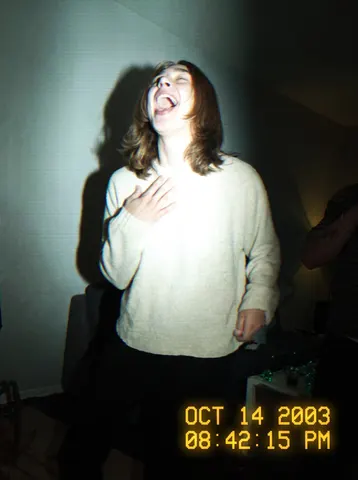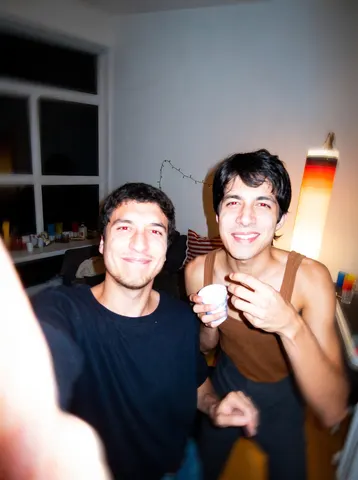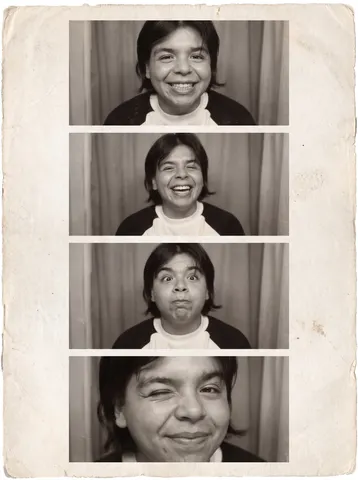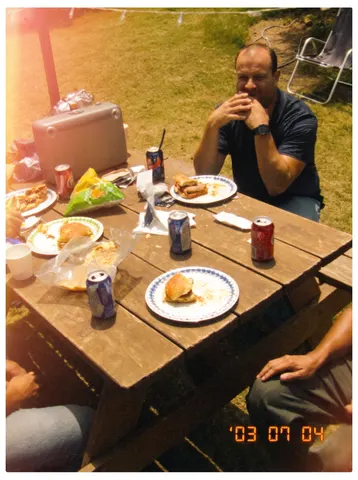

drag to compare — this is a real result from this exact prompt
iPhone 6 Flash Selfie
0 steals· updated sep 2026
Full prompt
Transform this uploaded photo into an extremely harsh, unmistakable front-camera flash selfie from a 2014 iPhone 6. This must look dramatically different from a normal photo: fire a blinding direct LED flash straight at the face that blows out the skin to near-white on the forehead, nose bridge, and cheekbones, crushing detail there completely. The eyes should show a small red-eye tint. Render a hard, sharply-defined black shadow silhouette cast on the wall directly behind and to the side of the subject, exactly like a point-source flash a few inches from the lens. Make the background around the subject go noticeably darker and underexposed compared to the blown-out face, since a weak on-camera flash only lights what's close to it. Lower the overall image resolution and sharpness to look like a soft, low-megapixel 2014 front camera sensor with visible high-ISO grain and noise in the shadow areas. Shift the white balance slightly cool and flat.

Preserve the subject's exact facial identity, expression, pose, hairstyle, and clothing — only change the camera, flash, and sensor rendering. Do not add any modern text, watermark, logo, or brand mark anywhere in the frame.

The final result should look like an unmistakably harsh, blown-out, slightly unflattering flash selfie pulled straight from a 2014 iPhone 6 camera roll — not a normal well-lit photo.
How to use — free
01
Note from the curator
Best source: a plain-color top with no visible phone in frame — an initial candidate showed a real Apple logo on the phone back and had to be dropped for brand safety. First generation attempt with moderate flash wording was nearly indistinguishable from the source photo — too subtle to read at thumbnail. Fix: demand the flash "blow out to near-white," a hard shadow silhouette on the wall, and a noticeably darker surrounding background in the same sentence; that combination is what finally made the effect unmistakable.
02
Steal the prompt
Hit the button — the full prompt is on your clipboard.
03
Open Gemini or ChatGPT
Start a new chat and attach a clear photo of yourself (face visible, good light).
04
Paste & generate
Paste the prompt, send, and download your result. Tweak words to taste.
Questions
Is the iPhone 6 Flash Selfie prompt free?
Yes — completely free. No login, no credits, no paywall. Click the copy button and the full prompt is yours.
Which AI tools work with the iPhone 6 Flash Selfie prompt?
It's tested with Gemini and ChatGPT. Attach a clear photo of yourself, paste the prompt, and generate.
Can I edit the prompt?
Absolutely — that's the point. Swap any clause (lighting, mood, film stock, setting) to make the result yours.