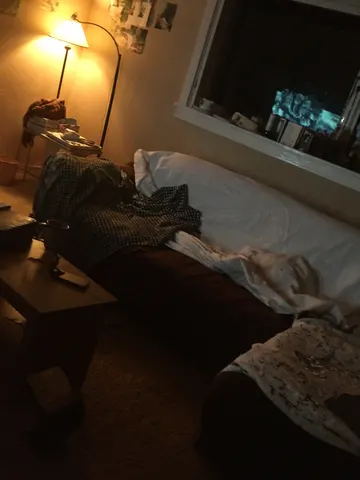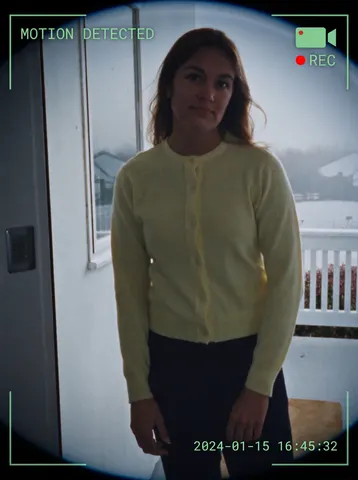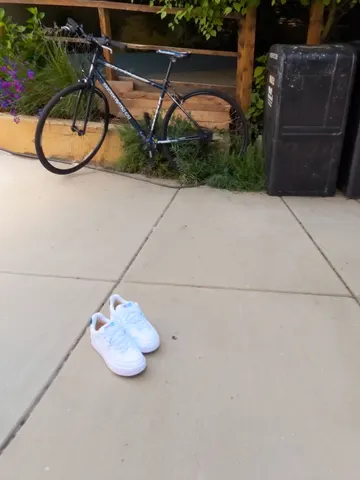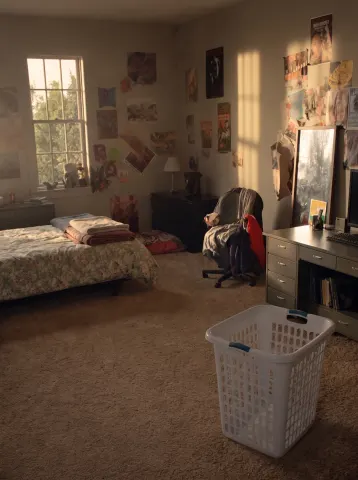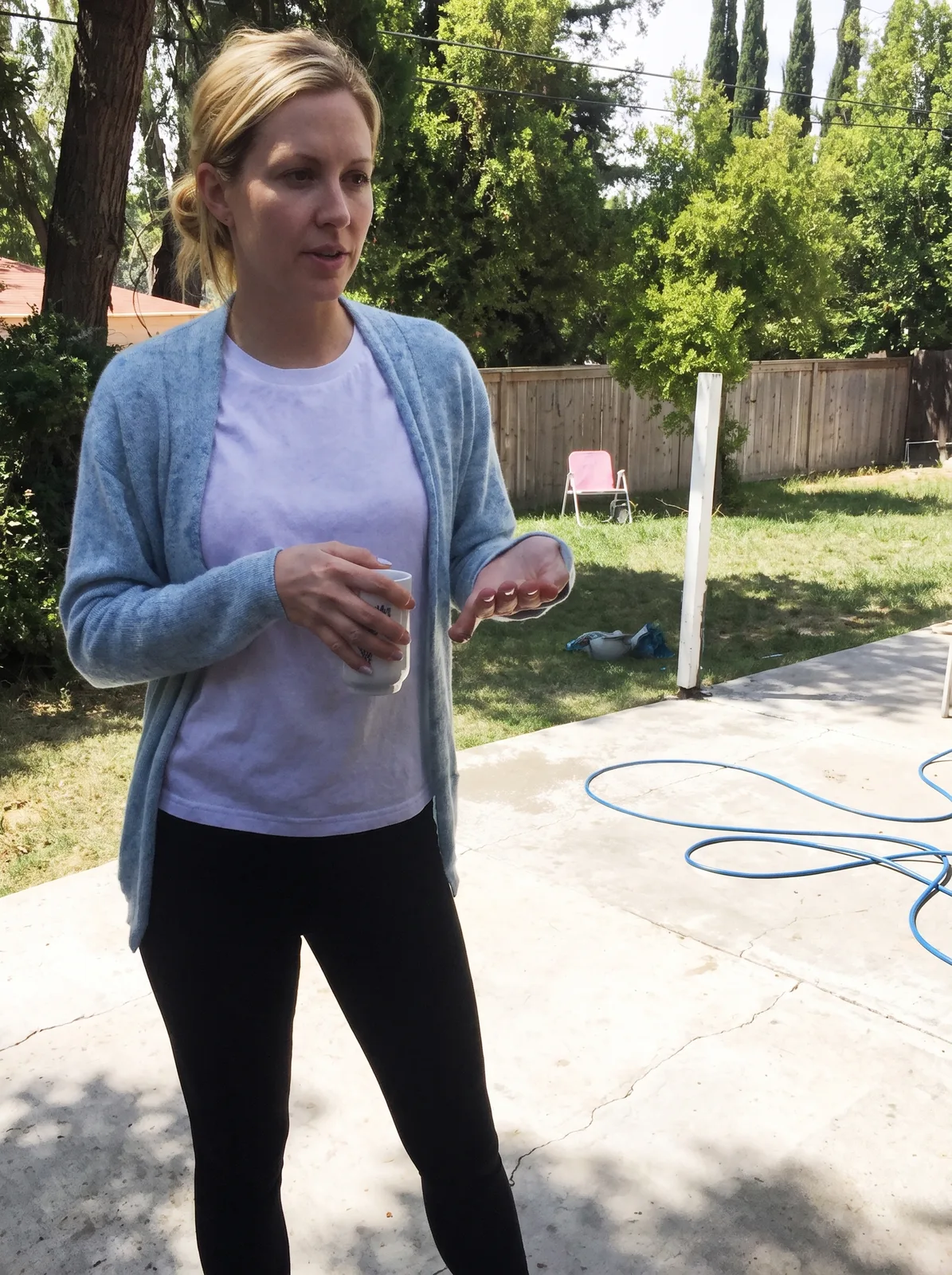
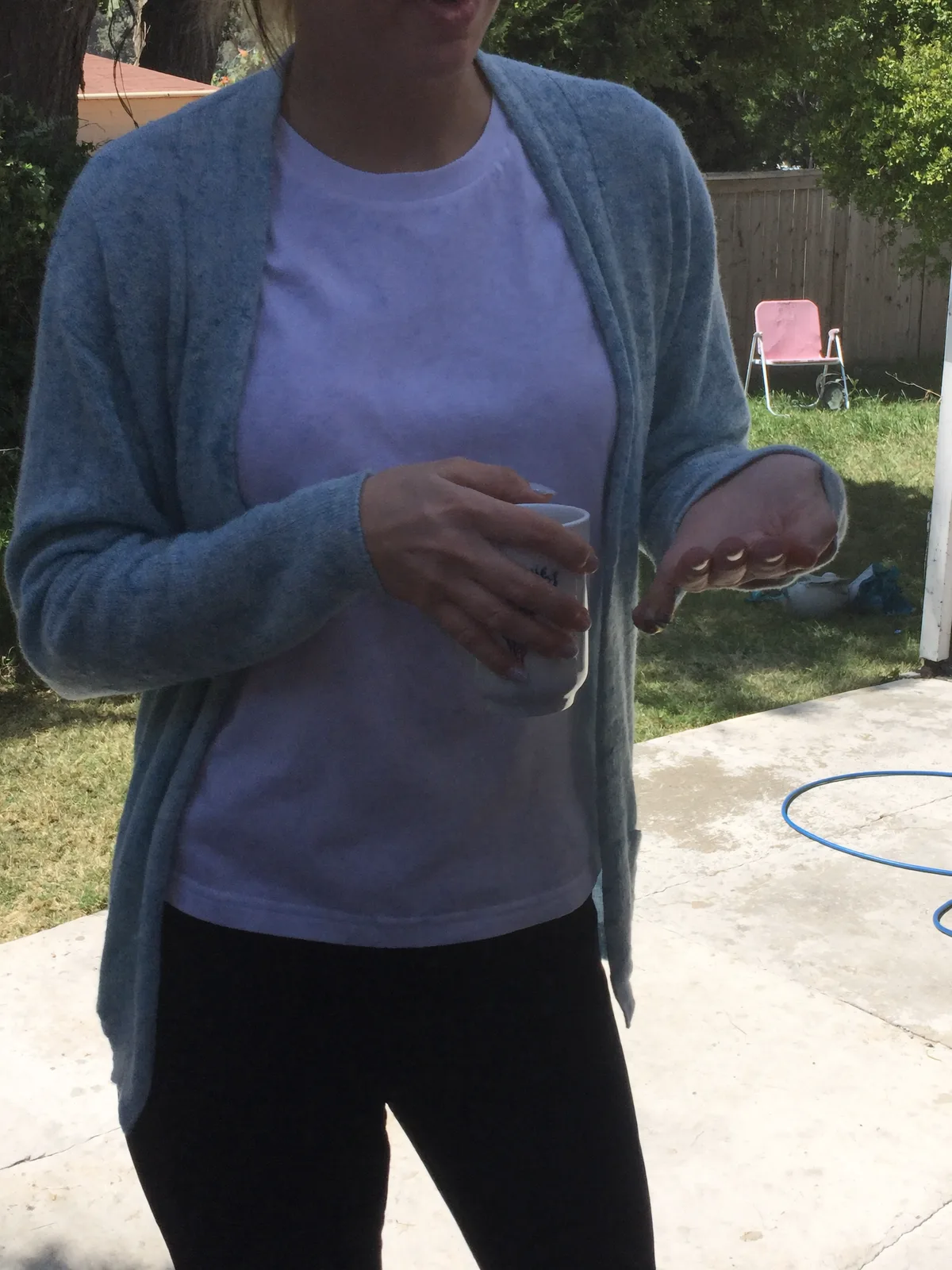
drag to compare — this is a real result from this exact prompt
Photo Uncropper
0 steals· updated sep 2026
Full prompt
Take this uploaded photo and extend it outward so nothing is awkwardly cut off at the edges of the frame. If a head, limb, or the top of someone's hair is chopped off by the frame boundary, naturally continue the scene beyond that edge — rebuild the missing part of the body and background so the full subject fits comfortably inside the picture.

Match the existing lighting, color grade, grain, and camera perspective exactly so the extended area is indistinguishable from the original capture — no seams, no blending lines, no sudden shift in sharpness or white balance where the new region begins. Keep every visible person's face, body proportions, and clothing completely unchanged; only add space around them, never re-pose or alter what's already there.

Do not smooth skin, do not add plastic-looking texture, and keep the same amount of natural photo grain and imperfection across old and new areas alike. This is a framing repair, not a re-edit — the goal is a photo that looks like it was simply taken a step further back.

The final result should look like the photographer never cropped anyone out of the shot in the first place.
How to use — free
01
Steal the prompt
Hit the button — the full prompt is on your clipboard.
02
Open Gemini or ChatGPT
Start a new chat and attach a clear photo of yourself (face visible, good light).
03
Paste & generate
Paste the prompt, send, and download your result. Tweak words to taste.
Questions
Is the Photo Uncropper prompt free?
Yes — completely free. No login, no credits, no paywall. Click the copy button and the full prompt is yours.
Which AI tools work with the Photo Uncropper prompt?
It's tested with Gemini and ChatGPT. Attach a clear photo of yourself, paste the prompt, and generate.
Can I edit the prompt?
Absolutely — that's the point. Swap any clause (lighting, mood, film stock, setting) to make the result yours.