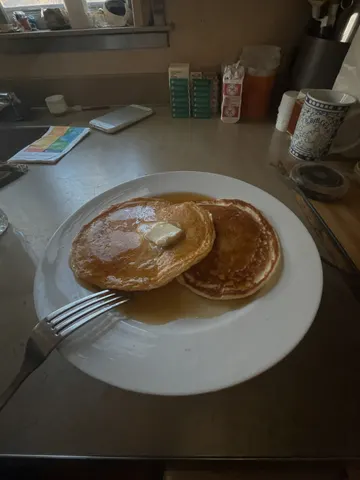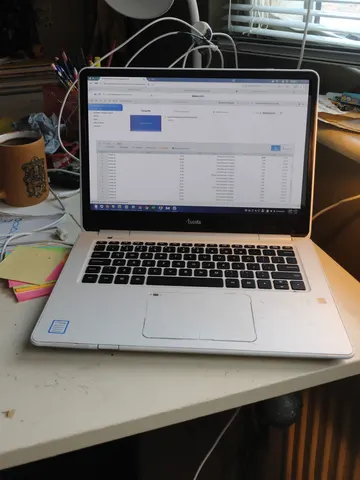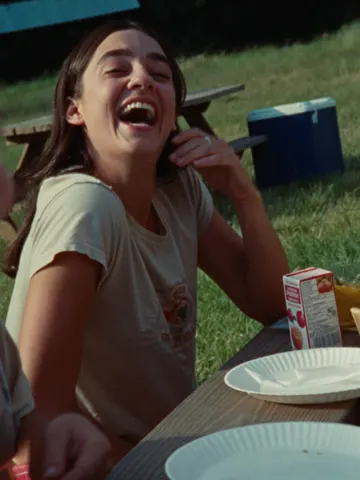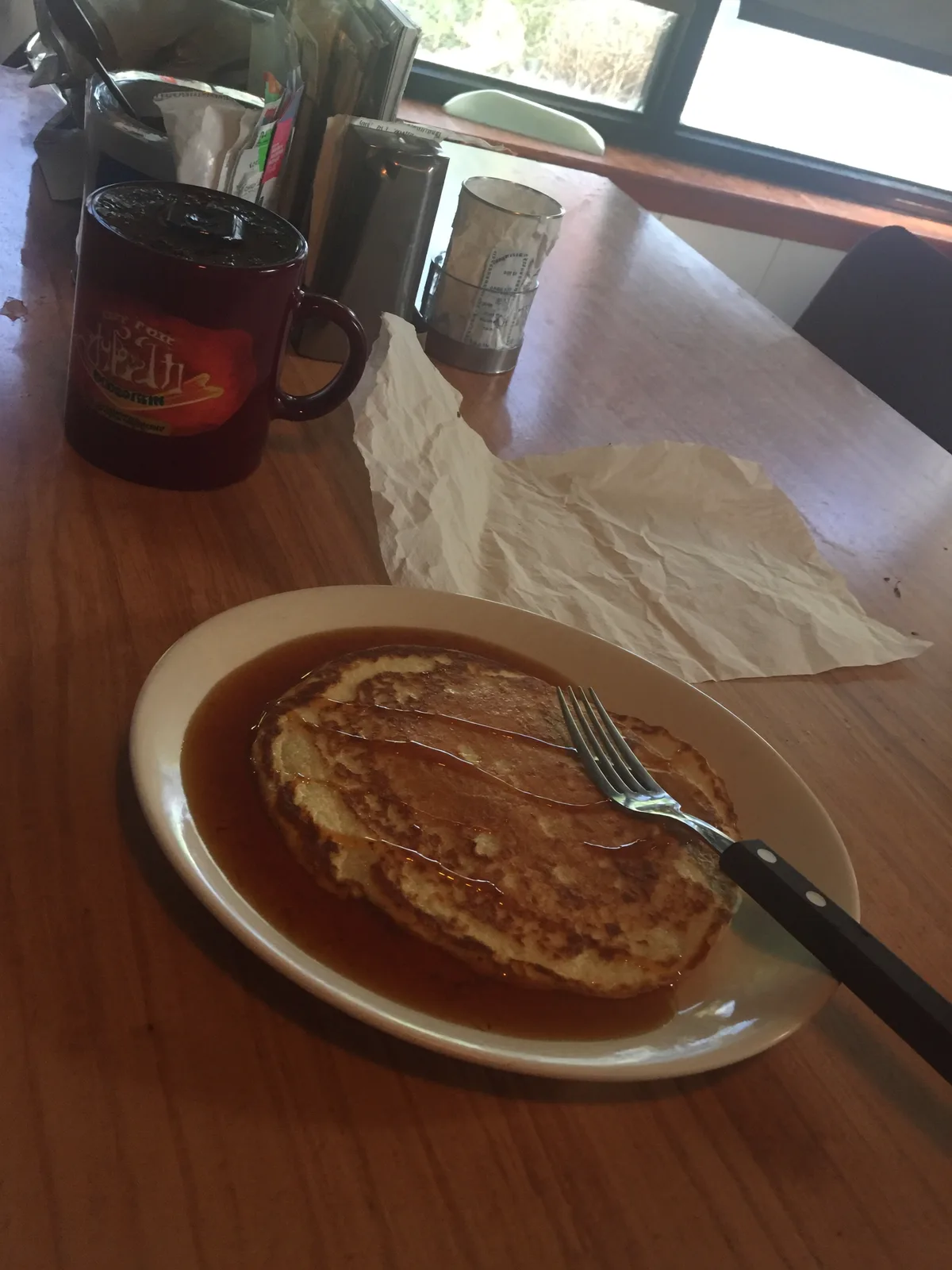
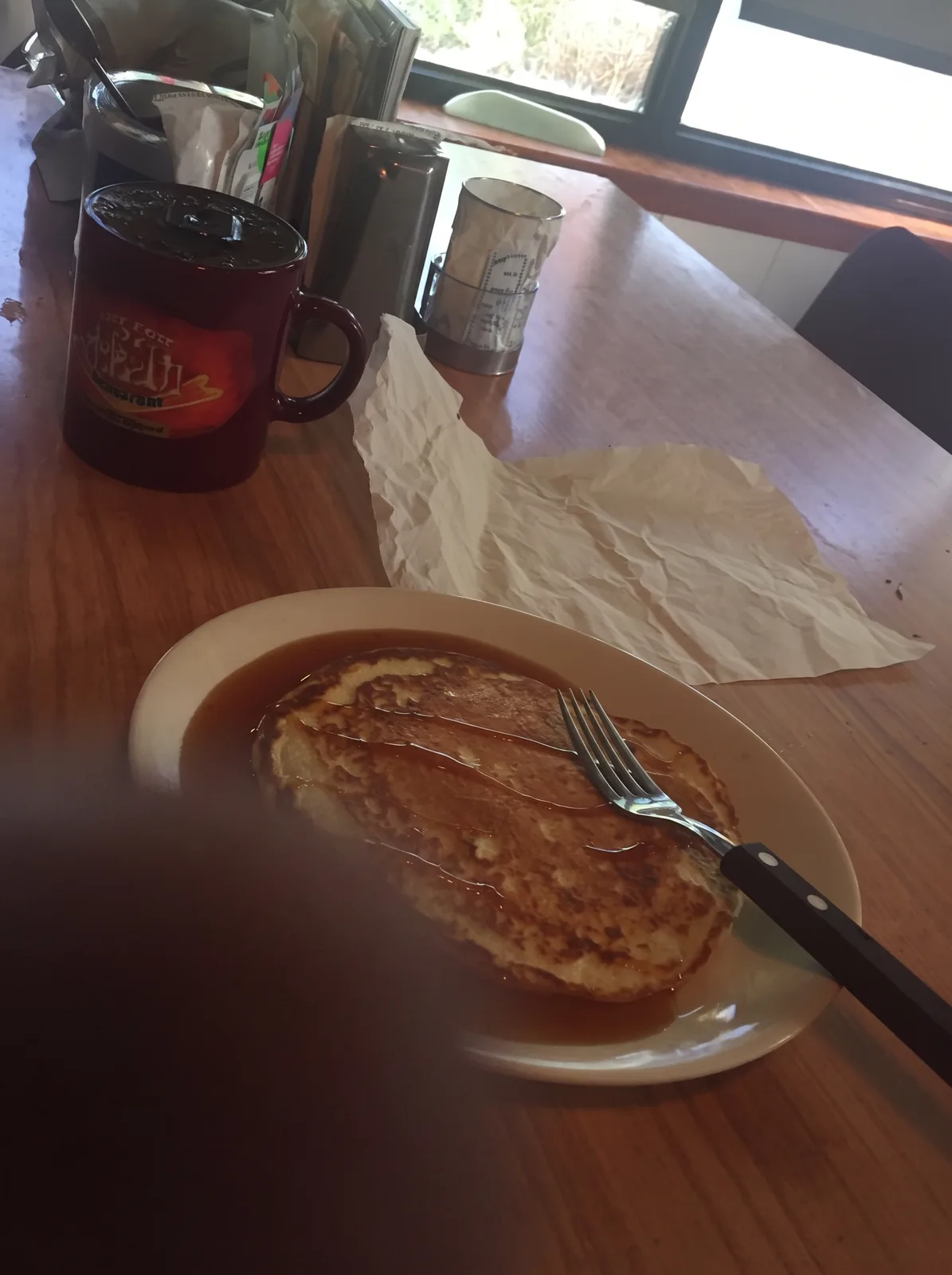
drag to compare — this is a real result from this exact prompt
Finger Over Lens Fix
0 steals· updated sep 2026
Full prompt
Remove the dark, out-of-focus smudge blocking part of this uploaded photo — the classic accidental finger-over-the-lens blur that ruins an otherwise good shot. Reconstruct whatever was hidden behind that blurry patch so the corner or edge looks like it was never covered in the first place.

Keep everything else in the photo exactly as it is: the same composition, framing, colors, and lighting throughout the rest of the frame. Don't add, remove, or rearrange any other object, and don't crop or zoom the shot to hide the fix — just clear the obstruction and fill in what was behind it naturally.

Match the reconstructed area to the surrounding light, focus, and grain so the seam is invisible — no smudging, no plastic smoothing, no obvious AI patchwork, and keep the same mild everyday photo noise and texture as the rest of the image.

The final result should look like a normal, perfectly framed photo with no visible obstruction at all — as if the shot was clean from the moment it was taken.
How to use — free
01
Steal the prompt
Hit the button — the full prompt is on your clipboard.
02
Open Gemini or ChatGPT
Start a new chat and attach a clear photo of yourself (face visible, good light).
03
Paste & generate
Paste the prompt, send, and download your result. Tweak words to taste.
Questions
Is the Finger Over Lens Fix prompt free?
Yes — completely free. No login, no credits, no paywall. Click the copy button and the full prompt is yours.
Which AI tools work with the Finger Over Lens Fix prompt?
It's tested with Gemini and ChatGPT. Attach a clear photo of yourself, paste the prompt, and generate.
Can I edit the prompt?
Absolutely — that's the point. Swap any clause (lighting, mood, film stock, setting) to make the result yours.