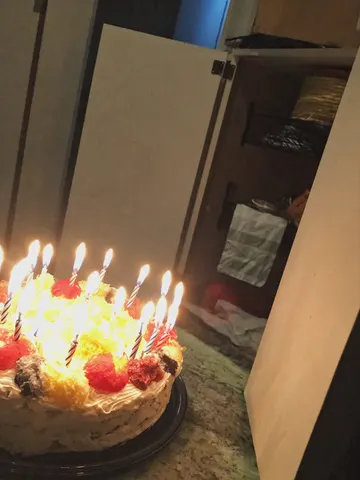
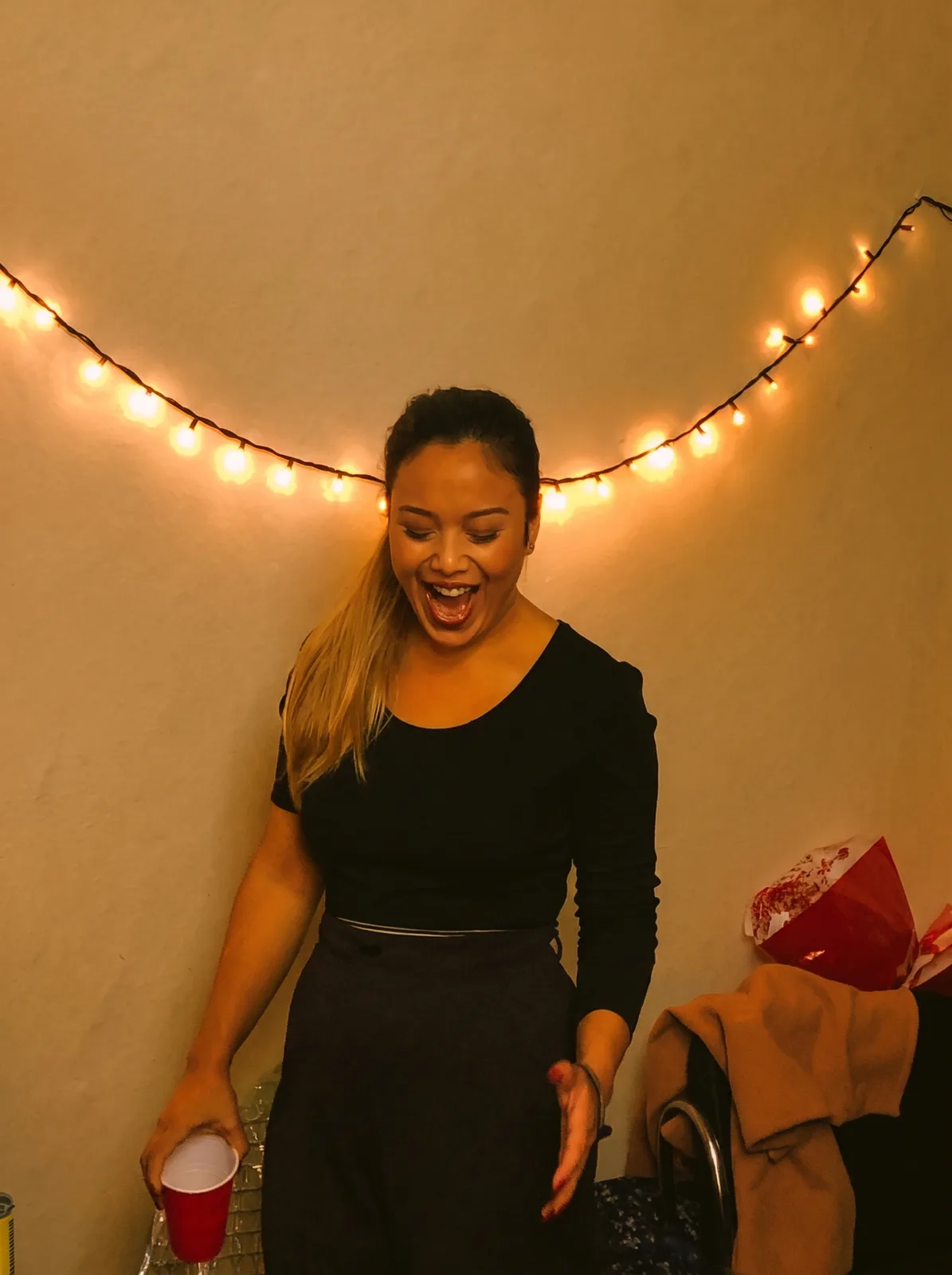
drag to compare — this is a real result from this exact prompt
String Light Color Fix
0 steals· updated sep 2026
Full prompt
Correct the color cast on this uploaded photo. The image was shot under warm string lights or candlelight and everything — skin, walls, clothing, background — has picked up a heavy orange-yellow tint that makes it look dingy and off. Rebalance the white balance so skin tones read natural and true, whites and neutrals look actually white, and colors regain their real hue instead of being drowned in amber.

Keep the identity, expression, pose, and composition of the photo exactly as they are — do not reshape the face, change the outfit, or move anyone in the frame. Preserve the actual light sources (the string lights or candles can stay warm and glowing themselves), just stop that warmth from bleeding into everything else in the shot.

Do not smooth or soften skin, do not add plastic-looking texture, and keep the photo's natural grain and imperfections intact. This is a color correction, not a retouch — the goal is accurate color, not a filtered or airbrushed look.

The final result should look like the same party photo shot with proper white balance from the start — natural skin tones and true colors, with the festive lights still glowing warmly in the background exactly where they were.
How to use — free
01
Steal the prompt
Hit the button — the full prompt is on your clipboard.
02
Open Gemini or ChatGPT
Start a new chat and attach a clear photo of yourself (face visible, good light).
03
Paste & generate
Paste the prompt, send, and download your result. Tweak words to taste.
Questions
Is the String Light Color Fix prompt free?
Yes — completely free. No login, no credits, no paywall. Click the copy button and the full prompt is yours.
Which AI tools work with the String Light Color Fix prompt?
It's tested with Gemini and ChatGPT. Attach a clear photo of yourself, paste the prompt, and generate.
Can I edit the prompt?
Absolutely — that's the point. Swap any clause (lighting, mood, film stock, setting) to make the result yours.