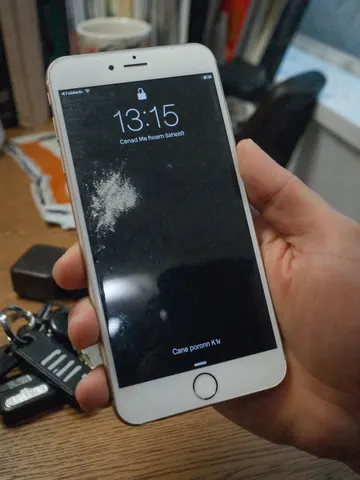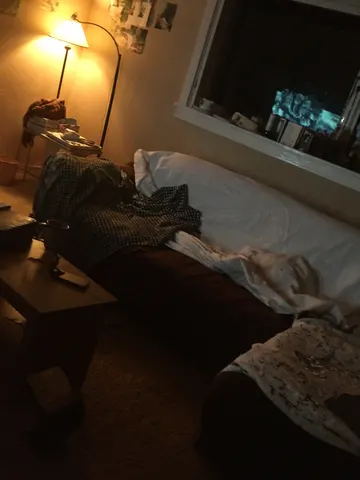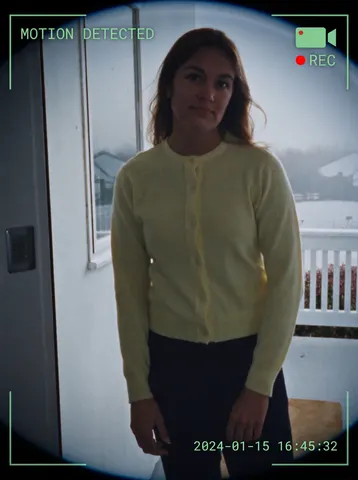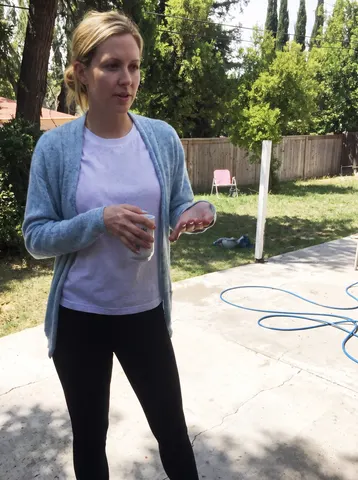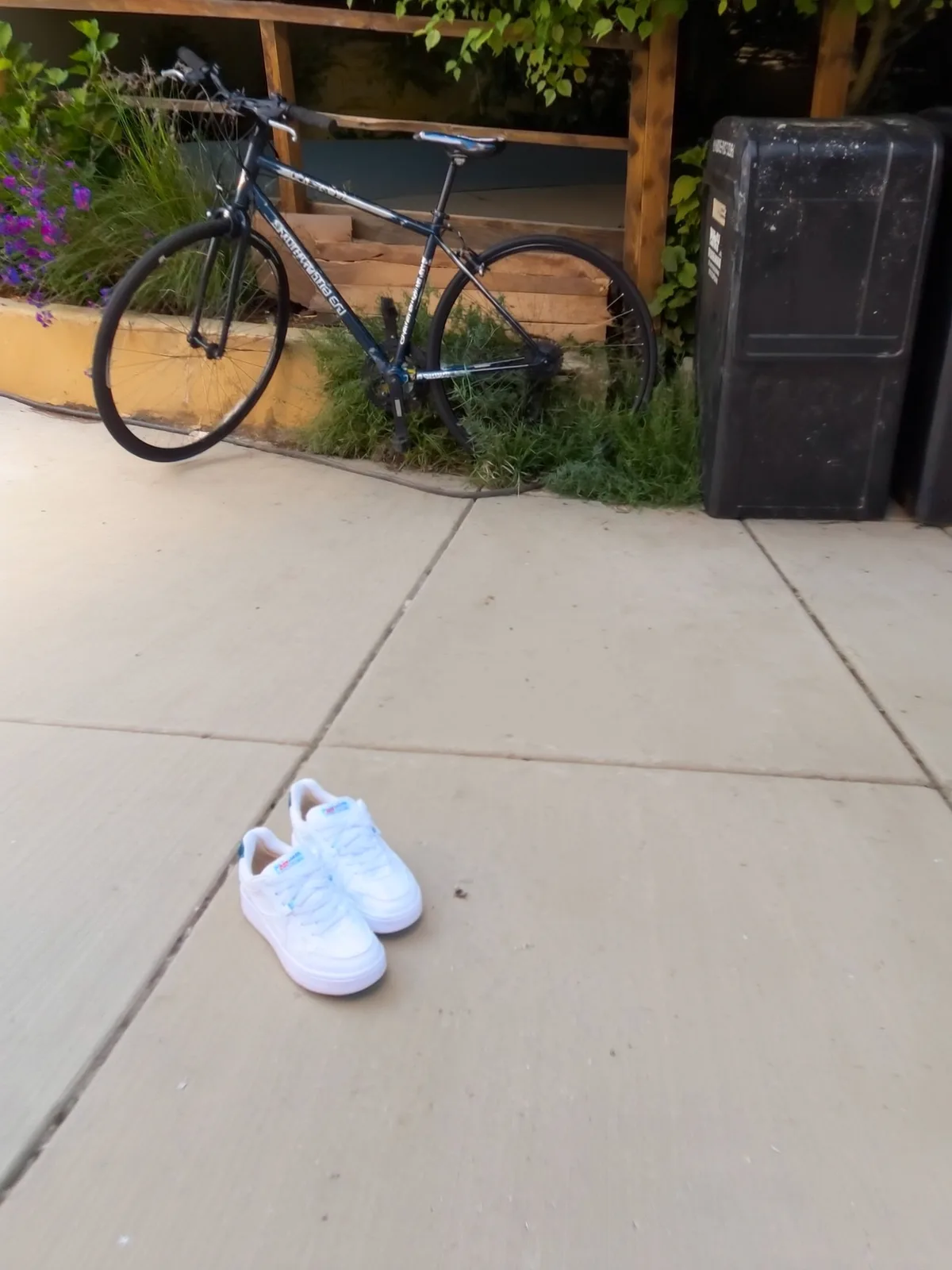
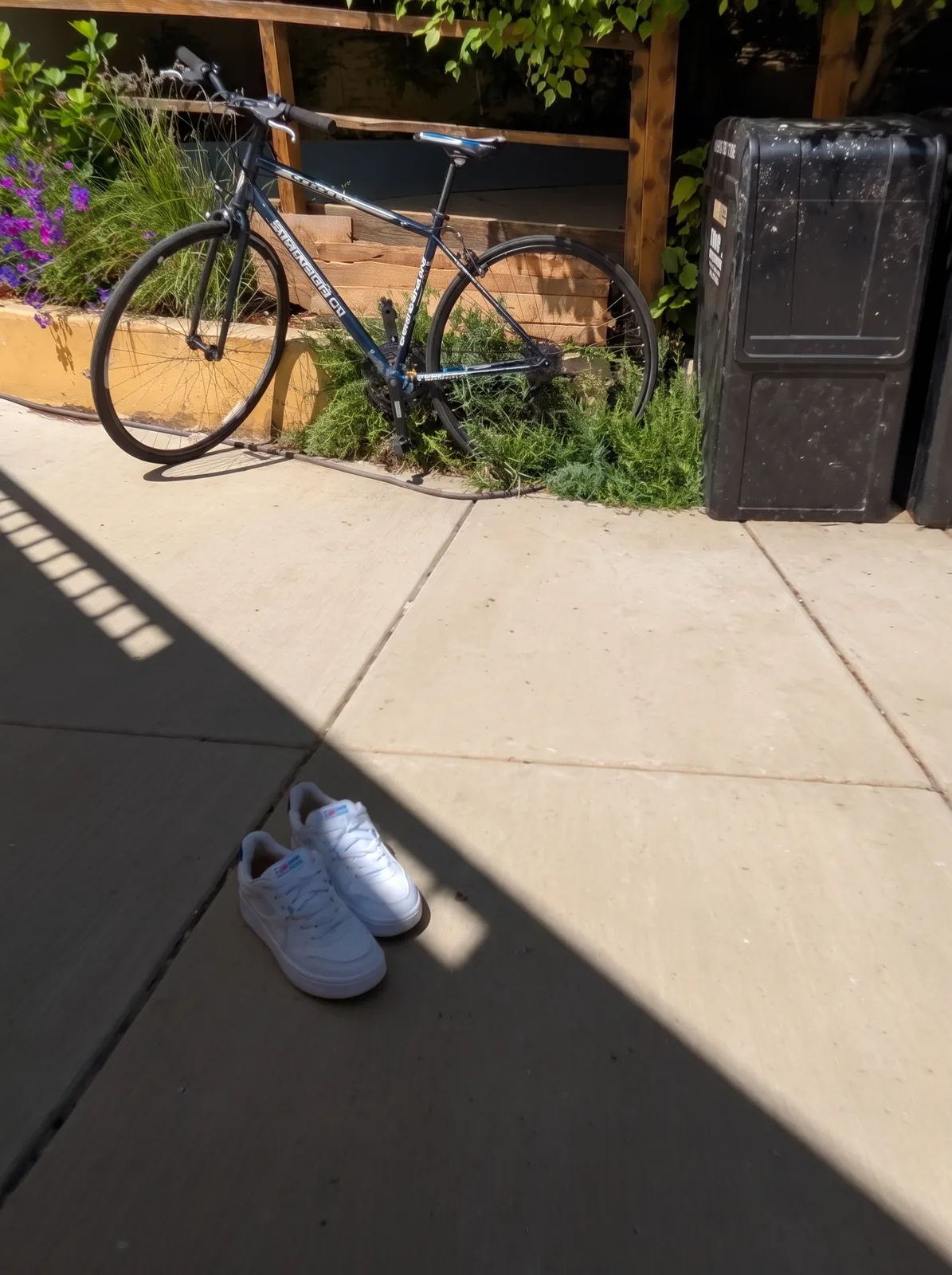
drag to compare — this is a real result from this exact prompt
Hard Shadow Remover
0 steals· updated sep 2026
Full prompt
Remove the harsh, high-contrast shadow cutting across this uploaded photo. Rebuild the shadowed area with lighting that matches the rest of the scene — same color temperature, same direction of light, same time-of-day mood — so the object or scene looks like it was shot in soft, even light instead of direct midday sun.

Keep the framing, angle, and every object in the scene exactly as photographed. Do not move, resize, add, or remove anything — only correct the lighting. Preserve real textures and surface detail under where the shadow was; do not smooth, blur, or plastic-coat any surface, and keep the photo's natural noise and grain intact.

Avoid any warping of edges, duplicated objects, or glowing/HDR haloing around where the shadow used to fall. The corrected area should blend seamlessly with the rest of the image, not look like a separate layer pasted on top.

The final result should look like the photo was simply taken in soft, diffused light from the start — no shadow, no edit history, just a clean, evenly lit shot.
How to use — free
01
Steal the prompt
Hit the button — the full prompt is on your clipboard.
02
Open Gemini or ChatGPT
Start a new chat and attach a clear photo of yourself (face visible, good light).
03
Paste & generate
Paste the prompt, send, and download your result. Tweak words to taste.
Questions
Is the Hard Shadow Remover prompt free?
Yes — completely free. No login, no credits, no paywall. Click the copy button and the full prompt is yours.
Which AI tools work with the Hard Shadow Remover prompt?
It's tested with Gemini and ChatGPT. Attach a clear photo of yourself, paste the prompt, and generate.
Can I edit the prompt?
Absolutely — that's the point. Swap any clause (lighting, mood, film stock, setting) to make the result yours.