Every landscape prompt in the library, complete and copyable from this page. Open any prompt page for the real before/after and step-by-step.
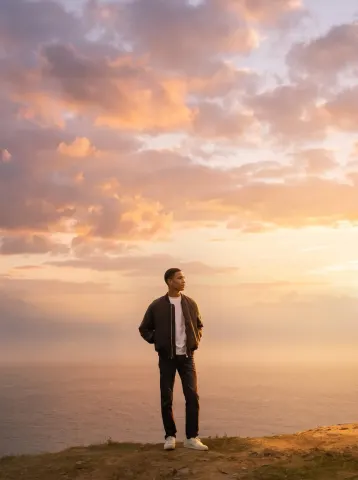
Use the Sky Replacer prompt from the library on Image 1.
Preserve everything from the original image:
identical subject
identical pose
identical clothing
identical expression
identical framing
identical perspective
identical camera angle
identical landscape
Replace only the dull gray sky with a breathtaking golden-hour sunset featuring dramatic clouds illuminated with warm orange, pink, and soft purple tones.
Update the entire scene naturally:
realistic sunlight direction
warm highlights on the subject
accurate shadows
natural reflections on the ocean
atmospheric haze
subtle volumetric light
seamless color harmony
The final image should look as though it was originally photographed during sunset.
No text. No logos. No watermark.
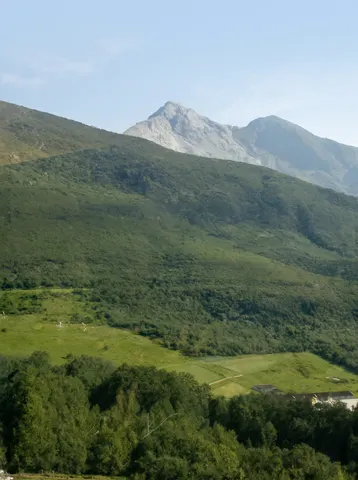
Edit this photo into a cinematic The Lord of the Rings style while preserving the original composition, subject, pose, clothing, facial features, expression, camera angle, perspective, framing, and every background element exactly.
Transform the lighting into a soft sunrise from the upper left with natural god rays, subtle volumetric lighting, gentle morning mist, and a soft cinematic lens flare.
Apply a rich, natural color grade with deep greens, warm golden-hour highlights, clean blue sky, accurate skin tones, and soft neutral shadows without an orange or yellow cast.
Enhance dynamic range, local contrast, texture, and detail to an iPhone 17 Pro Smart HDR look while keeping it fully photorealistic.
Create an immersive fantasy atmosphere inspired by The Lord of the Rings that still looks like a genuine sunrise photograph, not AI-generated artwork.
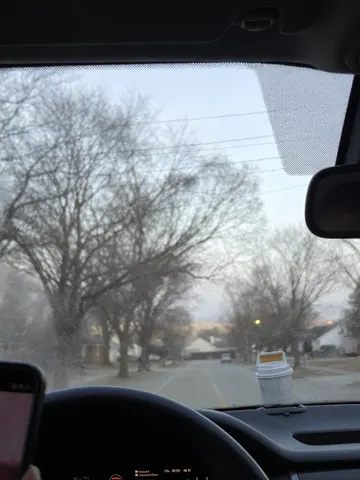
Remove the rain streaks, water droplets, and glass haze from this uploaded photo. Clear away every drop, smear, and streak sitting on the window, car windshield, or camera lens between the camera and the scene, so the view behind it reads crisp and unobstructed.

Keep the composition, camera angle, and framing of this uploaded photo exactly as they are. Do not shift, crop, or re-frame anything, and do not alter the people, objects, colors, or lighting of the scene itself — only the rain-blurred glass layer sitting in front of it should change.

Rebuild the parts of the scene that were distorted or smeared by water as sharp, natural detail that matches the surrounding light and depth of field. Avoid any smoothing, waxy plastic textures, or over-sharpened edges — keep natural photo grain and texture so the result still reads as a real, unedited photograph, not a filter.

The final result should look like the photo was taken on a clear, dry day through spotless glass.
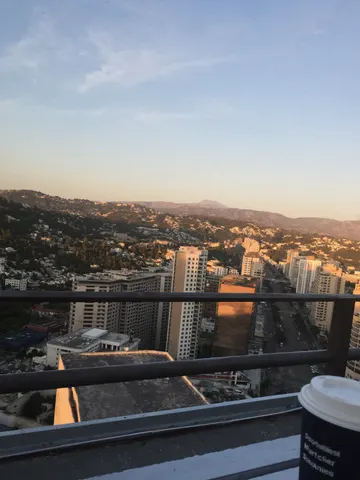
Remove the window reflection and glare from this uploaded photo. Wherever the glass is doubling the interior, a reflected face, ceiling lights, or the photographer's own silhouette over the scenic view outside, dissolve it away and reconstruct the natural scene as if the photo had been taken with no glass in front of the lens.

Rebuild the view naturally continuous — extend the sky, horizon line, foliage, water, or landscape elements so nothing looks patched or duplicated where the reflection used to sit. Correct the color cast the glass introduced (any tint, haze, or flatness) back to natural outdoor light and contrast, but keep the same time of day and weather conditions already visible in the photo.

Preserve the exact composition, camera angle, and framing of the original shot, and keep every real element of the landscape — the actual scenery, not a generic replacement — unchanged in position and shape. Do not smooth the image into a plastic or painterly look, do not oversharpen, and keep natural photographic grain and texture in the final result.

The final result should look like the same scenic photo taken through open air with a clean, unobstructed lens — no reflection, no glare, no glass artifacts, just the honest view.
Remove the harsh lens flare and stray light streaks from this uploaded photo. Eliminate the rainbow-colored circles, the washed-out haze, and the bright starburst artifacts caused by shooting toward the sun or a strong light source, restoring natural contrast and color to the sky and scene behind them.

Keep the composition, camera angle, and every real element of the scene exactly as they are — the horizon line, buildings, trees, water, and any people must stay in their original positions and proportions. Do not shift the framing, add new objects, or alter the time of day.

Avoid over-smoothing the sky or scene when cleaning up the flare; preserve natural texture, clouds, and fine detail, and keep any visible grain or noise consistent with the rest of the photo so it doesn't look artificially scrubbed or plastic.

The final result should look like a clean, naturally lit photo with no lens flare, glare, or light streaks — as if it had been shot with a lens hood or from a slightly different angle that avoided the light source entirely.
Clear away the fog and condensation clouding this uploaded photo. Identify the hazy, low-contrast veil caused by a foggy or condensation-covered lens and remove it entirely, restoring sharp detail, natural contrast, and true color saturation to the scene underneath.

Keep the composition, framing, and camera angle exactly as captured. Do not add, move, or remove any people, objects, or background elements — only clear the atmospheric haze and lens fog that was blocking the view. Preserve the original lighting direction and time of day; just let it read clearly instead of through a milky film.

Avoid over-sharpening, plastic-smooth textures, or digital haloing around edges. Keep natural grain and realistic texture in skies, buildings, and surfaces — this should look like the photo taken on a clear day, not an AI-smoothed render. No added lens flares, no oversaturated colors beyond what natural clear conditions would show.

The final result should look like a crisp, clear photo taken with a clean, fog-free lens on a bright day — same scene, same moment, just without the haze in the way.
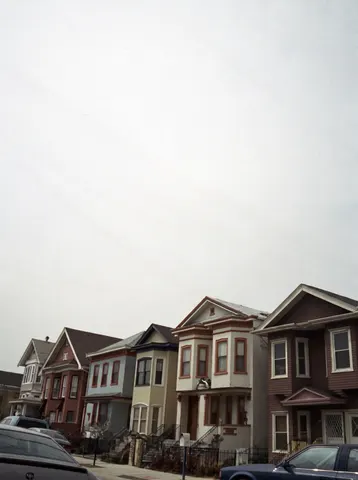
Remove the overhead power lines and utility wires crossing through this uploaded photo. Carefully erase every cable running across the sky and in front of the buildings, and reconstruct the sky and rooftops behind them so the area looks naturally clean and untouched.

Keep the composition, camera angle, lighting, and every other element of the scene completely unchanged — the houses, cars, sidewalk, and colors should stay exactly as they are. Only the wires and any attached hardware crossing open sky should disappear.

Do not smooth or flatten the texture of the buildings or sky while erasing the wires, and avoid leaving ghosting, blur patches, or warped edges where the cables used to be. The sky should look like a real, continuous photograph, with natural grain and cloud texture intact — no obvious retouch marks.

The final result should look like the photo was taken on a street with underground wiring — clean open sky, same scene, same everything else, just the clutter of lines gone.
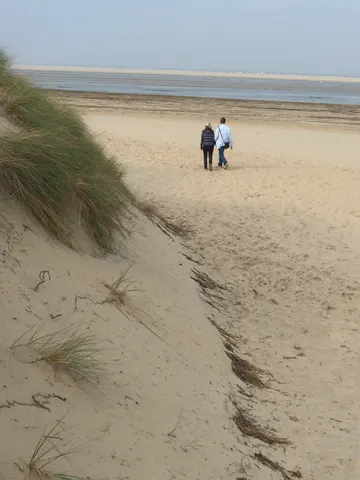
Clean up this uploaded photo by removing any visible litter — bottles, cans, plastic bags, wrappers, cigarette butts, or scattered trash — from the ground, sand, water, grass, or path. Rebuild the surface underneath naturally, matching the surrounding texture, color, and lighting so no gap, smear, or patch is visible where the litter used to be.

Keep the composition, camera angle, lighting, and overall mood of the original photo exactly the same. Do not add, move, or alter any people, structures, plants, or background elements — only remove the trash itself and restore what should naturally be underneath it.

Avoid smoothing, blurring, or over-sharpening the area around each removed item; keep the same natural grain and texture as the rest of the photo so the fix is invisible. No new objects, no warped ground lines, no plastic-looking patches.

The final result should look like the scene was always this clean — a natural, untouched landscape photo with no sign any litter was ever there.
Clear the thick frost and ice crystals off this uploaded windshield photo so the road and scenery ahead are fully visible again. Melt away every patch of frozen condensation, scraped ice lines, and foggy crystal texture from the glass, revealing a clean, transparent windshield exactly as if the defroster had already done its job.

Keep the dashboard, mirror, wipers, and everything visible through the glass in the same position and perspective as the original photo — do not change the camera angle, the time of day, or the framing. The road, trees, sky, and any other background elements should look natural and consistent with the original lighting, not brightened or recolored.

Avoid over-smoothing the glass or making it look artificially spotless like a render — keep subtle real-world imperfections such as faint smudges or a slightly dirty edge, and preserve the natural grain of the original photo. No plastic or glossy overlay effects.

The final result should look like an ordinary phone photo taken through a perfectly clear windshield on a normal winter morning, with no frost, ice, or fog anywhere on the glass.