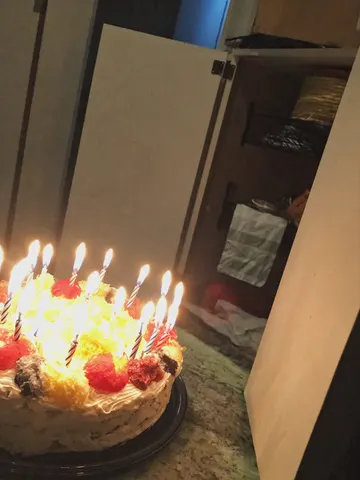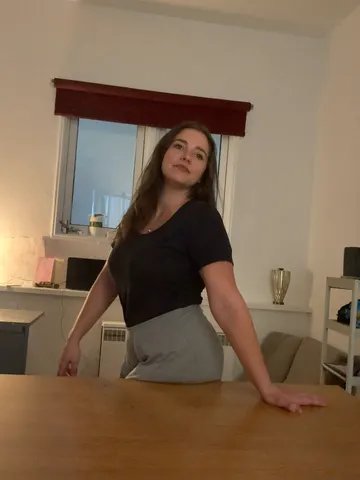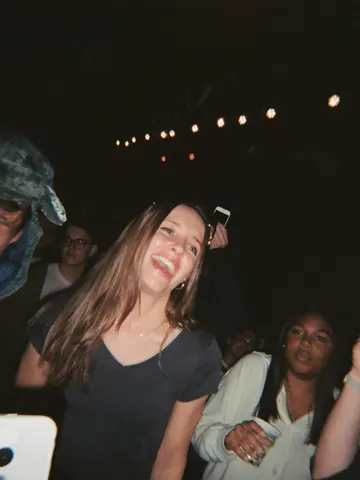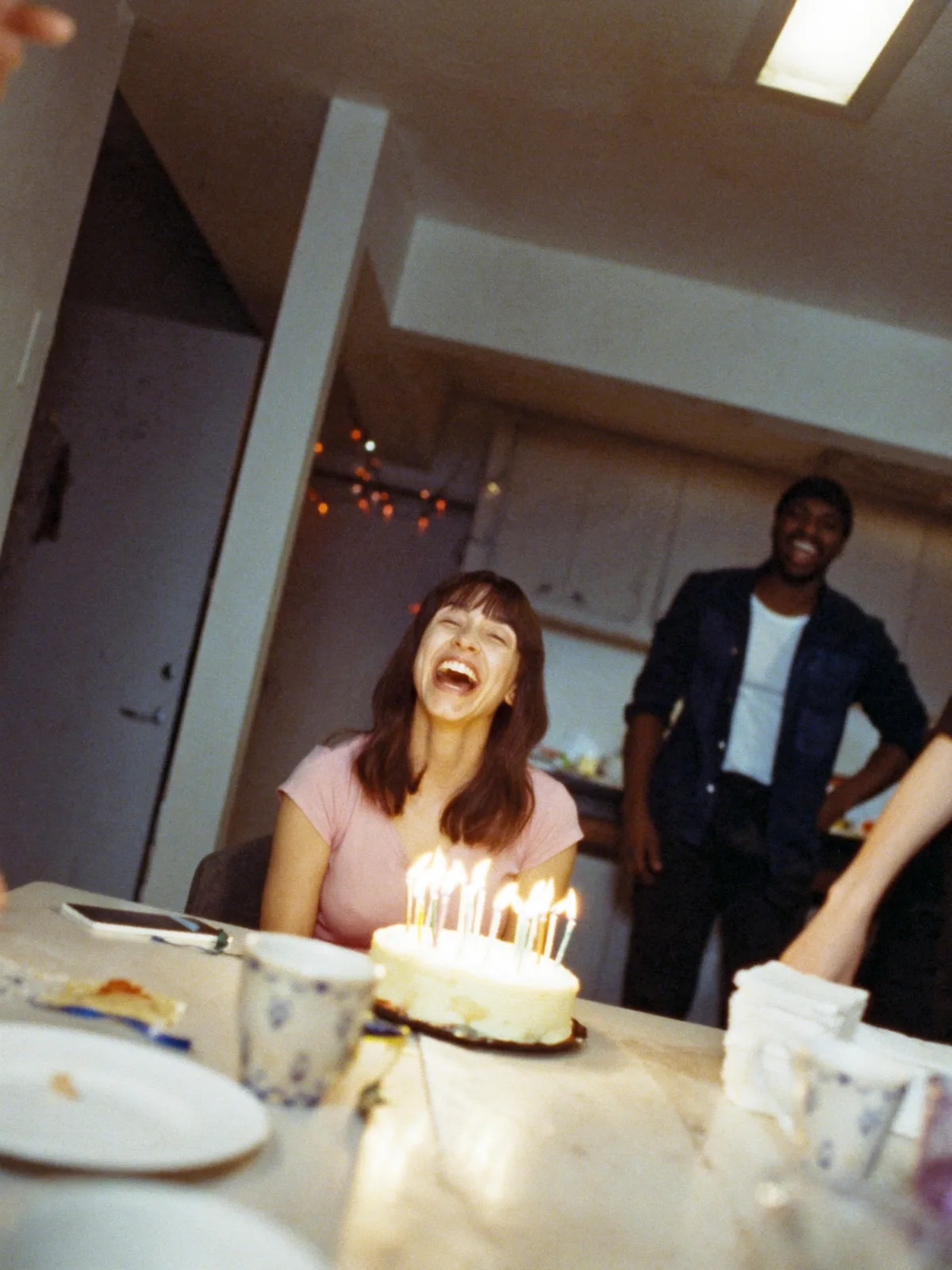
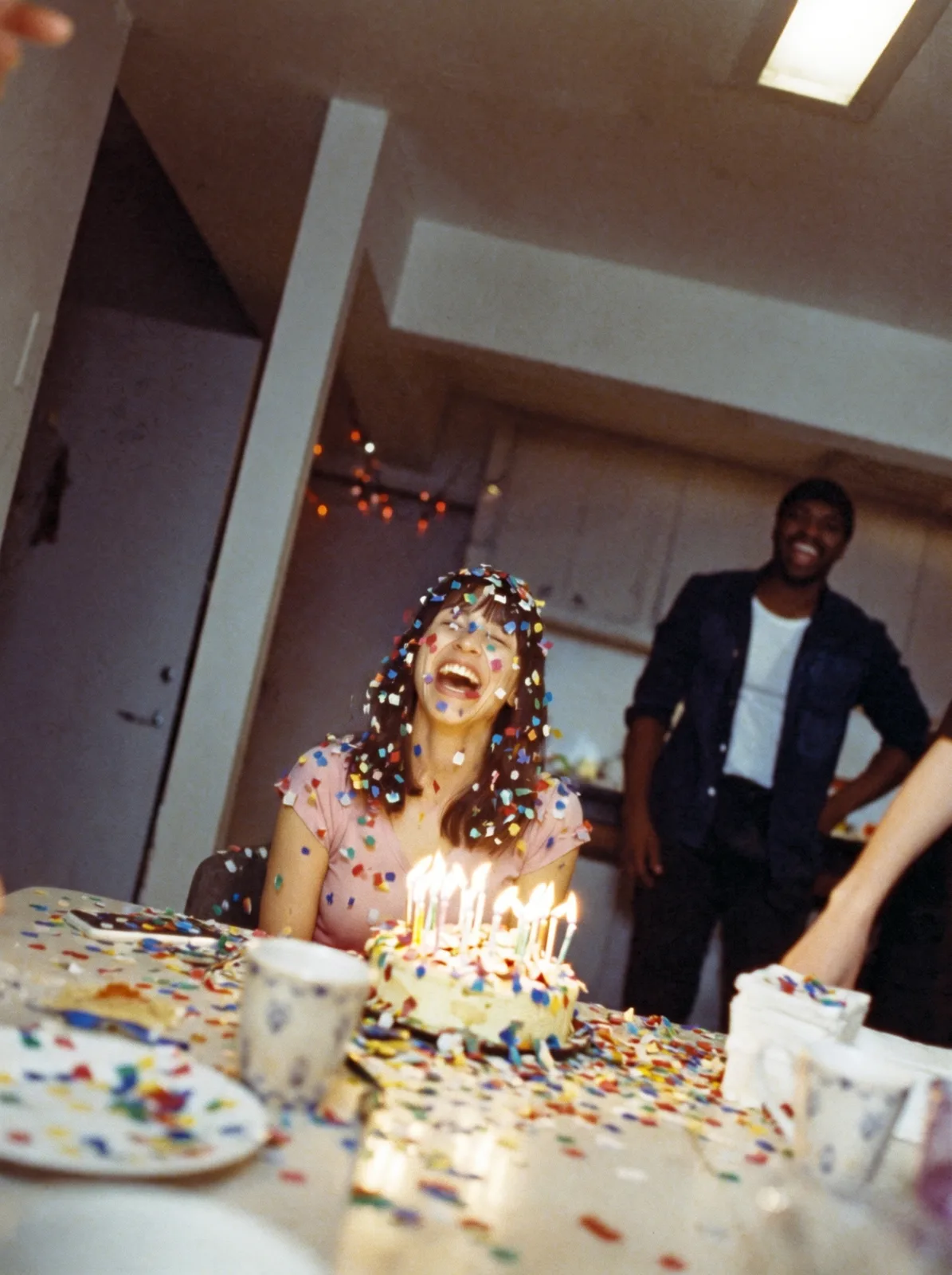
drag to compare — this is a real result from this exact prompt
Confetti Remover
0 steals· updated sep 2026
Full prompt
Remove every piece of confetti, streamers, and paper scatter from this uploaded photo. Look for confetti fragments resting on skin, hair, clothing, the floor, tables, and any other surface, and carefully erase them, reconstructing the surface underneath — skin texture, fabric weave, floor grain, tabletop finish — exactly as it would look without the confetti ever having landed there.

Keep the person's identity, facial features, expression, and pose completely unchanged. Preserve the original composition, camera angle, and framing exactly as shot. Do not alter the lighting, shadows, color temperature, or white balance of the scene — match the existing exposure so the cleanup is invisible.

Do not smooth or soften skin, do not add plastic or airbrushed texture anywhere in the image, and keep the natural photographic grain and noise level of the original photo intact. Avoid any warping, blurring, or duplicated background elements where the confetti used to be — the reconstructed areas should look like they were never disturbed.

The final result should look like the exact same photo, taken in the same moment, just without a single piece of confetti anywhere in frame.
How to use — free
01
Steal the prompt
Hit the button — the full prompt is on your clipboard.
02
Open Gemini or ChatGPT
Start a new chat and attach a clear photo of yourself (face visible, good light).
03
Paste & generate
Paste the prompt, send, and download your result. Tweak words to taste.
Questions
Is the Confetti Remover prompt free?
Yes — completely free. No login, no credits, no paywall. Click the copy button and the full prompt is yours.
Which AI tools work with the Confetti Remover prompt?
It's tested with Gemini and ChatGPT. Attach a clear photo of yourself, paste the prompt, and generate.
Can I edit the prompt?
Absolutely — that's the point. Swap any clause (lighting, mood, film stock, setting) to make the result yours.