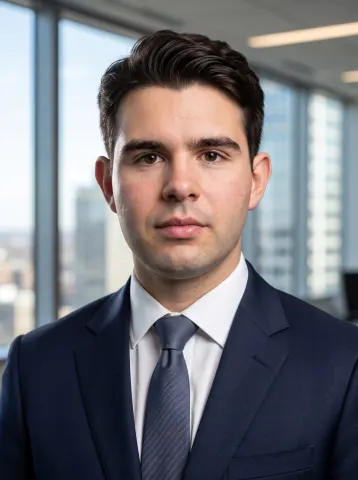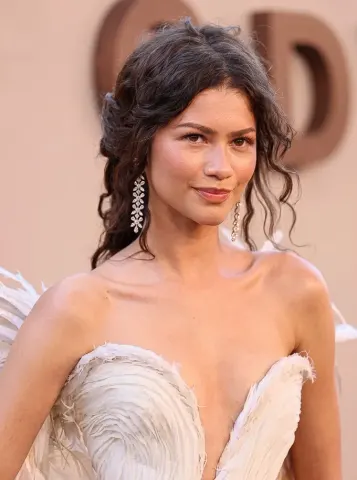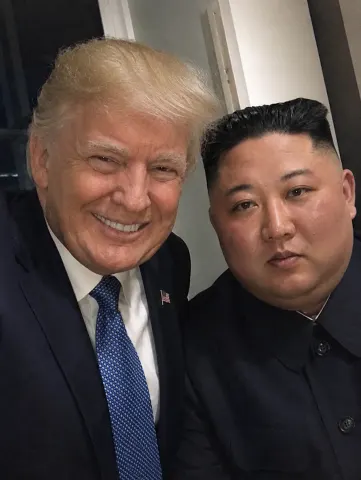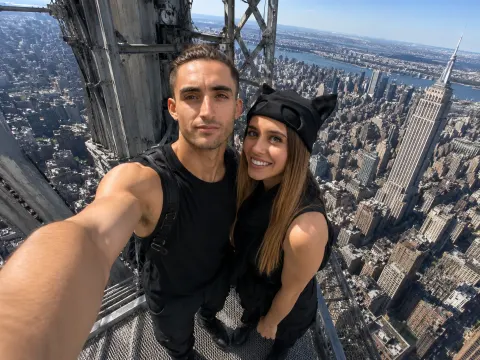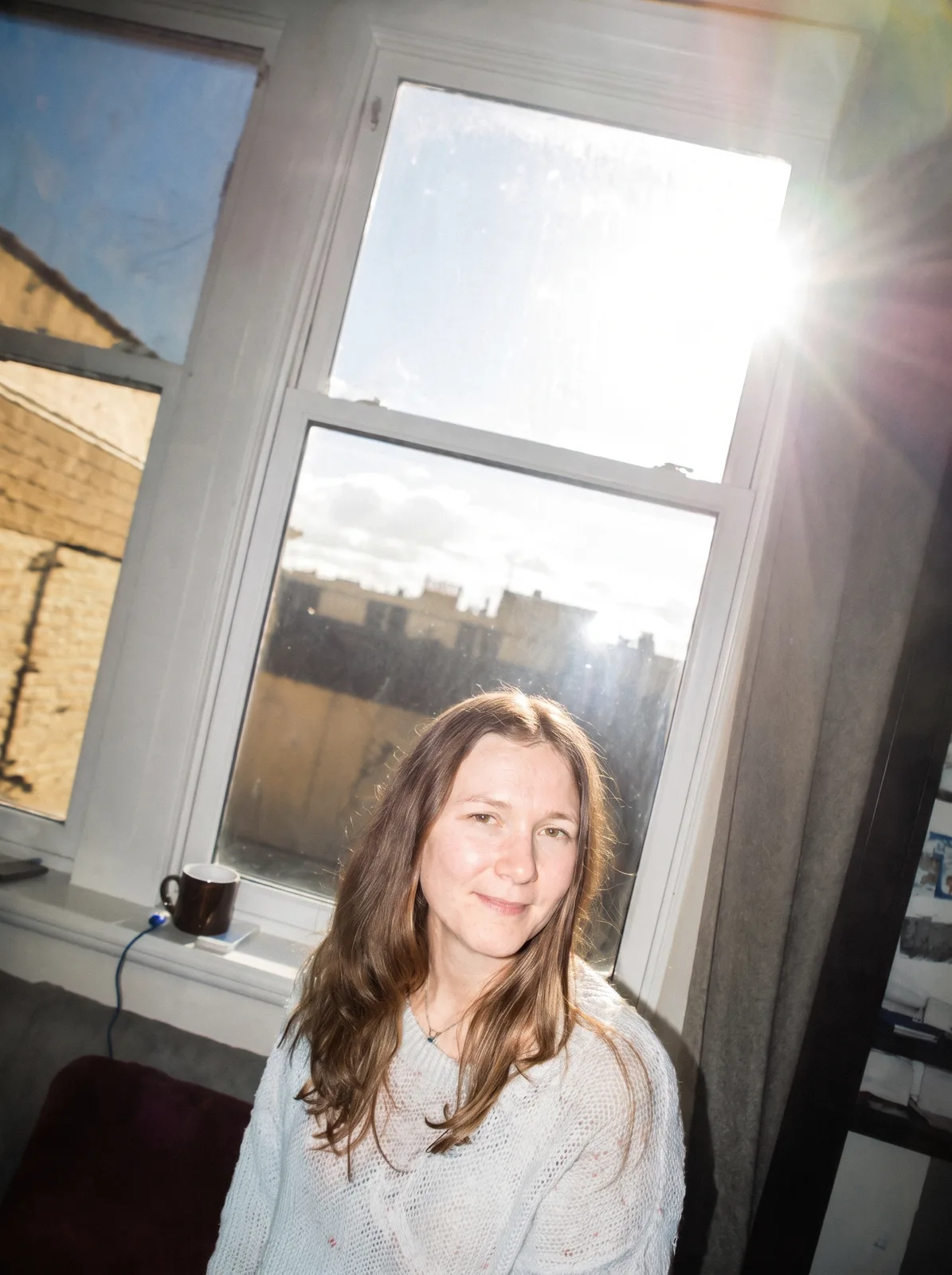
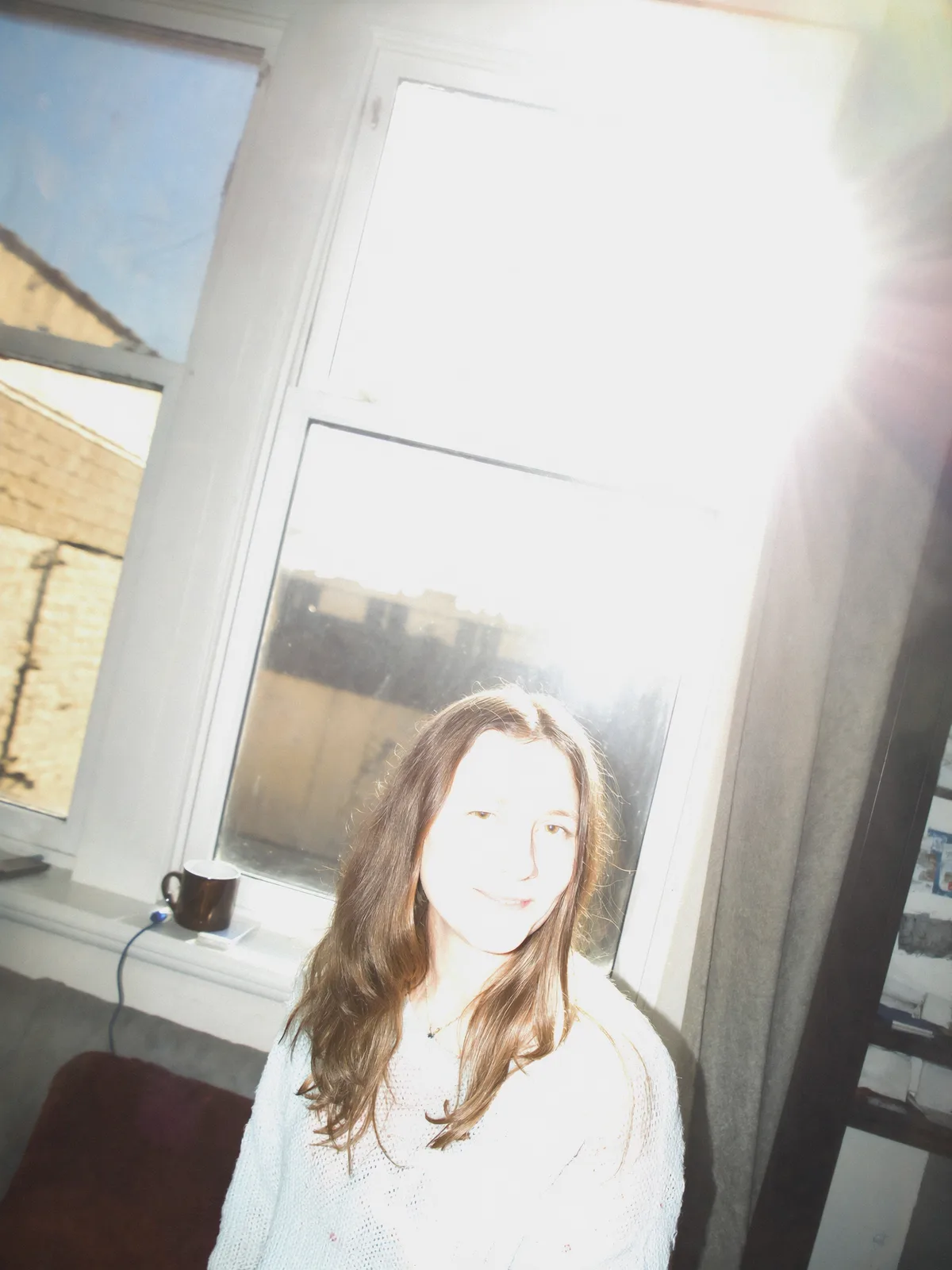
drag to compare — this is a real result from this exact prompt
Overexposed Photo Fix
1 steals· updated sep 2026
Full prompt
Recover the blown-out highlights in this uploaded photo. Pull detail back into the overexposed areas — the sky, the skin, any white clothing — until texture and colour return where the image had gone flat white. Rebalance the overall exposure so the midtones sit naturally and the shadows keep their depth.

Keep the subject's identity, pose, framing and the direction of the light exactly as they are. This is an exposure correction, not a relight and not a recomposition. Preserve the existing grain and skin texture — do not smooth skin, do not add plastic sheen, do not introduce HDR halos or grey flatness around recovered edges.

The final result should look like the same photo taken with the exposure set correctly in the first place.
How to use — free
01
Steal the prompt
Hit the button — the full prompt is on your clipboard.
02
Open Gemini or ChatGPT
Start a new chat and attach a clear photo of yourself (face visible, good light).
03
Paste & generate
Paste the prompt, send, and download your result. Tweak words to taste.
Questions
Is the Overexposed Photo Fix prompt free?
Yes — completely free. No login, no credits, no paywall. Click the copy button and the full prompt is yours.
Which AI tools work with the Overexposed Photo Fix prompt?
It's tested with Gemini and ChatGPT. Attach a clear photo of yourself, paste the prompt, and generate.
Can I edit the prompt?
Absolutely — that's the point. Swap any clause (lighting, mood, film stock, setting) to make the result yours.