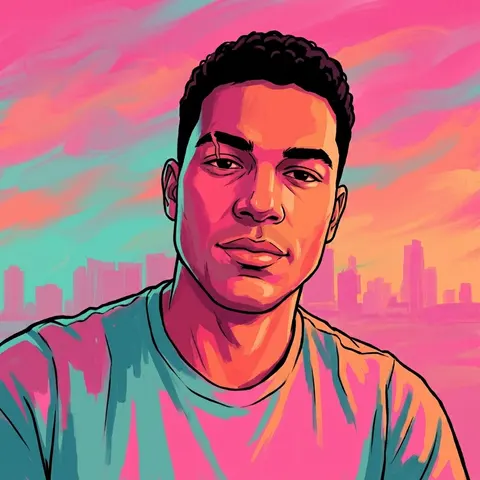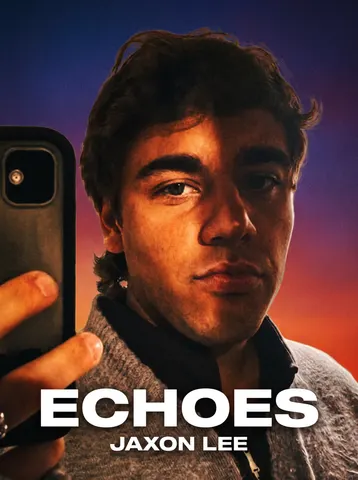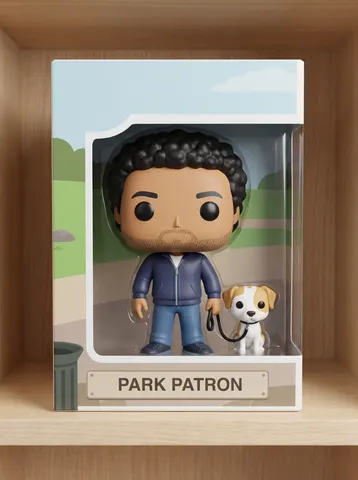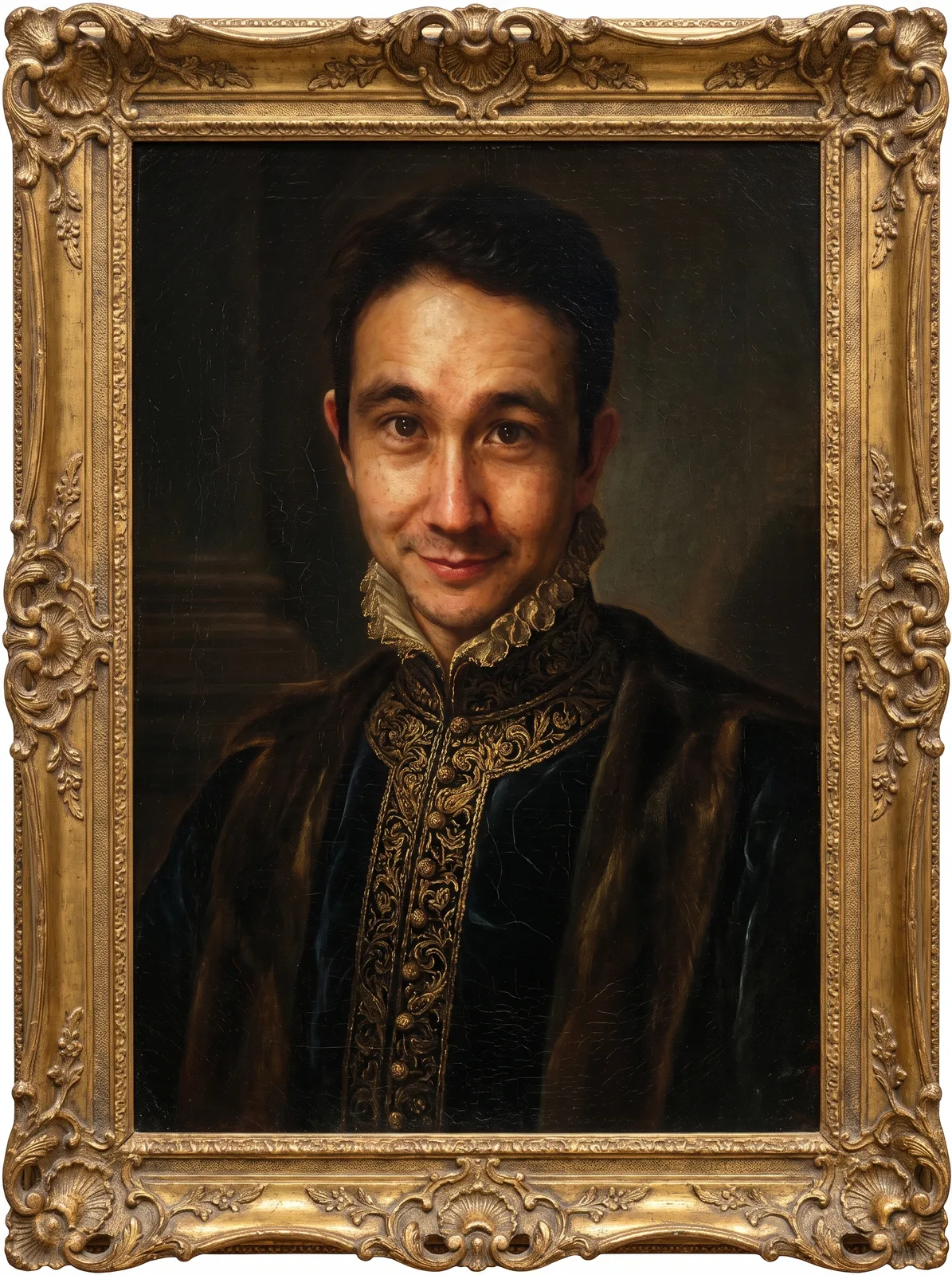

drag to compare — this is a real result from this exact prompt
Renaissance Portrait
0 steals· updated sep 2026
Full prompt
Transform this uploaded photo into a museum-quality Old Master oil painting portrait, in the style of a 16th-century Renaissance master. Repaint the subject with rich chiaroscuro lighting, deep shadow, and warm glazed highlights, dressed in ornate period clothing — a high collar, brocade fabric, or velvet cloak — that complements their existing coloring. Surround the portrait with a dark, moody background and enclose the whole image in an ornate carved gold frame with visible gilding detail.

Preserve the subject's exact facial structure, likeness, expression, and identity — this must still be recognizably them, only reimagined in paint. Keep the same head angle and gaze direction from the original photo.

Render everything with authentic oil-painting texture: visible brushstrokes, canvas grain, and fine surface cracquelure with age, not a smooth digital-airbrush filter. Avoid plastic skin, waxy smoothing, warped facial features, or a cartoonish look — this should feel like real centuries-old pigment on canvas.

The final result should look like a genuine museum portrait hanging in a gallery, painted by an Old Master, with the subject's true likeness unmistakably preserved beneath the paint.
How to use — free
01
Steal the prompt
Hit the button — the full prompt is on your clipboard.
02
Open Gemini or ChatGPT
Start a new chat and attach a clear photo of yourself (face visible, good light).
03
Paste & generate
Paste the prompt, send, and download your result. Tweak words to taste.
Questions
Is the Renaissance Portrait prompt free?
Yes — completely free. No login, no credits, no paywall. Click the copy button and the full prompt is yours.
Which AI tools work with the Renaissance Portrait prompt?
It's tested with Gemini and ChatGPT. Attach a clear photo of yourself, paste the prompt, and generate.
Can I edit the prompt?
Absolutely — that's the point. Swap any clause (lighting, mood, film stock, setting) to make the result yours.