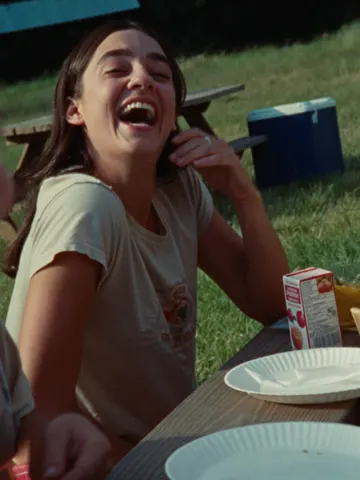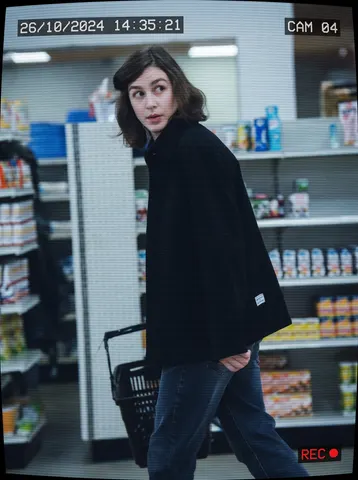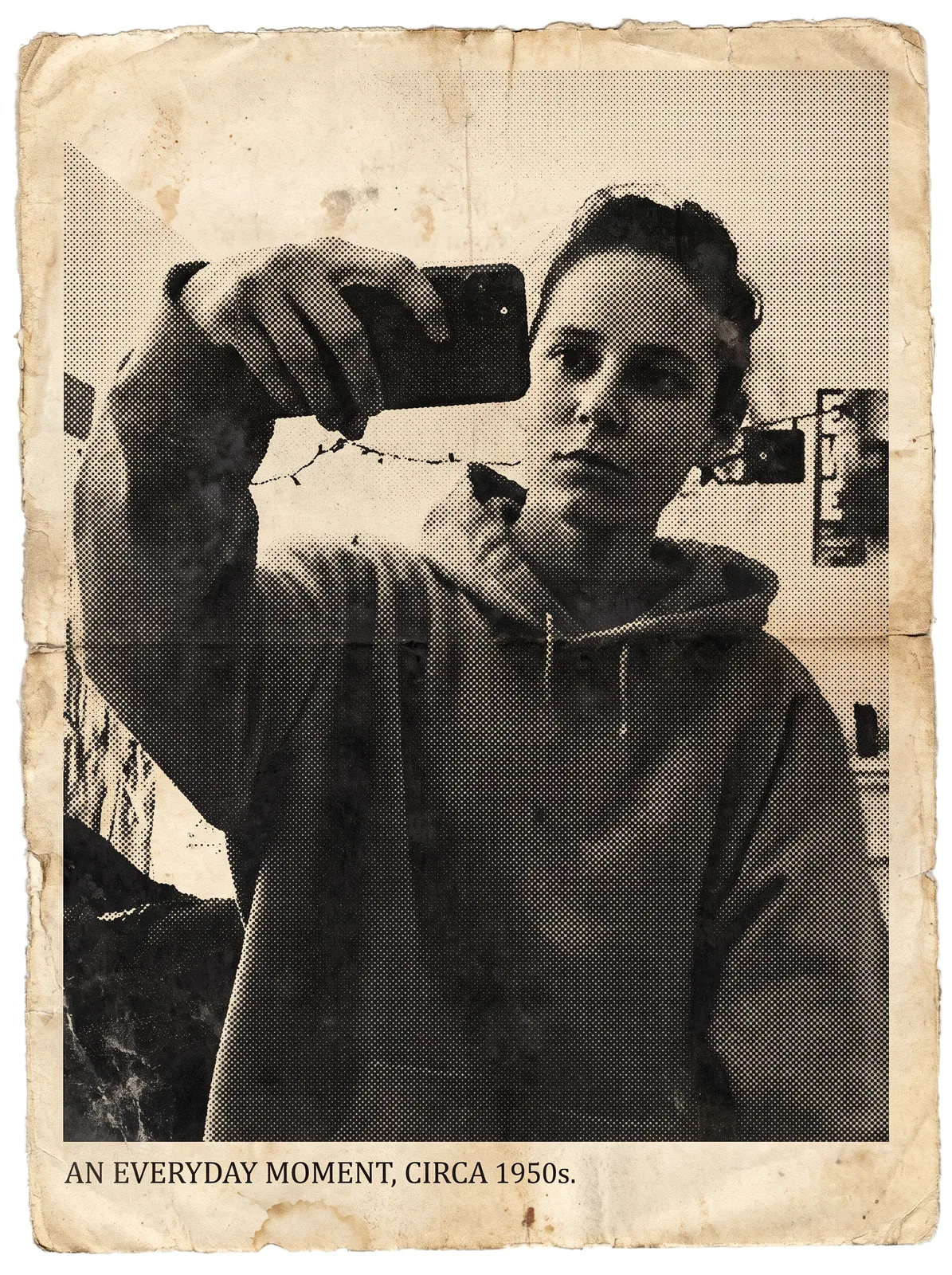
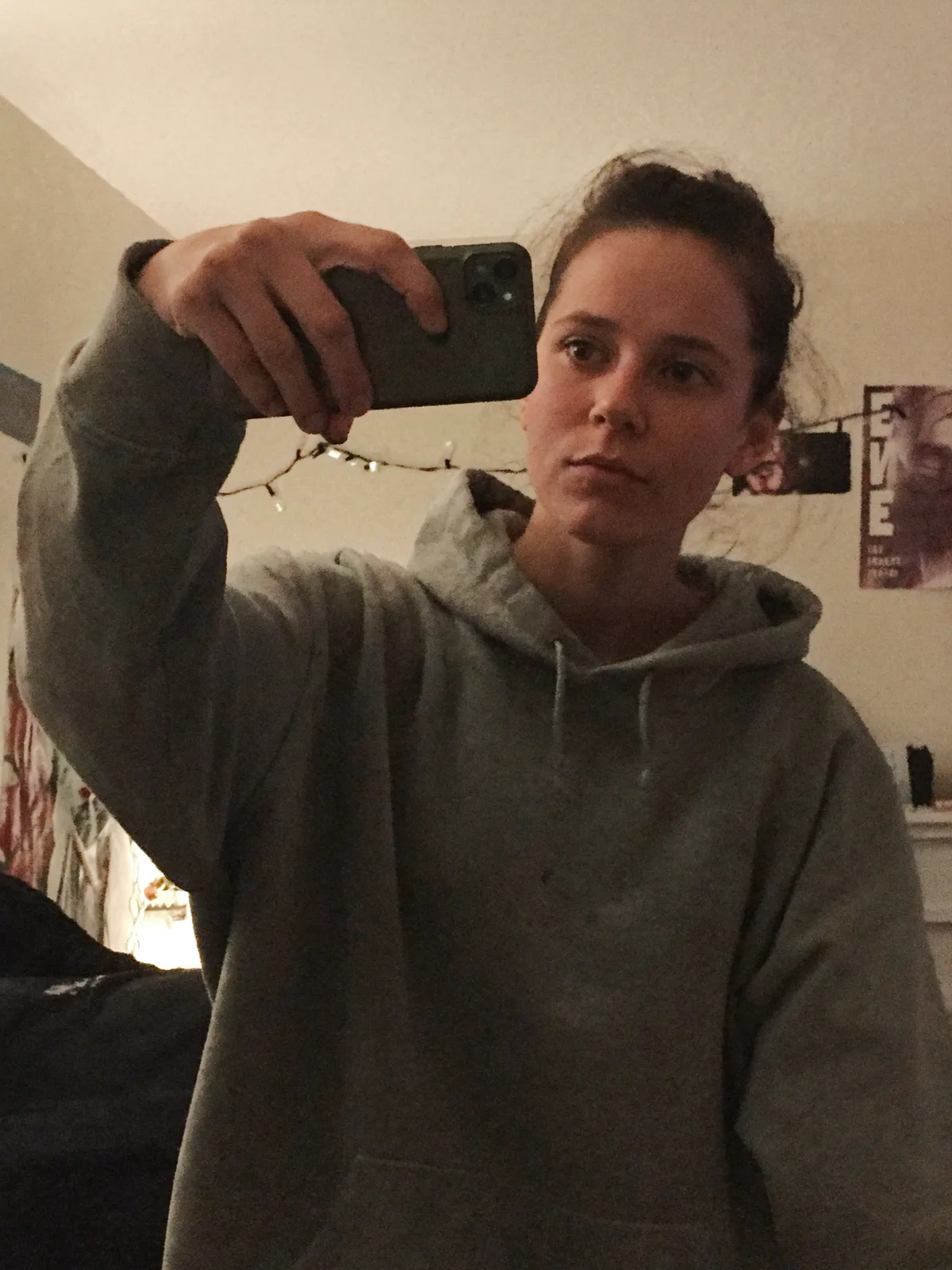
drag to compare — this is a real result from this exact prompt
Vintage Newspaper Clipping
0 steals· updated sep 2026
Full prompt
Turn this uploaded photo into a vintage newspaper clipping, like it was torn from a decades-old print edition. Convert the image to a grainy black-and-white halftone print — visible dot pattern, slightly uneven ink coverage, a bit of ghosting/registration blur — and set it inside a clipping with a rough torn paper edge, aged yellowed paper tone, and a small serif caption line beneath it.

Keep the person's identity, pose, expression, and the composition of the original photo completely unchanged — only the print process and paper are new. Do not smooth or beautify the face; keep real skin texture, real hair strands, and natural asymmetry intact under the halftone dots.

Avoid modern-looking sharpness, color bleed, plastic skin, or an obviously digital filter look. The halftone dots and paper grain should feel physically printed, not like a preset overlay, and the torn edge should look hand-torn, not vector-perfect.

The final result should look like a real clipping salvaged from an old newspaper archive — grainy, aged, slightly imperfect, like someone could have actually cut it out decades ago.
How to use — free
01
Steal the prompt
Hit the button — the full prompt is on your clipboard.
02
Open Gemini or ChatGPT
Start a new chat and attach a clear photo of yourself (face visible, good light).
03
Paste & generate
Paste the prompt, send, and download your result. Tweak words to taste.
Questions
Is the Vintage Newspaper Clipping prompt free?
Yes — completely free. No login, no credits, no paywall. Click the copy button and the full prompt is yours.
Which AI tools work with the Vintage Newspaper Clipping prompt?
It's tested with Gemini and ChatGPT. Attach a clear photo of yourself, paste the prompt, and generate.
Can I edit the prompt?
Absolutely — that's the point. Swap any clause (lighting, mood, film stock, setting) to make the result yours.