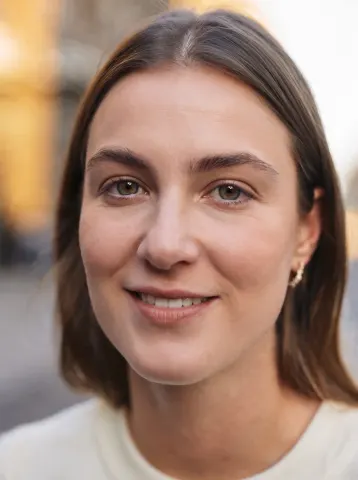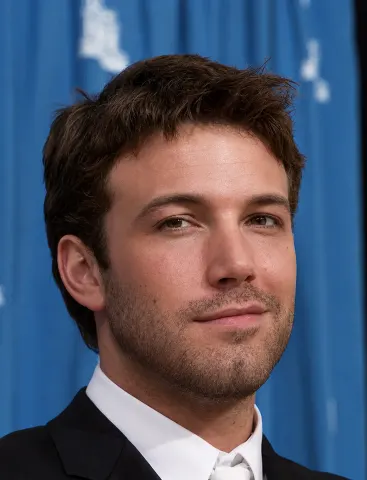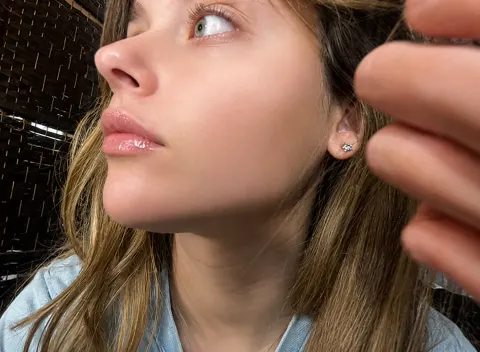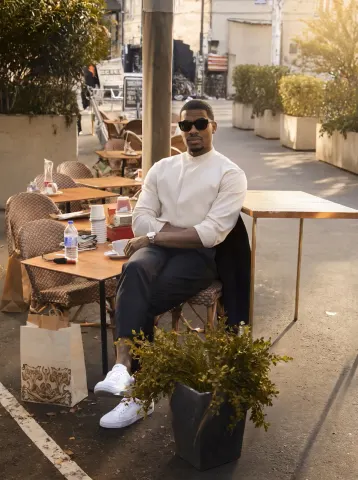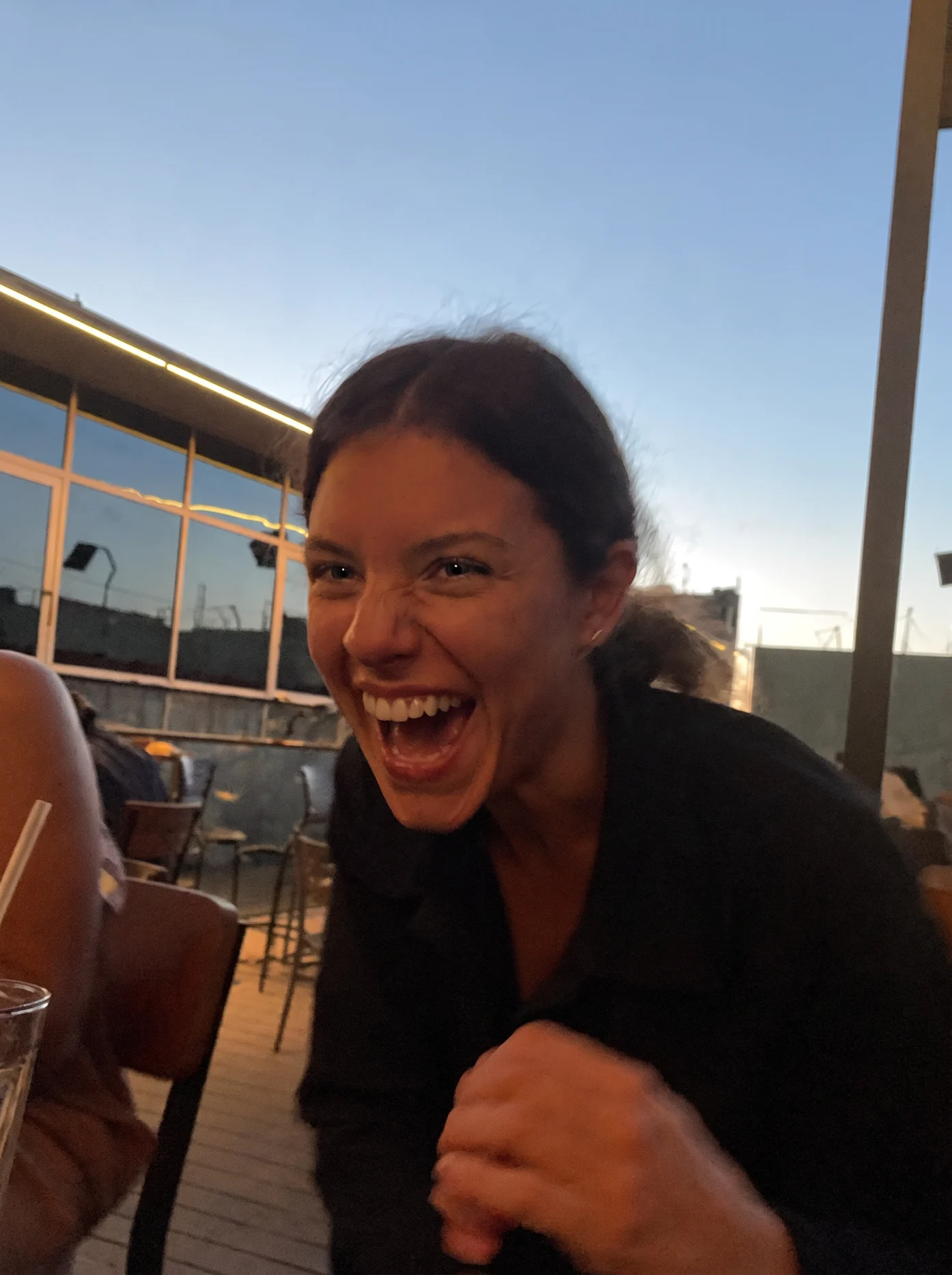
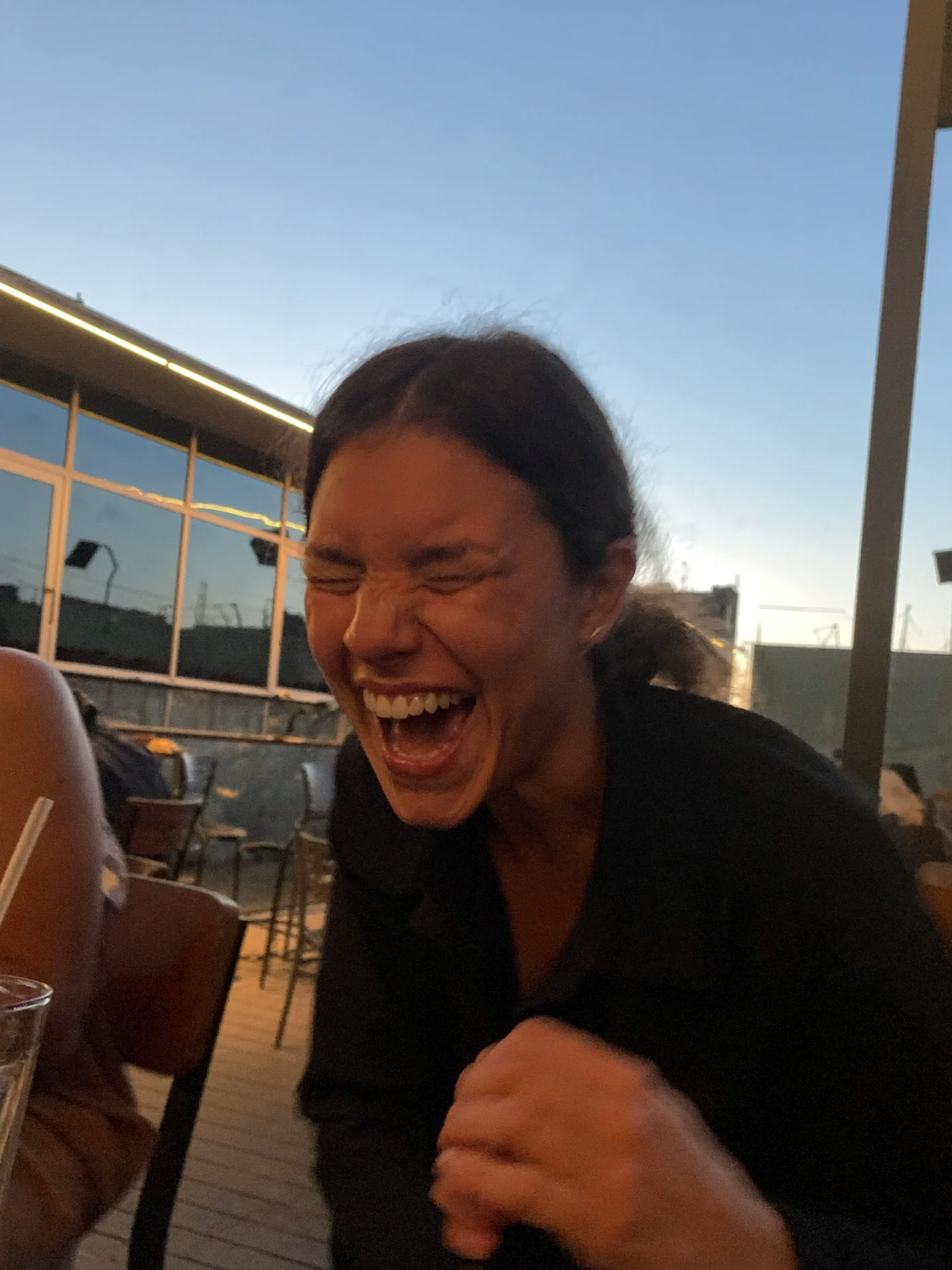
drag to compare — this is a real result from this exact prompt
Blink Fix
10 steals· updated sep 2026
Full prompt
Open the closed eyes in this photo naturally while keeping the person's identity, expression, pose, hair, lighting, and the entire scene completely unchanged.

Reconstruct the open eyes with complete fidelity to the person's real facial anatomy: natural eye shape matching their bone structure, realistic iris color, and catchlights consistent with the scene's actual lighting. Both eyes should be equally and naturally open, with an expression that matches whatever the face is doing — a laugh keeps joyful eyes, a calm face keeps relaxed ones. Eyelids, lashes, and the surrounding skin must blend seamlessly with the real skin texture.

Do not beautify anything: no smoothing, no reshaping, no change to the smile, teeth, hair, background, colors, grain, or composition. If the photo has a casual phone-camera character, keep it exactly.

The final result should look like the same photo taken a half-second earlier, before the blink — completely natural, with no trace of editing.
How to use — free
01
Steal the prompt
Hit the button — the full prompt is on your clipboard.
02
Open Gemini or ChatGPT
Start a new chat and attach a clear photo of yourself (face visible, good light).
03
Paste & generate
Paste the prompt, send, and download your result. Tweak words to taste.
Questions
Is the Blink Fix prompt free?
Yes — completely free. No login, no credits, no paywall. Click the copy button and the full prompt is yours.
Which AI tools work with the Blink Fix prompt?
It's tested with Gemini and ChatGPT. Attach a clear photo of yourself, paste the prompt, and generate.
Can I edit the prompt?
Absolutely — that's the point. Swap any clause (lighting, mood, film stock, setting) to make the result yours.