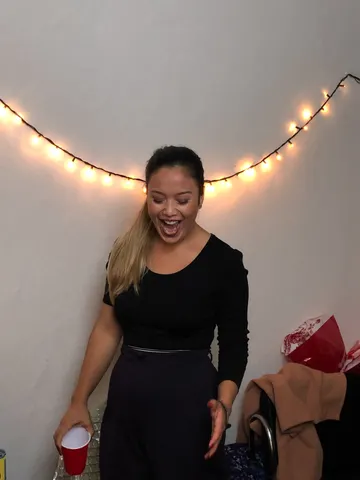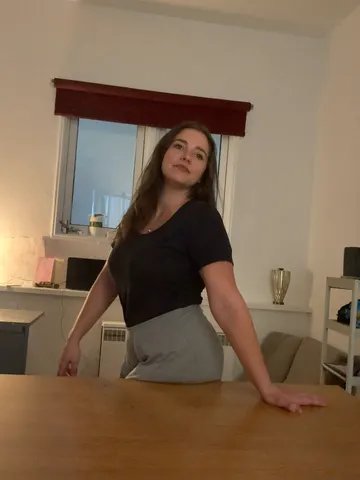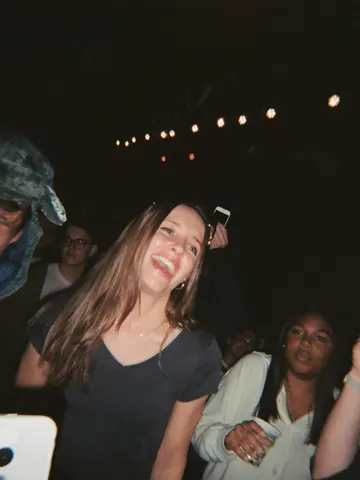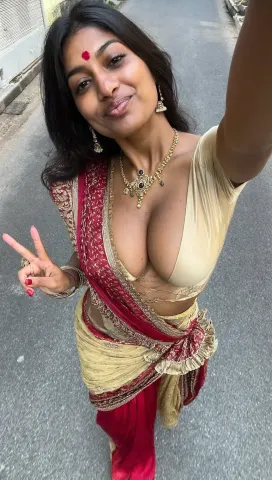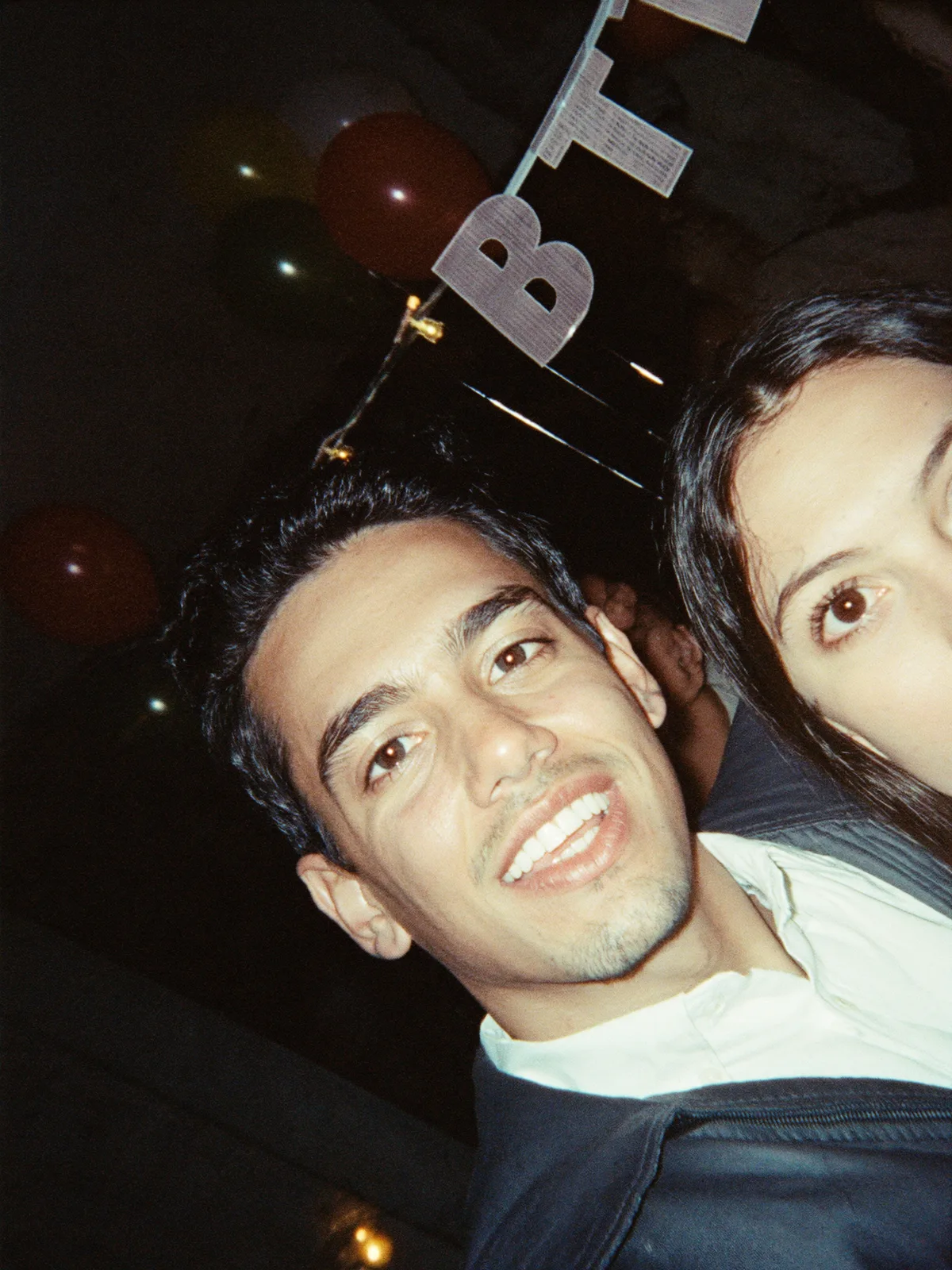
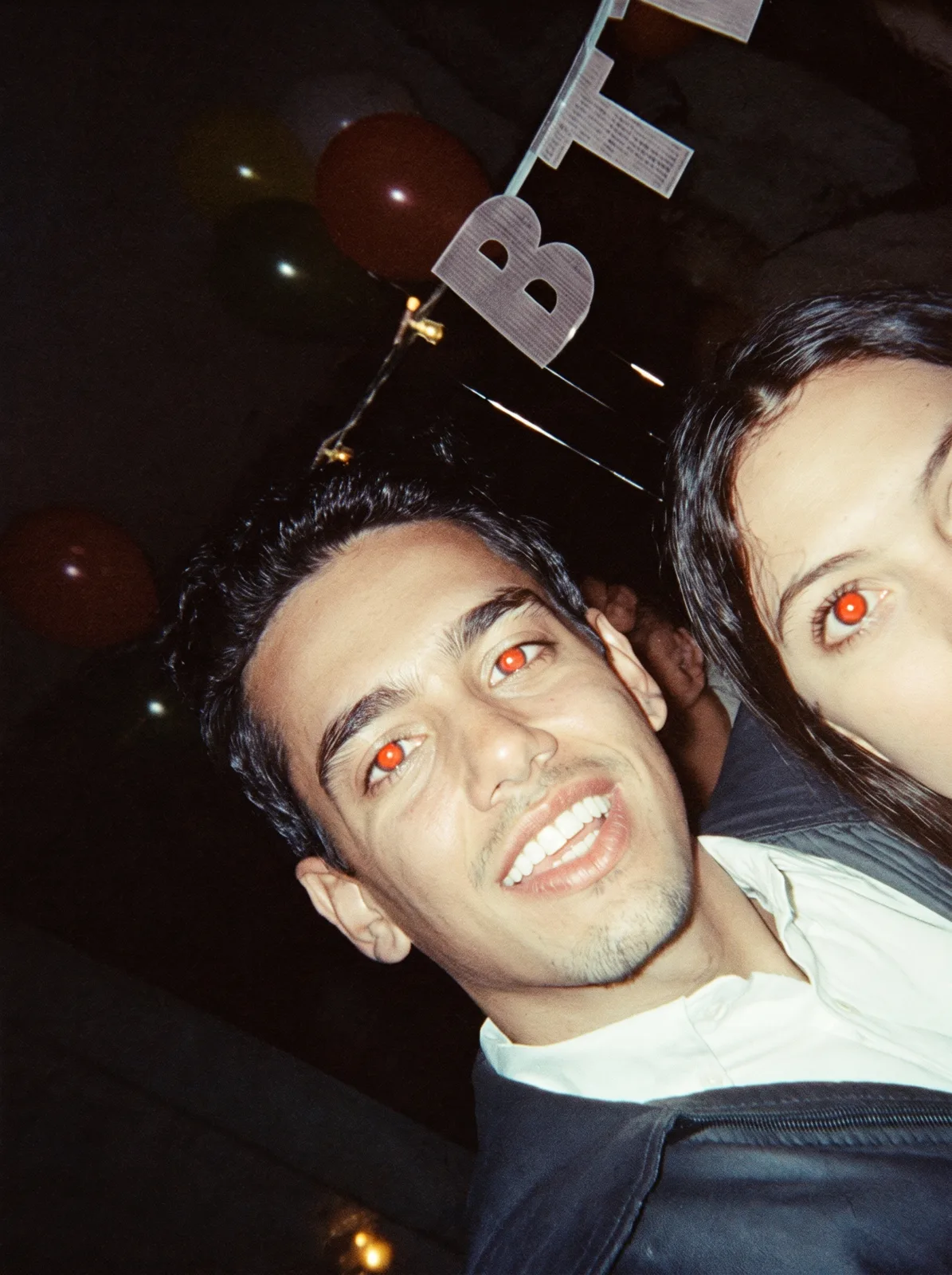
drag to compare — this is a real result from this exact prompt
Red Eye Remover
0 steals· updated sep 2026
Full prompt
Remove the red-eye effect from this uploaded photo. Correct the pupils so they return to their natural dark color, matching the person's real eye tone and the photo's ambient lighting — no glowing red, orange, or artificial white circles left behind.

Keep the identity, facial features, expression, composition, and framing of this photo exactly unchanged. Do not alter the pose, skin tone, hairstyle, clothing, or background — this is a targeted eye-color correction, not a full retouch.

Preserve the original flash lighting, skin texture, and photo grain. Do not smooth the skin, do not add plastic or airbrushed texture, and do not introduce any new artifacts, blur, or warping around the eyes. The catchlight and natural eye shape should stay intact.

The final result should look like the same candid flash photo, except the eyes look naturally dark and lifelike instead of glowing red.
How to use — free
01
Steal the prompt
Hit the button — the full prompt is on your clipboard.
02
Open Gemini or ChatGPT
Start a new chat and attach a clear photo of yourself (face visible, good light).
03
Paste & generate
Paste the prompt, send, and download your result. Tweak words to taste.
Questions
Is the Red Eye Remover prompt free?
Yes — completely free. No login, no credits, no paywall. Click the copy button and the full prompt is yours.
Which AI tools work with the Red Eye Remover prompt?
It's tested with Gemini and ChatGPT. Attach a clear photo of yourself, paste the prompt, and generate.
Can I edit the prompt?
Absolutely — that's the point. Swap any clause (lighting, mood, film stock, setting) to make the result yours.