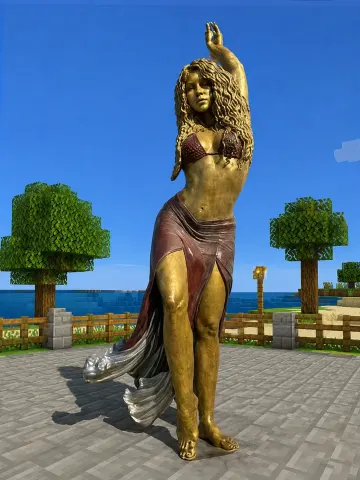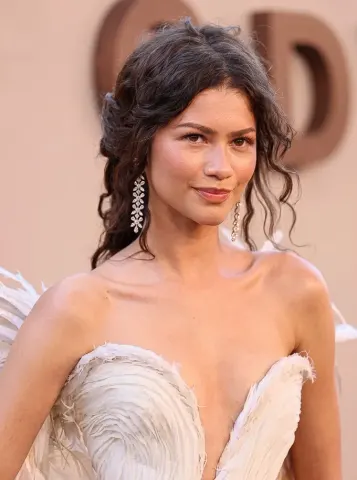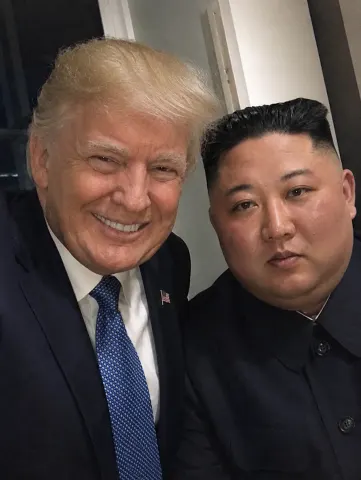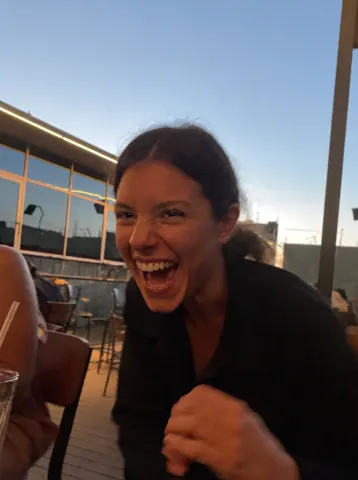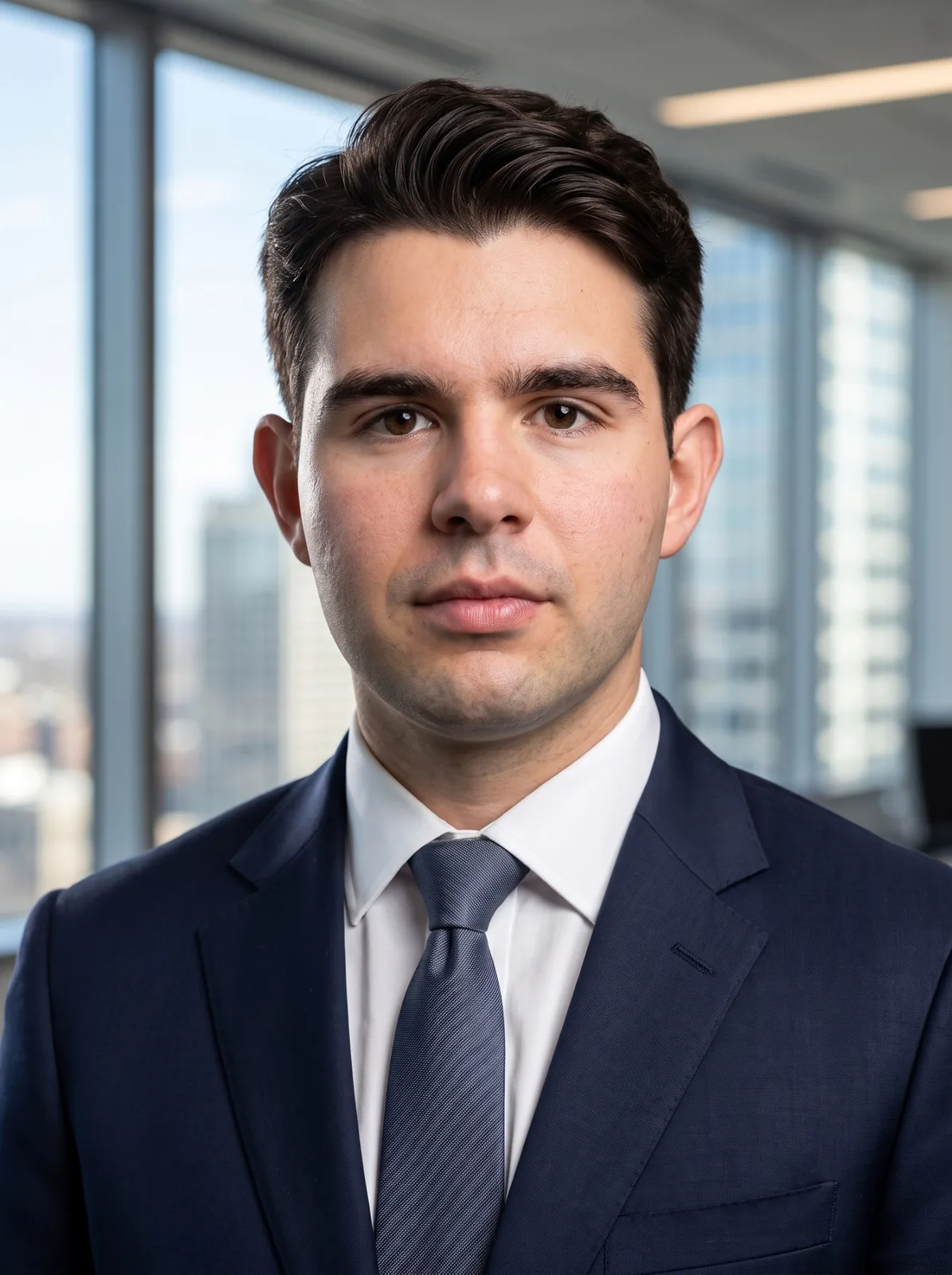
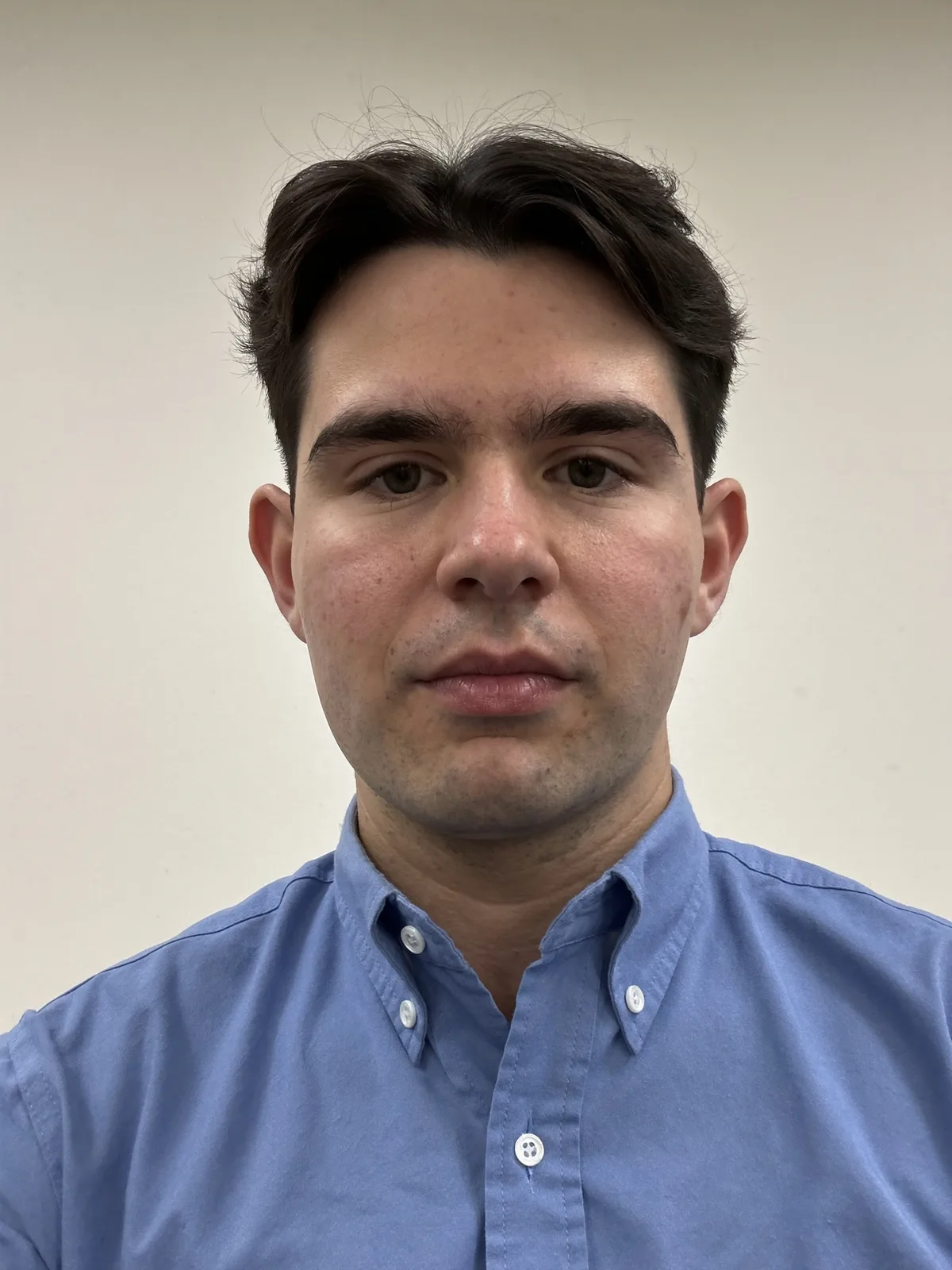
drag to compare — this is a real result from this exact prompt
LinkedIn Headshot
14 steals· updated sep 2026
Full prompt
Keep this person's identity completely unchanged: same face shape, same facial features, same eye shape and colour, same nose, same mouth, same hairline and hairstyle, same skin tone, same ethnicity, same age, same build. It must read as the same person, not a lookalike.

Re-pose them into a straight-on corporate headshot. This is the most important instruction — do not keep the original head angle:
- Rotate the head to face the camera directly, squared to the lens. No three-quarter turn, no tilt, no chin-down or chin-up angle, not looking off to the side.
- Eyes looking straight into the camera lens.
- Shoulders squared to the camera and relaxed, chin level and very slightly forward, spine tall.
- Calm, confident, closed-mouth smile — approachable, not stiff.

Wardrobe: a well-tailored navy suit jacket over a crisp white shirt. Clean and modern, no loud patterns, no visible branding.

Background: a softly blurred modern office — floor-to-ceiling windows, daylight, neutral tones. Shallow depth of field so the background falls well away from the subject.

Lighting: a large soft key light about 45 degrees off-axis, gentle fill on the shadow side, and a subtle hair/rim light to separate the subject from the background. Natural catchlights in both eyes.

Camera: shot on an 85mm portrait lens at f/2.8, camera at eye level, head-and-shoulders crop with a little headroom.

Photorealism is critical. This must look like a photograph, not a render:
- Keep visible skin texture — pores, fine lines, natural imperfections. Do NOT smooth the skin into plastic or wax.
- Keep natural facial asymmetry. Perfectly symmetrical faces read as fake.
- Real fabric texture with natural folds and weave in the suit and shirt.
- Individual hair strands, including a few natural flyaways — not painted-on hair.
- Neutral, true-to-life colour. No HDR glow, no heavy vignette, no beauty filter, no airbrushing, no artificial sharpening halos.

No text, no logos, no watermarks, no borders.
How to use — free
01
Note from the curator
Use a photo where your whole face is visible and reasonably lit — a straight-on or slight three-quarter angle converts best. A hard profile (side-on) is the one case this struggles with, because there simply isn't enough of your face in the source to rebuild a front-facing view; the model will invent the missing half and it stops looking like you. If your result drifts away from your real face, re-run it and add "keep the face pixel-identical to the source, only change the head orientation". If the skin comes out waxy, add "keep visible skin pores and texture, no smoothing".
02
Steal the prompt
Hit the button — the full prompt is on your clipboard.
03
Open Gemini or ChatGPT
Start a new chat and attach a clear photo of yourself (face visible, good light).
04
Paste & generate
Paste the prompt, send, and download your result. Tweak words to taste.
Questions
Is the LinkedIn Headshot prompt free?
Yes — completely free. No login, no credits, no paywall. Click the copy button and the full prompt is yours.
Which AI tools work with the LinkedIn Headshot prompt?
It's tested with Gemini and ChatGPT. Attach a clear photo of yourself, paste the prompt, and generate.
Can I edit the prompt?
Absolutely — that's the point. Swap any clause (lighting, mood, film stock, setting) to make the result yours.