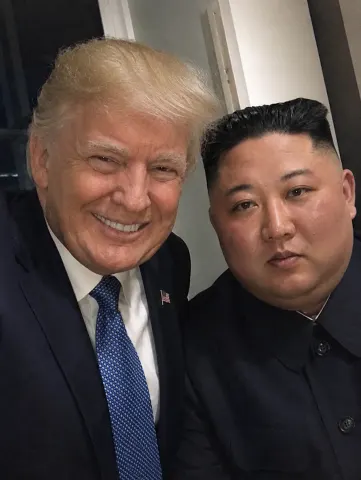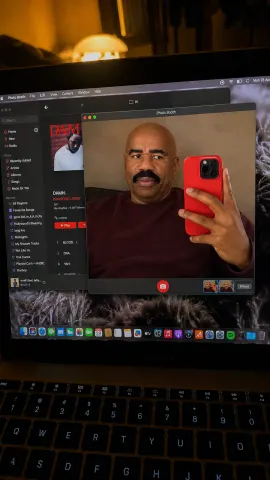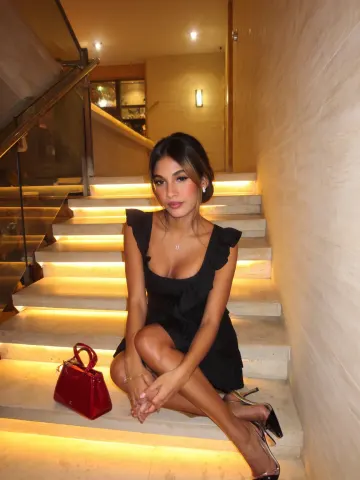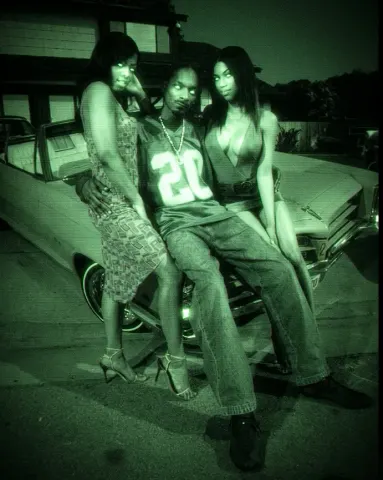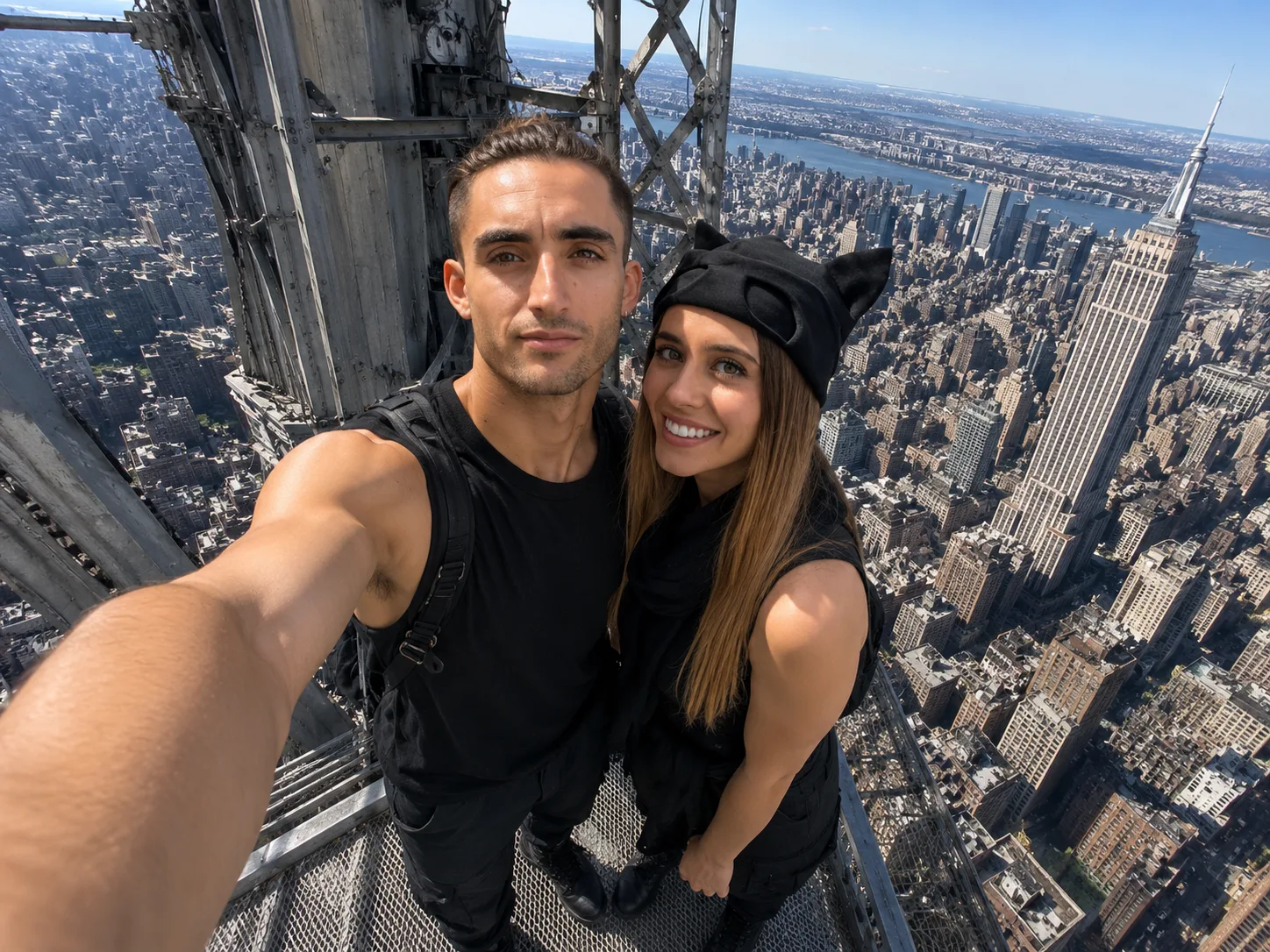
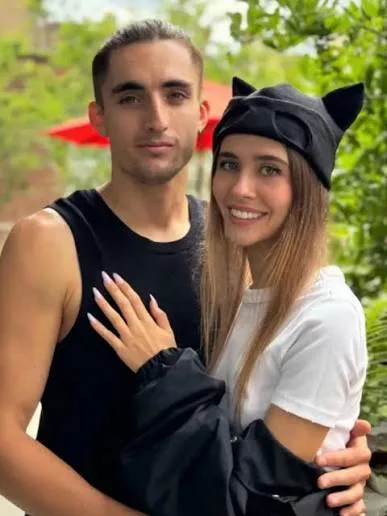
drag to compare — this is a real result from this exact prompt
Hyper-Realistic iPhone Snapshot Generator
10 steals· updated sep 2026
Full prompt
iPhone front camera selfie, use the uploaded reference images only for the identities of the two people, preserving their facial features, hairstyles, body proportions, and overall appearance. Do not copy the clothing from the reference images. Dress them in coordinated black streetwear inspired by urban climbing aesthetics: black cargo pants, black sleeveless tops, combat boots, one person wearing a black cap, the other with a black scarf loosely around the neck, faces fully visible. The two people are taking a spontaneous selfie from the very top maintenance platform of the Empire State Building, standing on the small exposed steel platform directly beneath the antenna, with no tourists or other people visible anywhere. Massive steel framework surrounds them while the Manhattan skyline stretches far below in every direction, emphasizing the extreme height. One person holds the phone naturally at arm's length using the front camera. They lean slightly toward each other, looking directly at the screen instead of the lens, with relaxed expressions as if capturing a quick memory rather than posing. Authentic iPhone front camera look, 24-26mm equivalent ultra-wide lens, slight barrel distortion around the edges, visible outstretched arm, natural hand position, imperfect framing, slight horizon tilt, casual crop, tiny finger shadow near one corner, subtle HDR processing, slightly over-sharpened smartphone details, realistic skin texture with pores and small imperfections, wind-blown hair, clothing wrinkles, mild highlights from harsh midday sun, realistic auto exposure, slightly lifted shadows, faint lens smudging, minimal digital noise, natural color science, looks like an unedited iPhone selfie posted straight from the camera roll, photorealistic, candid, not professional, not cinematic, not influencer-style, believable tourist snapshot.
How to use — free
01
Steal the prompt
Hit the button — the full prompt is on your clipboard.
02
Open Gemini or ChatGPT
Start a new chat and attach a clear photo of yourself (face visible, good light).
03
Paste & generate
Paste the prompt, send, and download your result. Tweak words to taste.
Questions
Is the Hyper-Realistic iPhone Snapshot Generator prompt free?
Yes — completely free. No login, no credits, no paywall. Click the copy button and the full prompt is yours.
Which AI tools work with the Hyper-Realistic iPhone Snapshot Generator prompt?
It's tested with Gemini and ChatGPT. Attach a clear photo of yourself, paste the prompt, and generate.
Can I edit the prompt?
Absolutely — that's the point. Swap any clause (lighting, mood, film stock, setting) to make the result yours.