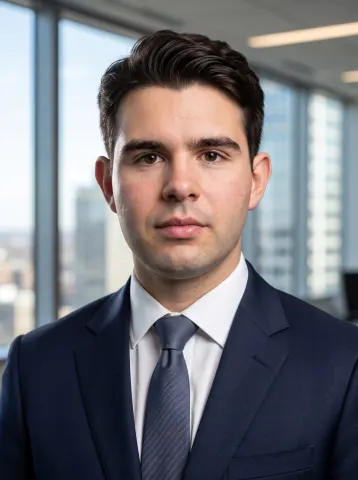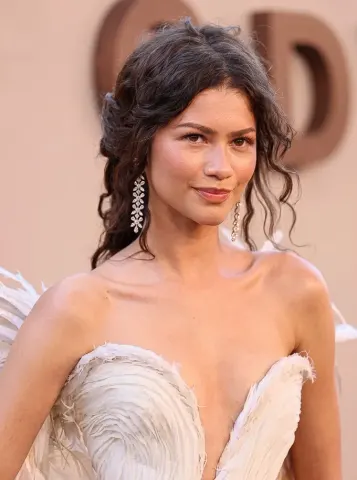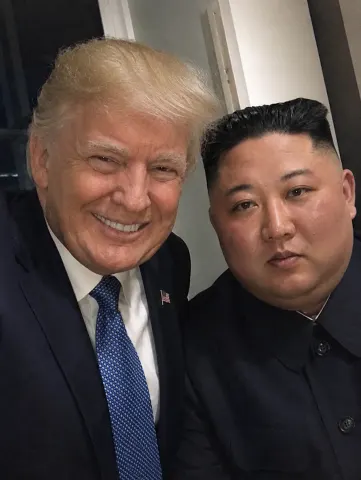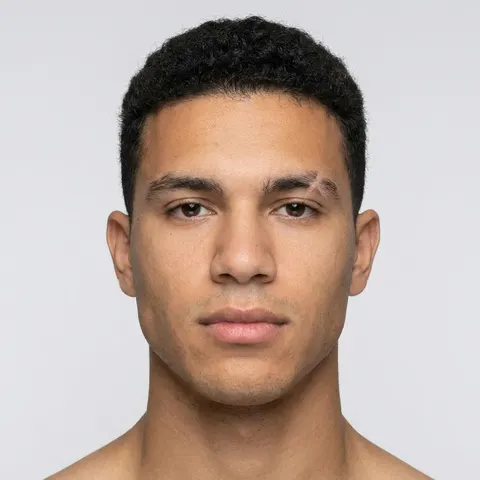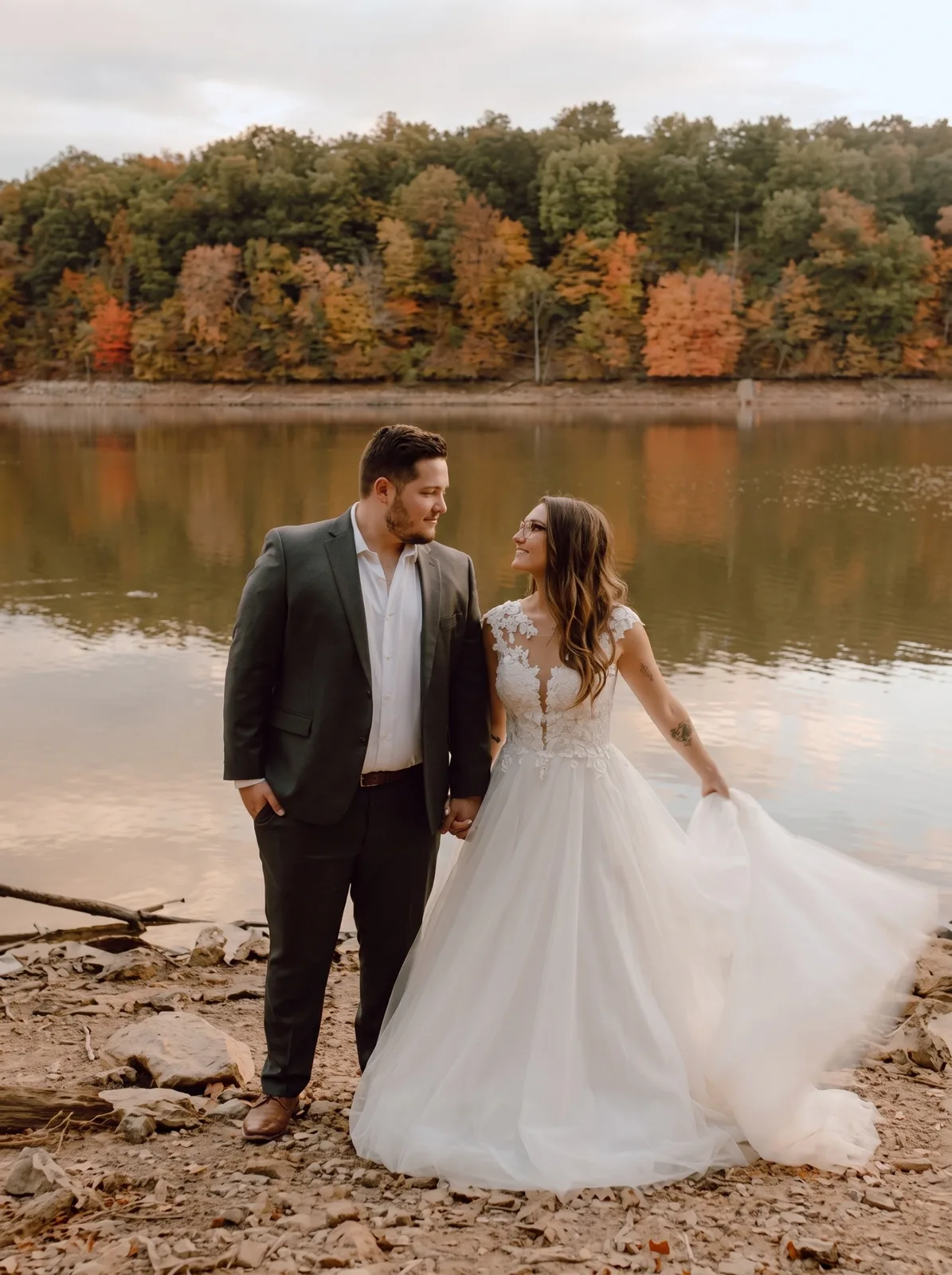
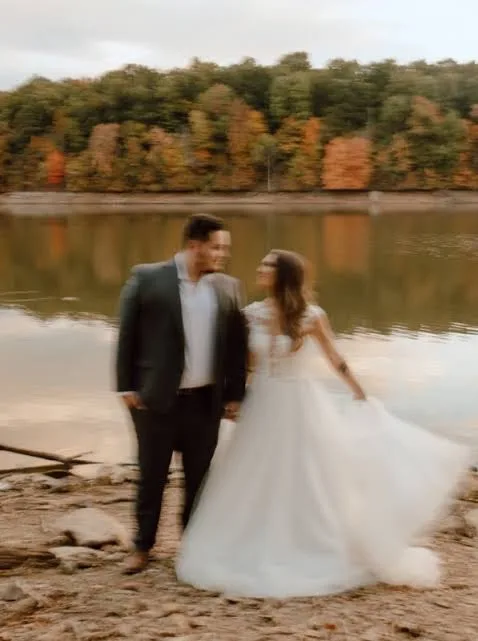
drag to compare — this is a real result from this exact prompt
Fix a Slightly Blurry Photo
0 steals· updated sep 2026
Full prompt
Fix the blur and lack of focus in this uploaded photo while keeping the subject, scene, composition, and all content completely unchanged. Identify the type of blur present — motion blur from camera shake, subject motion blur from the subject moving, or focus blur from the camera focusing on the wrong plane — and correct it appropriately.

Sharpen the entire image to restore crisp detail and clarity. Facial features should become clearly defined with sharp edges on the eyes, eyebrows, lips, and jawline. Text in the background should become readable if it was slightly soft. Fabric textures, hair strands, and fine details should become visible and defined.

Reduce any motion blur streaking so that edges are clean and stationary-looking. If the background was intentionally blurred with depth of field, preserve that creative blur while sharpening only the intended subject.

Do not over-sharpen to the point of creating unnatural halos, grainy artifacts, or noise amplification — the sharpening should look natural as if the photo was simply taken in perfect focus with a steady hand.

Skin texture should be enhanced to be realistic and detailed, not smoothed. The final result should look like the photo was captured in perfect focus with no camera shake: sharp, clear, detailed, and properly focused on the intended subject.

Important: only recover detail that is genuinely present in the image. Do not invent or hallucinate facial detail that was never captured — if an area is too blurred to recover honestly, leave it soft rather than fabricating features. Keeping the person recognisably themselves matters more than maximum sharpness.
How to use — free
01
Note from the curator
Be realistic about what this can rescue, because no AI tool can do more. It works well on a photo that is slightly soft — mild camera shake, a face just off the focus plane, or a shot that lost crispness after being sent through WhatsApp or Instagram. It cannot rebuild a badly out-of-focus or heavily motion-blurred photo: that detail was never captured, so anything an AI "recovers" there is invented, and it will look like a different person. If your photo is very blurry, the honest answer is that it can't be saved. If the result looks plasticky or the face drifts, re-run it and add "do not invent detail that isn't in the original; keep the face identical".
02
Steal the prompt
Hit the button — the full prompt is on your clipboard.
03
Open Gemini or ChatGPT
Start a new chat and attach a clear photo of yourself (face visible, good light).
04
Paste & generate
Paste the prompt, send, and download your result. Tweak words to taste.
Questions
Is the Fix a Slightly Blurry Photo prompt free?
Yes — completely free. No login, no credits, no paywall. Click the copy button and the full prompt is yours.
Which AI tools work with the Fix a Slightly Blurry Photo prompt?
It's tested with Gemini and ChatGPT. Attach a clear photo of yourself, paste the prompt, and generate.
Can I edit the prompt?
Absolutely — that's the point. Swap any clause (lighting, mood, film stock, setting) to make the result yours.