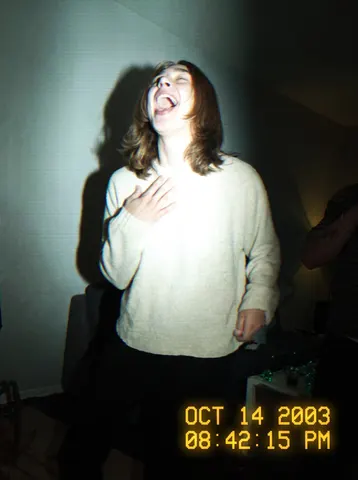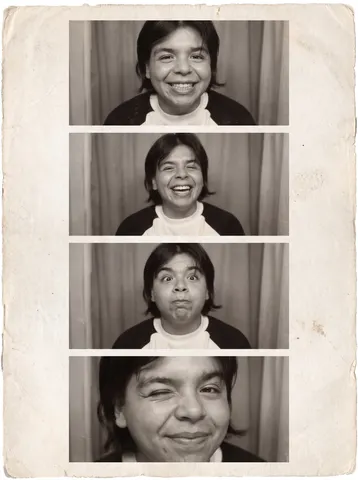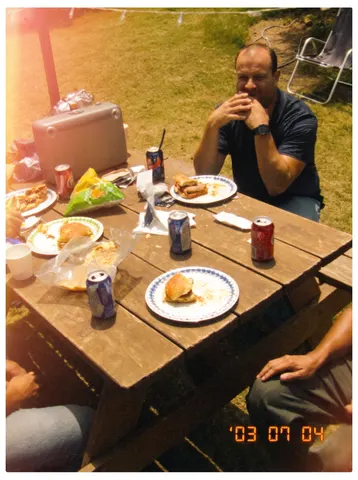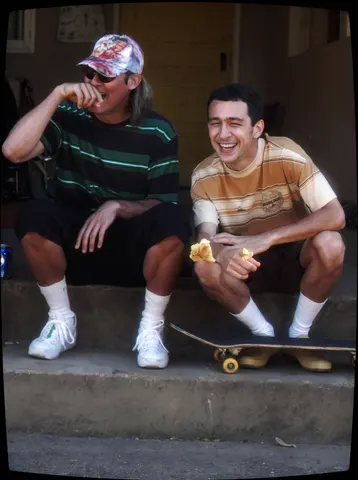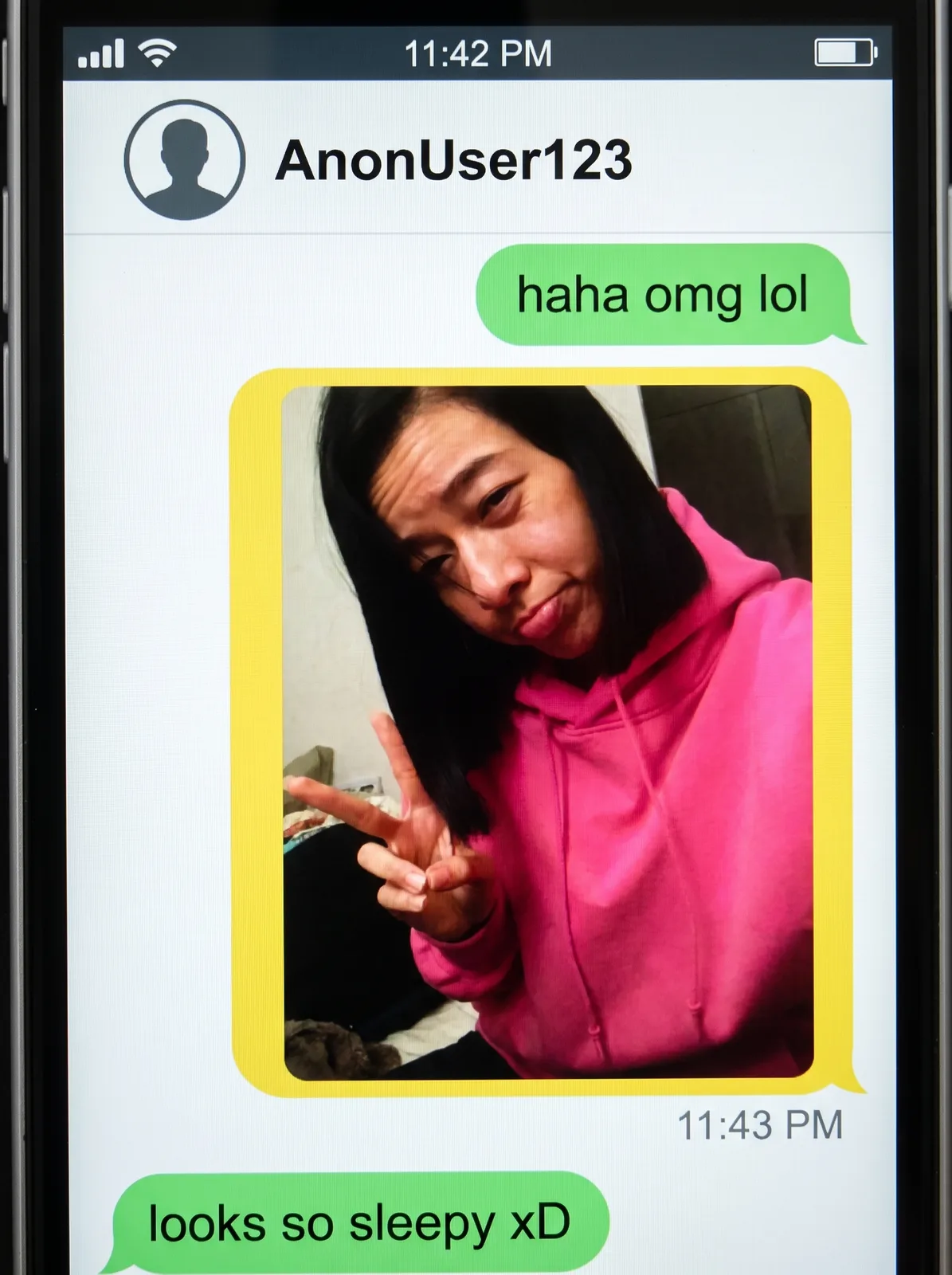
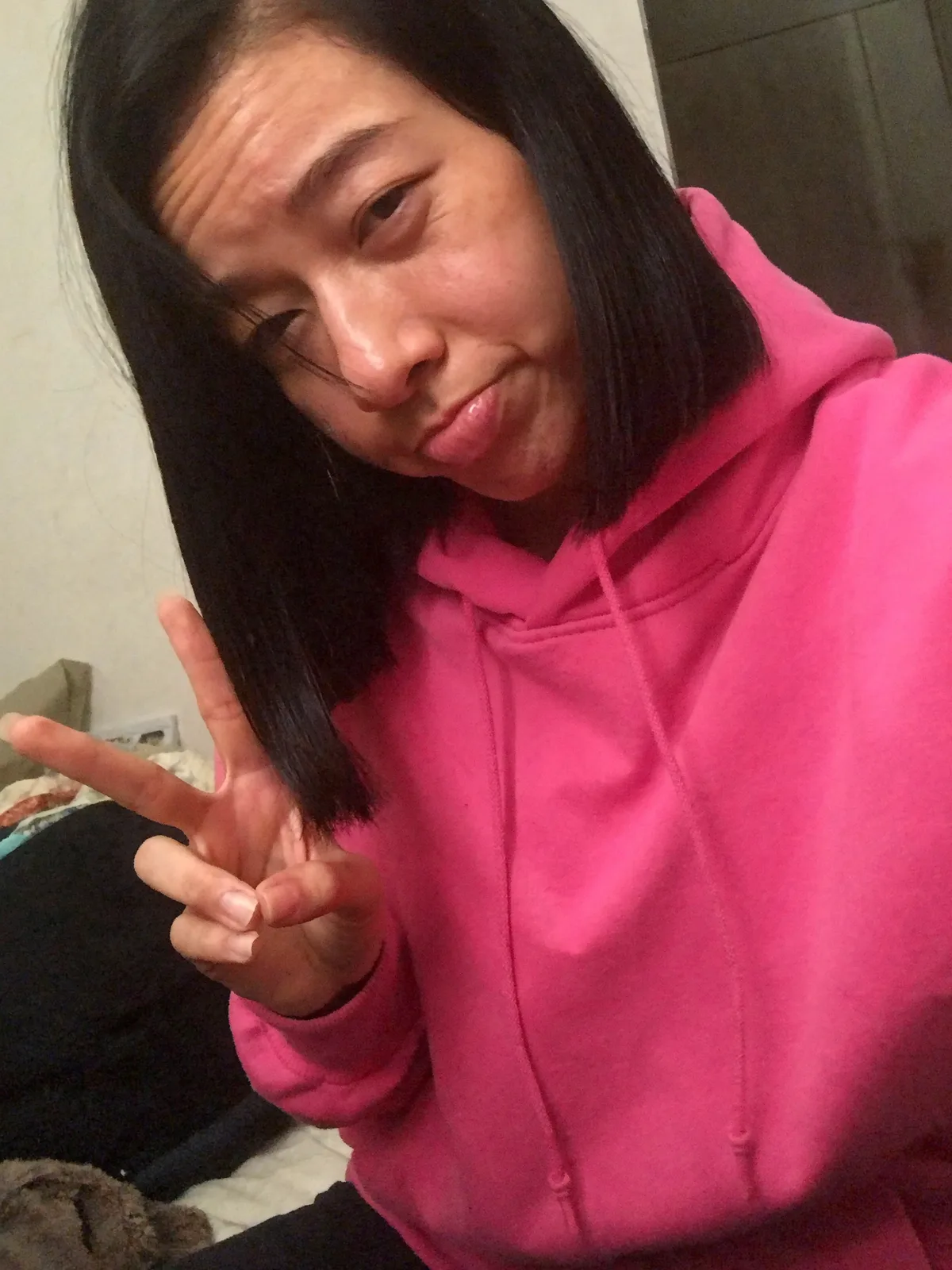
drag to compare — this is a real result from this exact prompt
Retro Chat Screenshot
0 steals· updated sep 2026
Full prompt
Transform this uploaded photo into a screenshot of a nostalgic mid-2010s smartphone messaging app conversation, in the style of the anonymous teen chat apps popular between 2013 and 2016. Composite the uploaded photo as a shared image inside a chat bubble in the conversation thread — keep the photo itself unedited and clearly visible inside the bubble, cropped to fit a rounded-rectangle bubble shape.

Render an authentic period smartphone status bar at the top (generic signal bars, a plain battery icon, a placeholder time like "11:42 PM") and a simple flat-design chat header bar with a plain circular avatar silhouette and a short generic anonymous username (invented, not a real name or real app name). Style the chat bubbles with the flat, rounded, brightly colored green and yellow speech-bubble look typical of that mid-2010s messenger era — one short casual text bubble above the photo bubble and one below it, generic conversational text only, plus a small timestamp beneath the image bubble.

Keep the whole screenshot looking like a real, slightly low-res phone screengrab: flat UI elements, a plain smartphone bezel edge at the very border, subtle screen glare, and mild compression artifacting consistent with a saved and re-shared screenshot. Do not use any real messaging app's actual name, logo, icon set, or exact interface design — invent a plausible but entirely generic chat UI. Do not add any other real brand names, logos, or trademarks anywhere in the frame.

The final result should look like an authentic saved screenshot from a nostalgic 2013-2016 era teen messaging app conversation.
How to use — free
01
Note from the curator
Best source: a plain-color hoodie selfie with an unambiguously adult-looking subject — the plan item's angle evoked a specific anonymous teen-chat app of the 2013-2016 era, so the first source-photo pass (styled younger) was dropped and regenerated with explicit adult facial maturity to keep the format clearly about nostalgia, not youth. Generation passed clean on the first attempt once told to invent a generic username and forbid any real app name, logo, or icon — the model otherwise defaults toward a recognizable real messenger's exact bubble color and icon style.
02
Steal the prompt
Hit the button — the full prompt is on your clipboard.
03
Open Gemini or ChatGPT
Start a new chat and attach a clear photo of yourself (face visible, good light).
04
Paste & generate
Paste the prompt, send, and download your result. Tweak words to taste.
Questions
Is the Retro Chat Screenshot prompt free?
Yes — completely free. No login, no credits, no paywall. Click the copy button and the full prompt is yours.
Which AI tools work with the Retro Chat Screenshot prompt?
It's tested with Gemini and ChatGPT. Attach a clear photo of yourself, paste the prompt, and generate.
Can I edit the prompt?
Absolutely — that's the point. Swap any clause (lighting, mood, film stock, setting) to make the result yours.