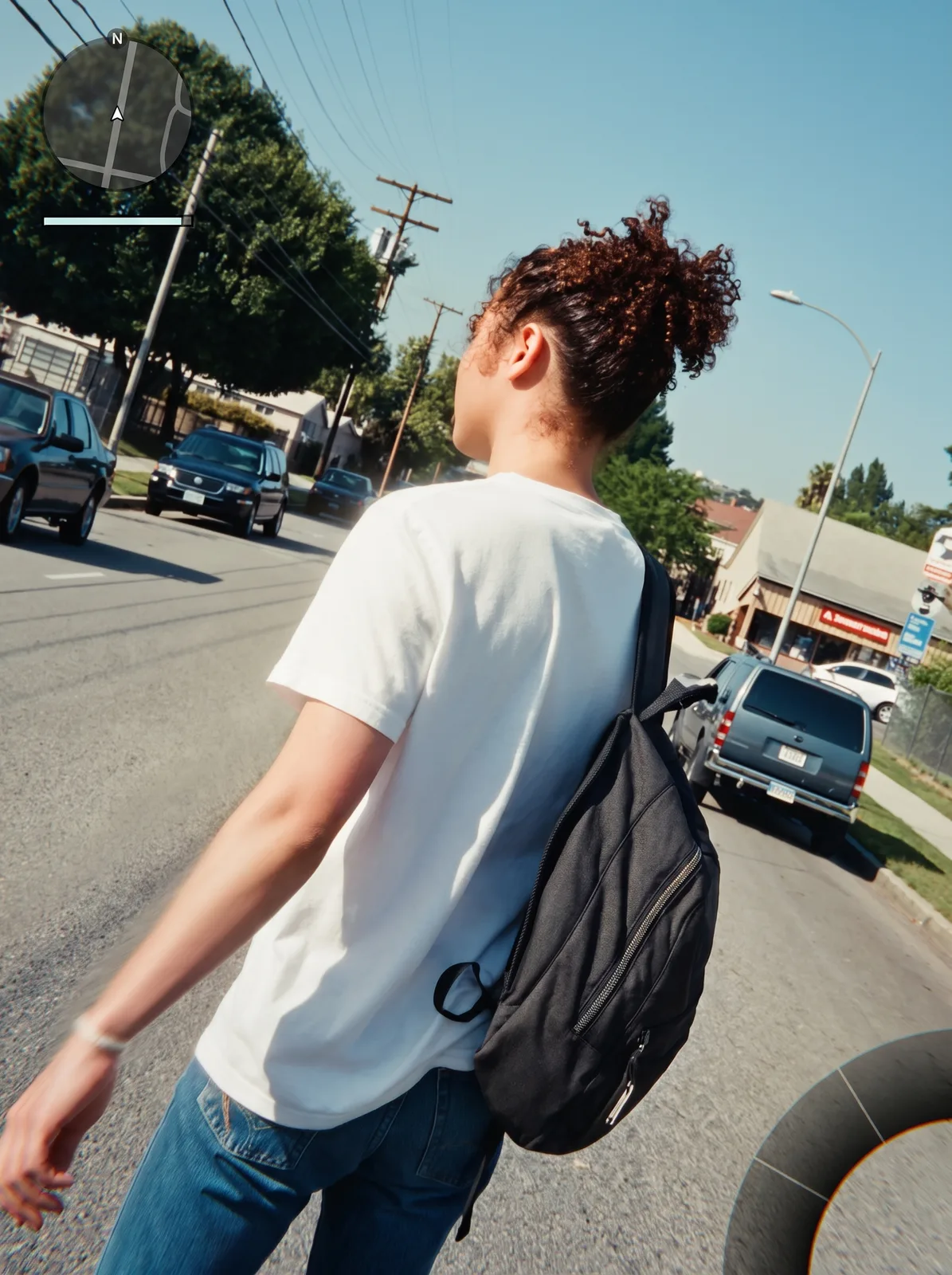
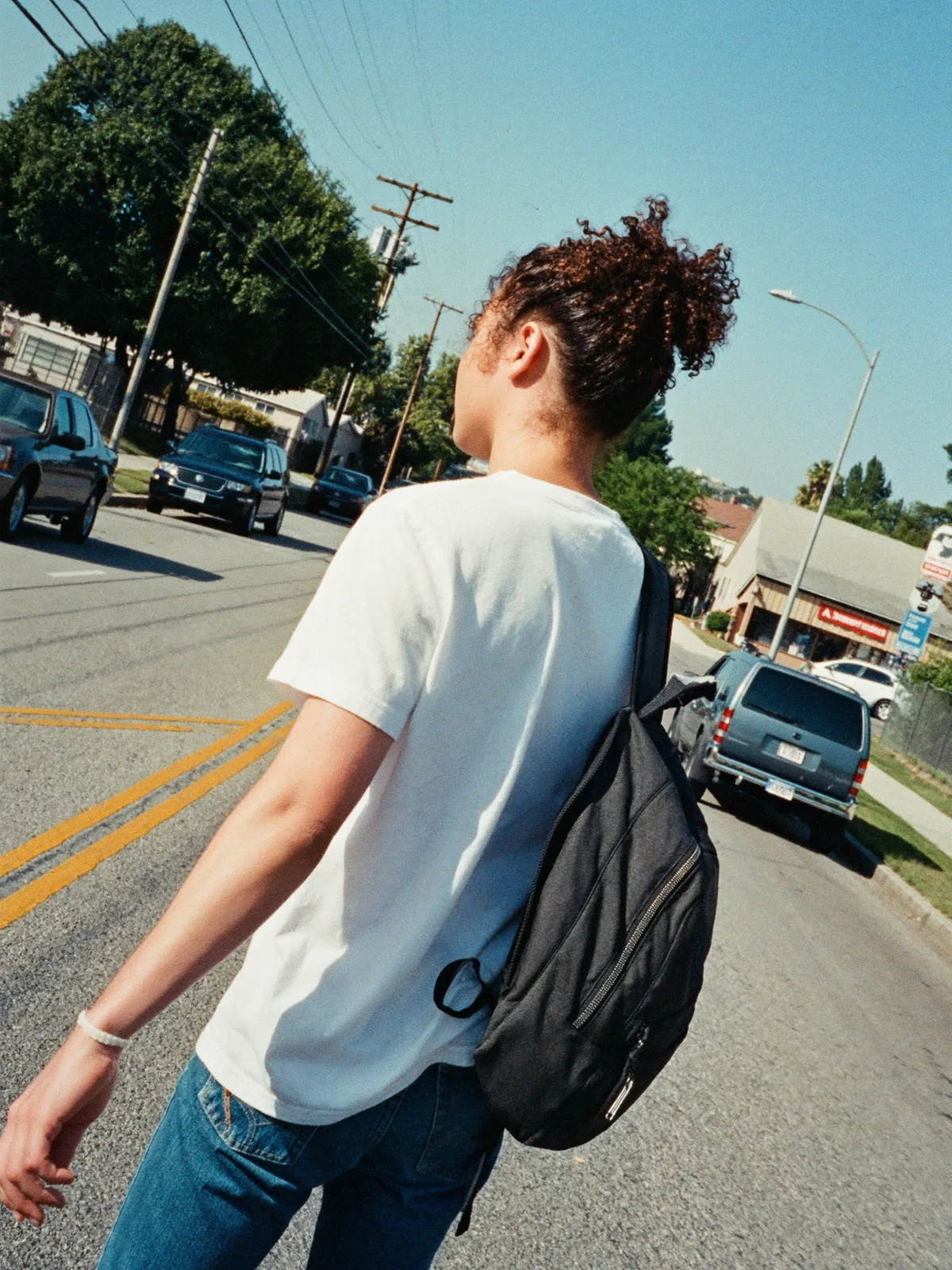
drag to compare — this is a real result from this exact prompt
In-Game Screenshot
0 steals· updated sep 2026
Full prompt
Recompose this uploaded photo into a third-person open-world video game screenshot, as if captured mid-gameplay from an over-the-shoulder chase camera positioned just behind and above the subject's shoulder.

Render the scene with photoreal game-engine lighting: subtly heightened contrast, slight bloom on bright highlights, faint chromatic edges, and light directional motion blur trailing off the subject's back foot and swinging arm to suggest forward movement. Add a minimal HUD overlay: a small circular minimap in the top-left corner with a simple direction blip, a slim health/stamina bar beneath it, and the curved edge of a weapon/item wheel just visible fading in at the frame's bottom-right corner. Keep all HUD elements simple placeholder shapes with no readable text, brand names, or logos.

Preserve the subject's identity, body proportions, hairstyle, clothing, and pose exactly as in the source photo — this is a re-render of the same person on the same street, not a new scene or a different person. Keep the same camera framing, distance, time of day, and lighting direction, only reinterpreted with engine-render textures. Avoid plastic or waxy skin, avoid warped hands or feet, and keep fabric and skin texture with natural grain intact.

The final result should look like a real paused screenshot from a next-gen open-world crime game — same person, same street, now rendered in-engine with HUD elements and cinematic motion blur.
How to use — free
01
Steal the prompt
Hit the button — the full prompt is on your clipboard.
02
Open Gemini or ChatGPT
Start a new chat and attach a clear photo of yourself (face visible, good light).
03
Paste & generate
Paste the prompt, send, and download your result. Tweak words to taste.
Questions
Is the In-Game Screenshot prompt free?
Yes — completely free. No login, no credits, no paywall. Click the copy button and the full prompt is yours.
Which AI tools work with the In-Game Screenshot prompt?
It's tested with Gemini and ChatGPT. Attach a clear photo of yourself, paste the prompt, and generate.
Can I edit the prompt?
Absolutely — that's the point. Swap any clause (lighting, mood, film stock, setting) to make the result yours.