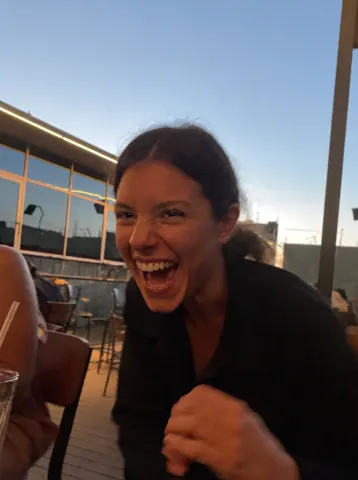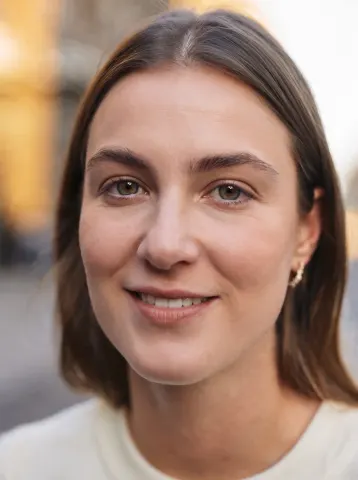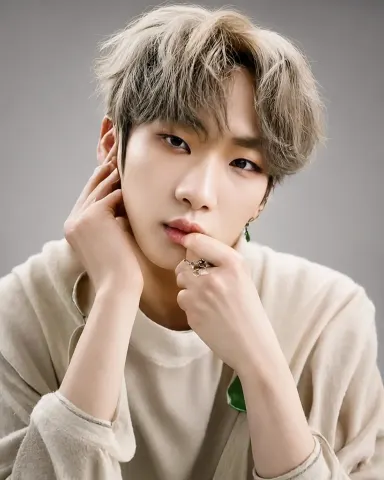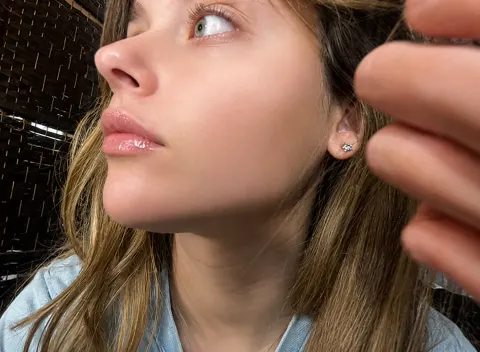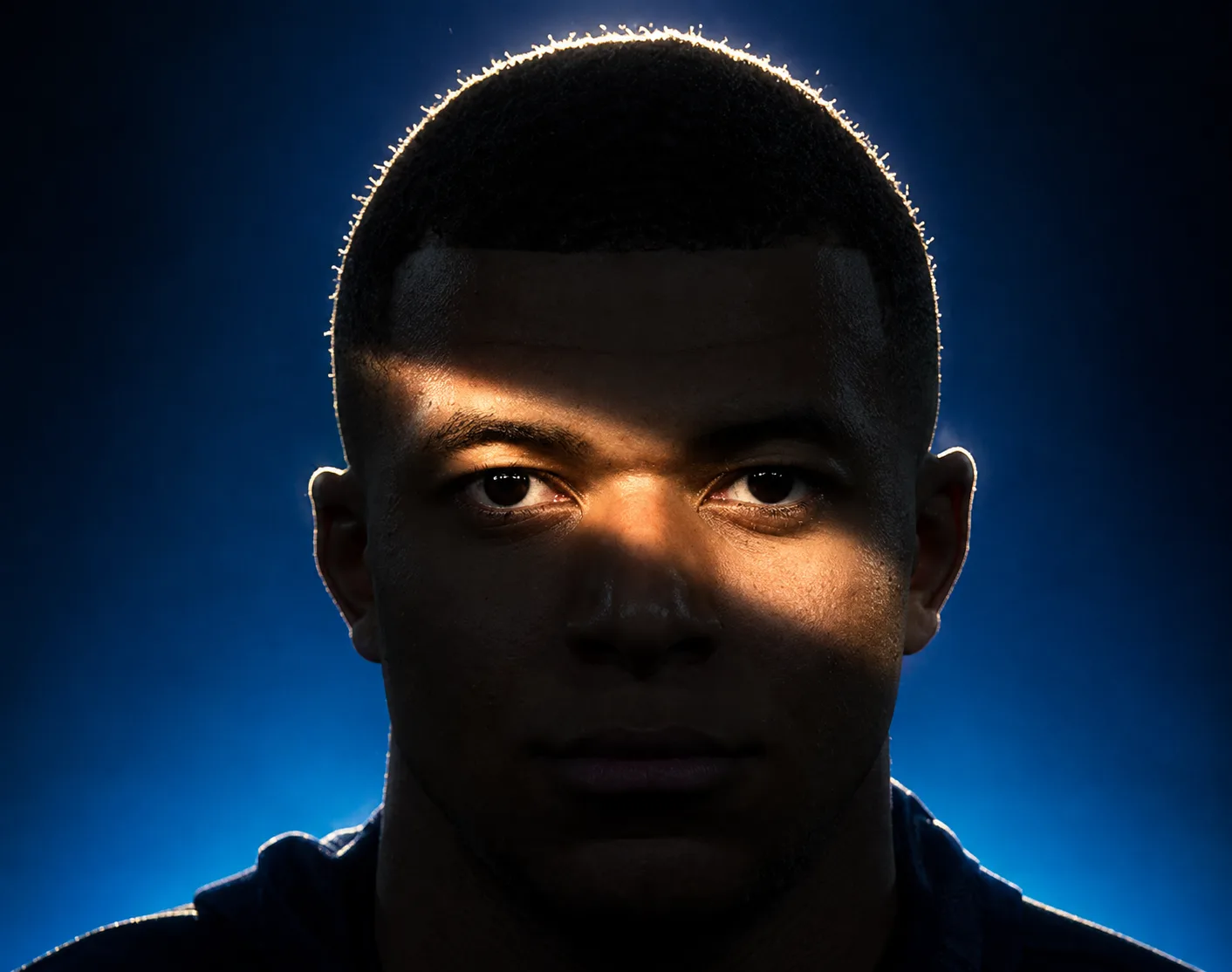
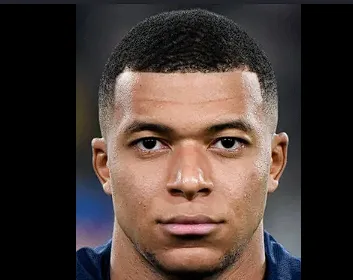
drag to compare — this is a real result from this exact prompt
In the Shadows
4 steals· updated sep 2026
Full prompt
Use the first image as the base image. Preserve the exact facial structure, features, proportions, expression, gaze, pose, camera distance, framing, hairstyle, and clothing with zero alterations. Do not reshape or reinterpret the subject in any way. Completely relight the scene using dramatic low-key cinematic lighting. The face falls mostly into deep shadow, with one defining element: a narrow diagonal band of hard light cutting across the face at the eye level, entering from the upper left and descending toward the lower right, illuminating the left brow, both eyes, the bridge of the nose, and the top of the right cheekbone, like a slash of light across an otherwise darkened face. The edges of this light band are defined but naturally feathered, as if cast through a narrow opening, with realistic falloff. Everything outside the band — forehead, lower cheeks, mouth, jaw, neck, and torso — sinks into near-black shadow while retaining subtle detail in the darks. Eyes remain sharp and luminous inside the lit band, acting as the absolute focal point. Add a hard light source positioned high and behind the subject creating a bright rim of light tracing the outline of the hair, catching individual backlit strands and separating the silhouette from the background with a warm glowing halo that conveys depth. Skin texture stays natural and detailed in the lit areas, no artificial smoothing. Replace the background with a deep blue gradient, brighter toward the lower frame and darkening toward the upper corners, with a subtle atmospheric glow behind the head reinforcing the rim light. Moody chiaroscuro editorial portrait aesthetic, crushed blacks with retained detail, gentle bloom on the brightest highlights, cinematic color grade of cool blue tones contrasted with warm skin highlights.
How to use — free
01
Steal the prompt
Hit the button — the full prompt is on your clipboard.
02
Open Gemini or ChatGPT
Start a new chat and attach a clear photo of yourself (face visible, good light).
03
Paste & generate
Paste the prompt, send, and download your result. Tweak words to taste.
Questions
Is the In the Shadows prompt free?
Yes — completely free. No login, no credits, no paywall. Click the copy button and the full prompt is yours.
Which AI tools work with the In the Shadows prompt?
It's tested with Gemini and ChatGPT. Attach a clear photo of yourself, paste the prompt, and generate.
Can I edit the prompt?
Absolutely — that's the point. Swap any clause (lighting, mood, film stock, setting) to make the result yours.