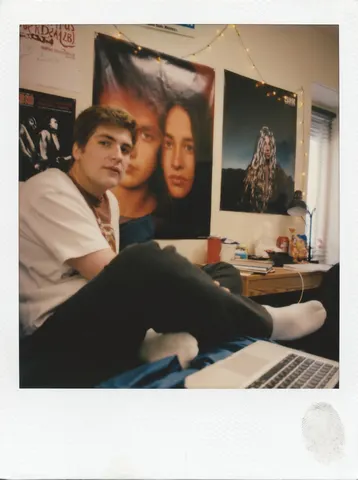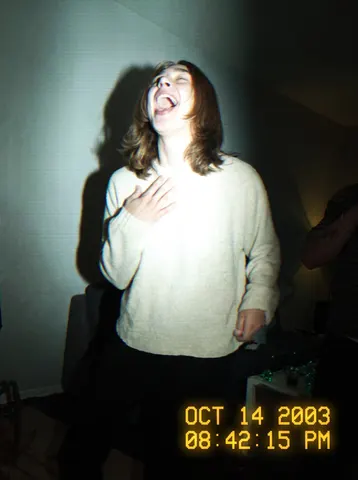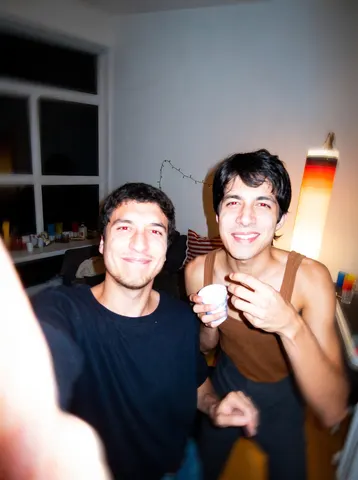

drag to compare — this is a real result from this exact prompt
Vsco Square Fade
0 steals· updated sep 2026
Full prompt
Transform this uploaded photo into a classic 2016-era VSCO square photo, presented as a printed photo card. Crop the visible photograph itself into a clean square, and mount it with a thick, even white border/mat on all sides so the whole card fills the frame, with slightly more white space at the bottom like a printed VSCO export.

Apply a washed-out VSCO-style fade to the square photo: lift the blacks slightly, desaturate warm tones just a touch, and add a soft, cool-leaning color grade reminiscent of the A6 or HB2 filter era — muted greens, faded skin tones, and a gentle matte contrast curve.

Preserve the subject's identity, pose, and composition from the original photo exactly — only the color grade, square crop, and white mat border should change. Do not smooth or plasticize the skin, keep natural texture and a light film-like grain, and don't add any real app UI, logos, or watermark text anywhere in the image. Remove or blur any illegible text or graphic on clothing so nothing reads as a logo or brand mark.

The final result should look like an authentic 2016 VSCO square export mounted as a printed photo card, faded and nostalgic, with the thick white border framing an unmistakably real photo.
How to use — free
01
Steal the prompt
Hit the button — the full prompt is on your clipboard.
02
Open Gemini or ChatGPT
Start a new chat and attach a clear photo of yourself (face visible, good light).
03
Paste & generate
Paste the prompt, send, and download your result. Tweak words to taste.
Questions
Is the Vsco Square Fade prompt free?
Yes — completely free. No login, no credits, no paywall. Click the copy button and the full prompt is yours.
Which AI tools work with the Vsco Square Fade prompt?
It's tested with Gemini and ChatGPT. Attach a clear photo of yourself, paste the prompt, and generate.
Can I edit the prompt?
Absolutely — that's the point. Swap any clause (lighting, mood, film stock, setting) to make the result yours.