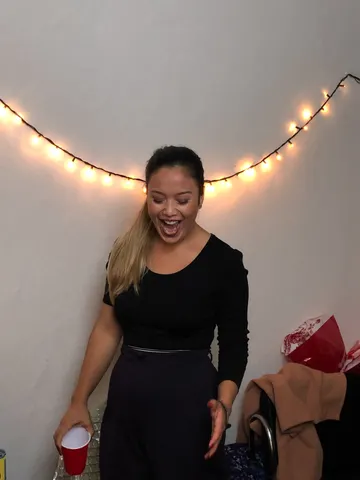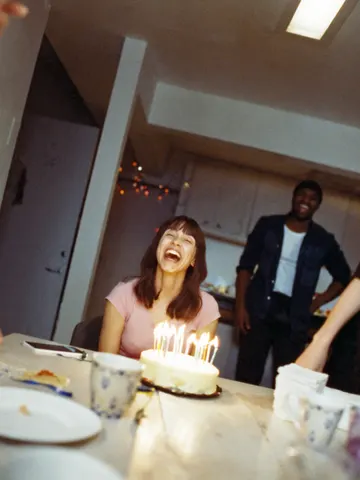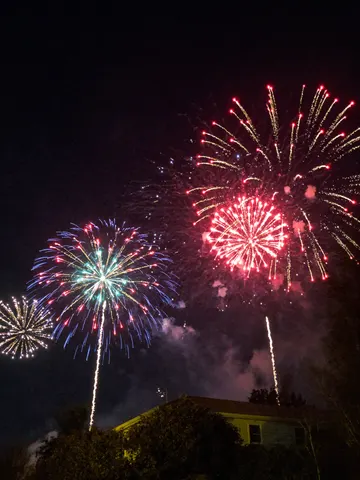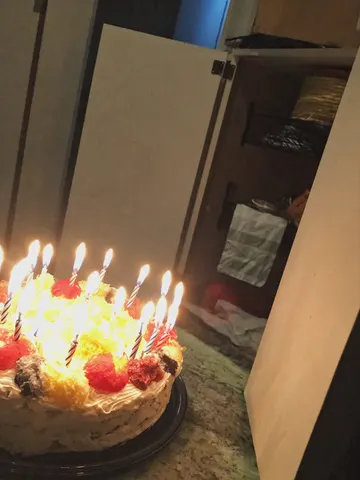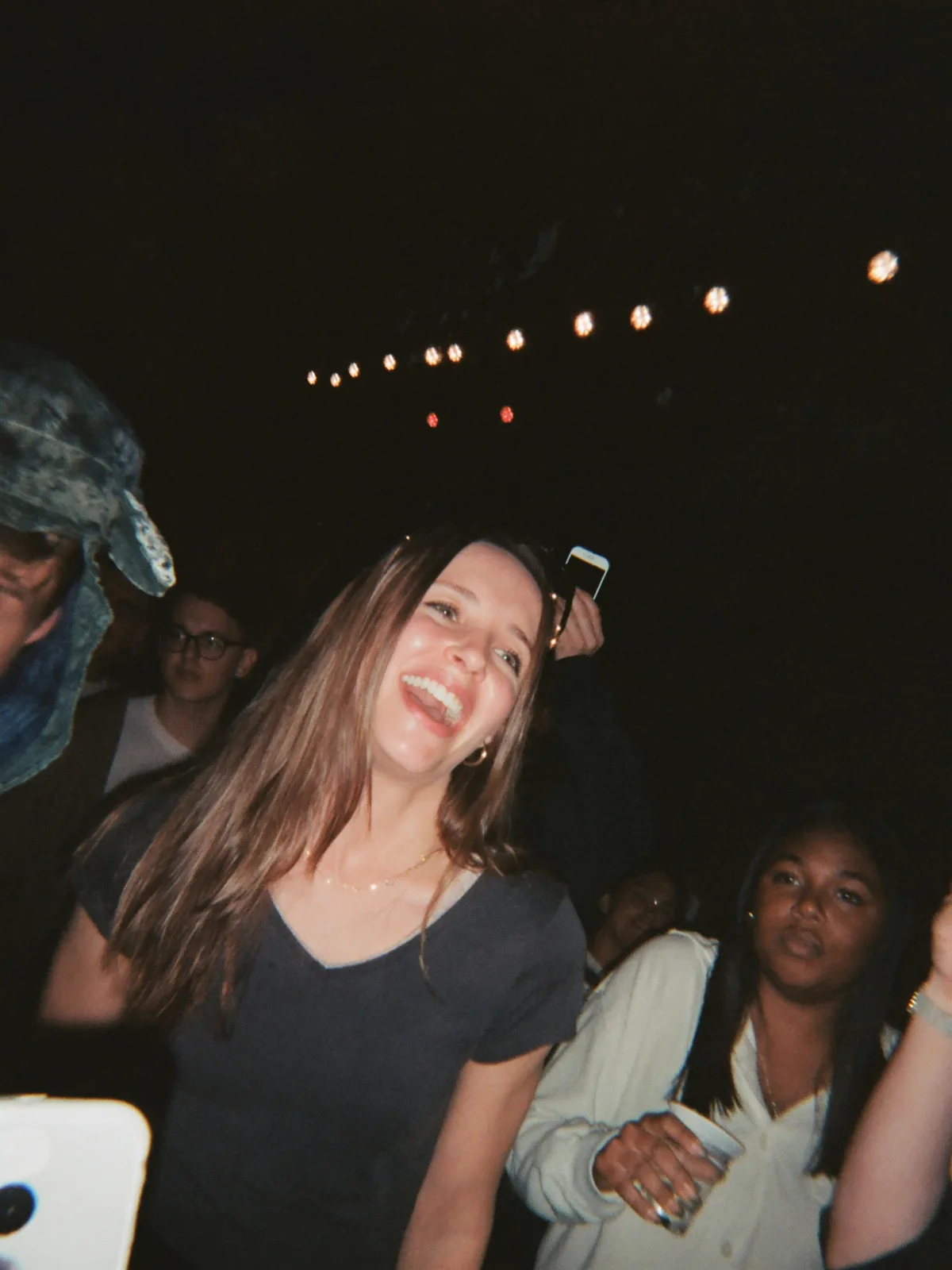
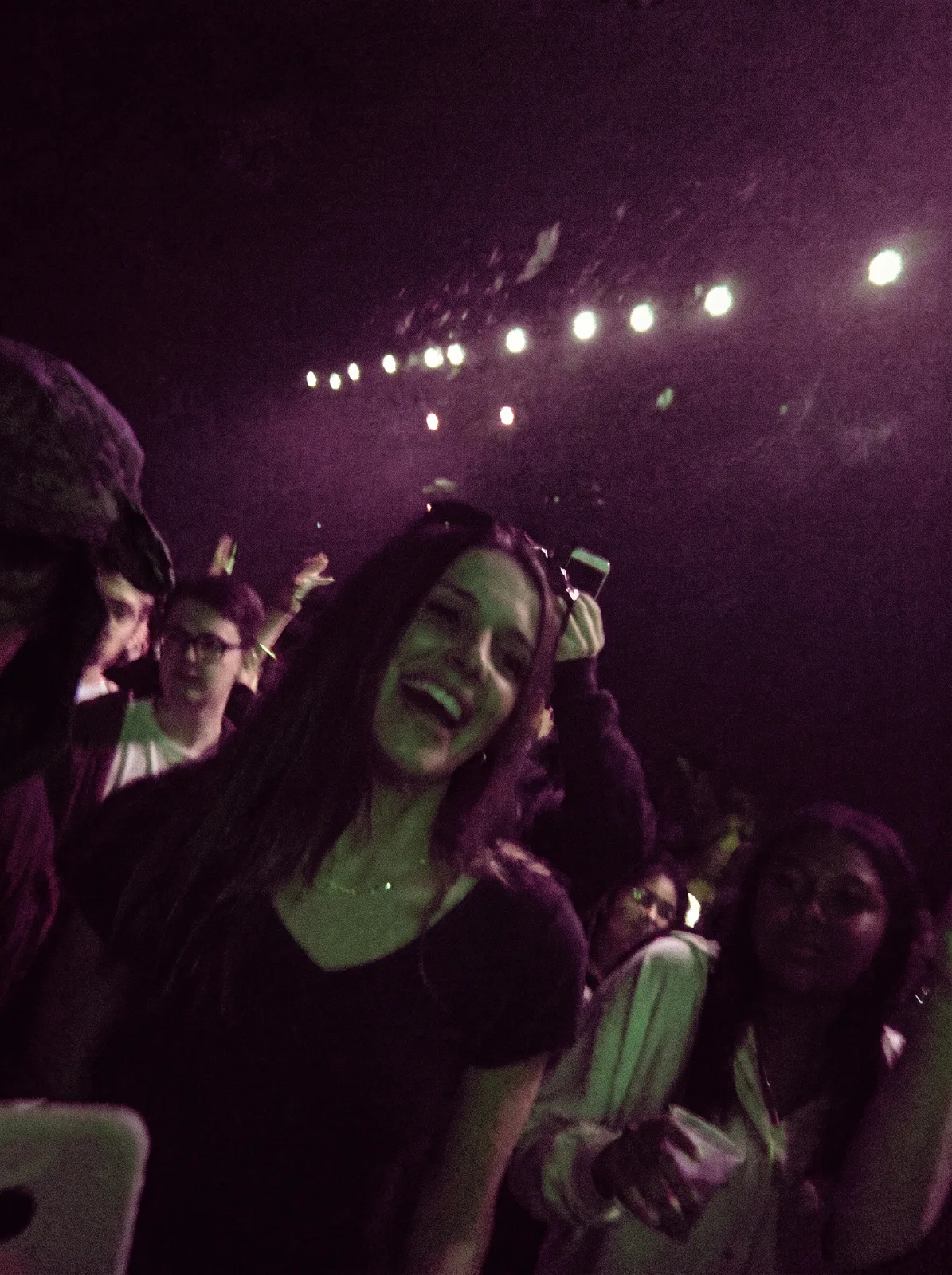
drag to compare — this is a real result from this exact prompt
Concert Photo Fix
1 steals· updated sep 2026
Full prompt
Fix the wrecked lighting in this uploaded photo. Concert and live-show shots taken on a phone almost always come out with a muddy color cast from the stage lights, crushed shadows, motion blur from the crowd swaying, and a grainy, noisy texture that hides the person's face. Correct the exposure and white balance so skin tones read true and natural again, sharpen the subject enough to be clearly recognizable, and calm the colored light wash into clean, separated hues instead of one bleeding blob of purple, red, or green.

Keep the subject's identity, pose, expression, and exact position in the frame completely unchanged — this is a lighting and clarity correction, not a re-pose or a re-composition. Preserve the venue, crowd, stage, and any visible performers or lighting rig exactly as they are; do not invent new background elements, signage, or people. Keep the framing and camera angle identical to the original.

Avoid over-smoothing skin or turning the photo into a flat, plastic-looking render — retain natural skin texture, fine grain, and a bit of realistic noise so it still reads as a real phone photo, not an airbrushed edit. Do not add lens flares, bloom, or any stylized cinematic color grade; the goal is clarity and accuracy, not a new look.

The final result should look like a sharp, true-color phone photo from the show — like it was actually shot on a better camera in better light, not edited.
How to use — free
01
Steal the prompt
Hit the button — the full prompt is on your clipboard.
02
Open Gemini or ChatGPT
Start a new chat and attach a clear photo of yourself (face visible, good light).
03
Paste & generate
Paste the prompt, send, and download your result. Tweak words to taste.
Questions
Is the Concert Photo Fix prompt free?
Yes — completely free. No login, no credits, no paywall. Click the copy button and the full prompt is yours.
Which AI tools work with the Concert Photo Fix prompt?
It's tested with Gemini and ChatGPT. Attach a clear photo of yourself, paste the prompt, and generate.
Can I edit the prompt?
Absolutely — that's the point. Swap any clause (lighting, mood, film stock, setting) to make the result yours.