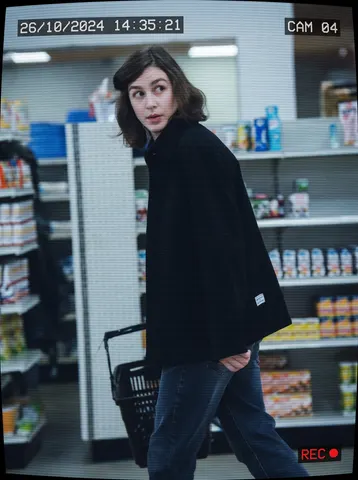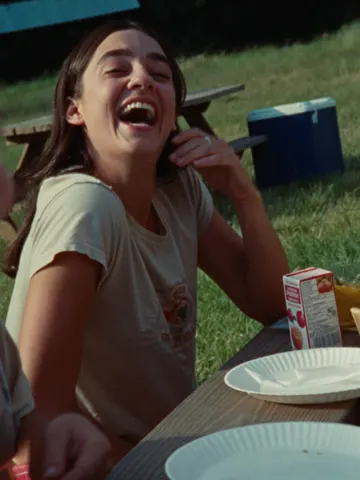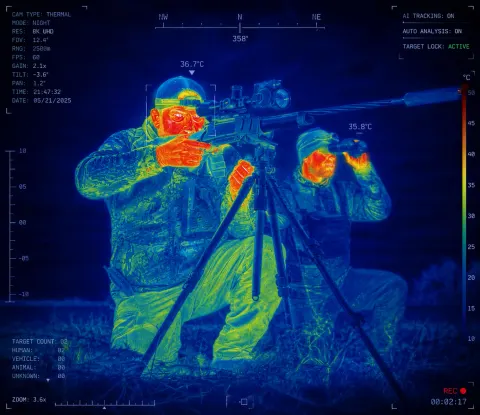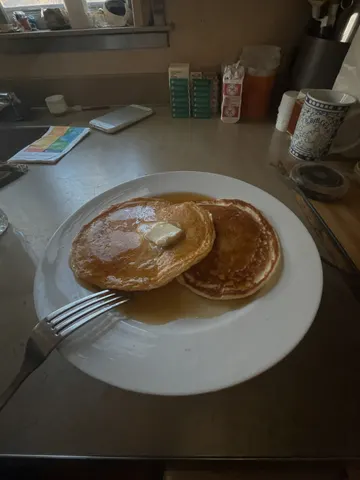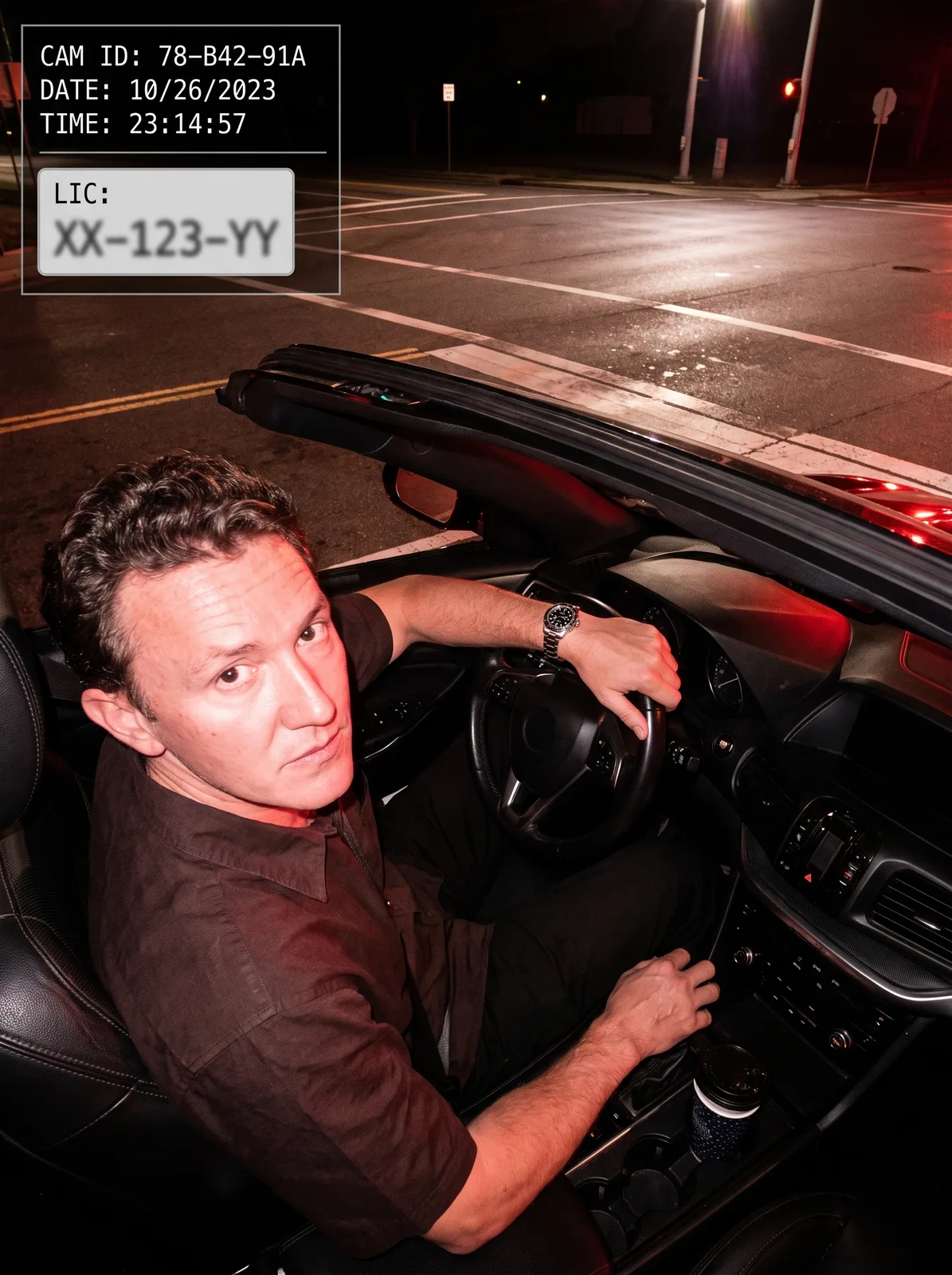
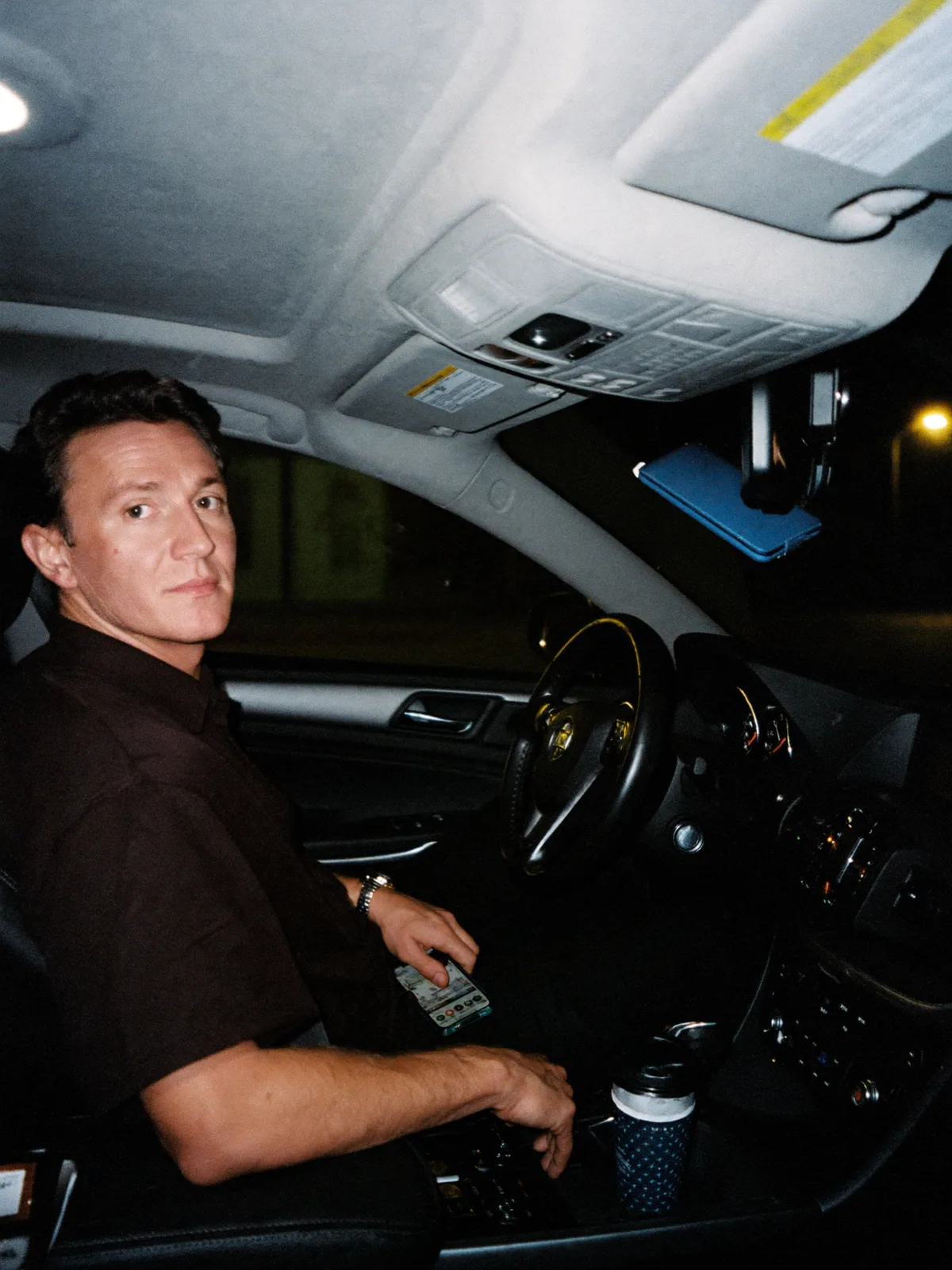
drag to compare — this is a real result from this exact prompt
Traffic Light Camera Flash
0 steals· updated sep 2026
Full prompt
Transform this uploaded photo into a red-light traffic camera capture. Keep the person's identity, face, and outfit exactly as shown in the original photo — do not change their features, clothing, or pose. Remove any phone, phone mount, or personal device from view; show only the driver and the car interior.

Render the scene as if captured mid-flash by a red-light or speed camera mounted above an intersection: add a harsh white flash-lit look with slightly blown highlights and a raised, wide-angle downward camera angle looking through the windshield toward the subject. Overlay a graphic HUD readout in one corner with a simulated date/time stamp, a fake camera ID code, and a blurred-out generic license-plate style rectangle — invent all numbers and text, no real plate numbers, and no real car brand logos, badges, or emblems anywhere on the vehicle or dashboard.

Keep the background context recognizable as a street or intersection setting, with realistic asphalt, road markings, and ambient night lighting. Do not add soft film grain, light leaks, or blur — the imperfection here comes only from the flash exposure and the graphic HUD overlay, not from texture effects. No smoothing or plastic skin; preserve real skin and fabric texture under the flash lighting.

The final result should look like an authentic red-light traffic camera still of this exact person's driving moment, complete with a graphic HUD overlay, harsh flash lighting, and zero real-world branding.
How to use — free
01
Note from the curator
Best source: a driver's-seat photo where the steering wheel badge was dark and illegible — a second candidate with a clearly readable four-ring automaker logo on the wheel was dropped outright since that logo would have been published in the before image itself. Explicitly naming "no real car brand logos, badges, or emblems on the vehicle" kept the after-image dashboard clean. The fake CAM ID / plate text rendered crisp and clearly fictional on the first try.
02
Steal the prompt
Hit the button — the full prompt is on your clipboard.
03
Open Gemini or ChatGPT
Start a new chat and attach a clear photo of yourself (face visible, good light).
04
Paste & generate
Paste the prompt, send, and download your result. Tweak words to taste.
Questions
Is the Traffic Light Camera Flash prompt free?
Yes — completely free. No login, no credits, no paywall. Click the copy button and the full prompt is yours.
Which AI tools work with the Traffic Light Camera Flash prompt?
It's tested with Gemini and ChatGPT. Attach a clear photo of yourself, paste the prompt, and generate.
Can I edit the prompt?
Absolutely — that's the point. Swap any clause (lighting, mood, film stock, setting) to make the result yours.