Every prompt in this pack, complete and copyable from this page. Open any one for the real before/after and the step-by-step.
Use the Sky Replacer prompt from the library on Image 1.
Preserve everything from the original image:
identical subject
identical pose
identical clothing
identical expression
identical framing
identical perspective
identical camera angle
identical landscape
Replace only the dull gray sky with a breathtaking golden-hour sunset featuring dramatic clouds illuminated with warm orange, pink, and soft purple tones.
Update the entire scene naturally:
realistic sunlight direction
warm highlights on the subject
accurate shadows
natural reflections on the ocean
atmospheric haze
subtle volumetric light
seamless color harmony
The final image should look as though it was originally photographed during sunset.
No text. No logos. No watermark.
Preserve absolutely everything about the original image:
identical person
identical pose
identical clothing
identical facial expression
identical lighting
identical framing
identical shadows
identical colors
identical café atmosphere
Remove only distracting clutter:
traffic cones
cables
trash
plastic bottles
signs
parked scooter
messy tables
loose objects
random bags
construction barriers
cigarette butts
unnecessary street clutter
Naturally reconstruct every removed area using surrounding pavement, tables, walls, plants, chairs, and architectural textures.
The finished image should feel like the exact same café moments after someone professionally cleaned the scene.
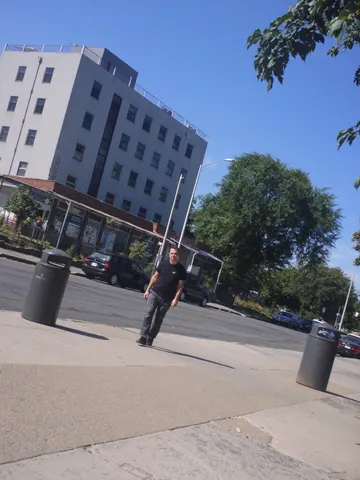
Use the Tourist Remover prompt from the library on Image 1.
The generated image must preserve every aspect of the original photograph:
identical woman
identical face
identical pose
identical clothing
identical expression
identical hairstyle
identical camera angle
identical framing
identical lighting
identical shadows
identical colors
Remove every tourist from the background while naturally reconstructing the environment by extending pavement, architecture, sky, foliage, distant buildings, and environmental textures. Maintain perfect perspective, lighting direction, depth of field, grain, and color consistency.
The final image should appear as though the location was completely empty when photographed.
No text. No logos. No watermark.
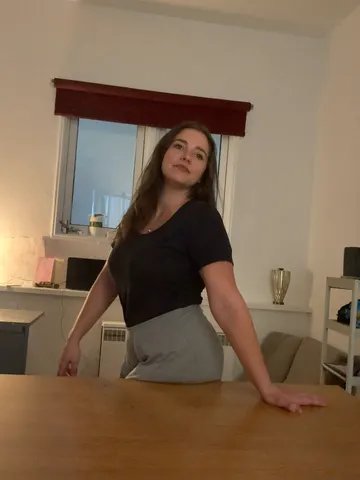
Look closely at this uploaded photo and remove any visible deodorant or antiperspirant residue marks from the fabric under the arms. Rebuild the clothing texture, color, and weave pattern underneath the marks exactly as it would look if the fabric were clean — matching the surrounding fabric's shading, folds, and fiber texture so the repair is invisible.

Keep the person's identity, pose, body position, facial features, and expression completely unchanged. Preserve the exact framing, composition, lighting direction, and background of the original photo — do not recompose, re-crop, or change the camera angle.

Do not smooth or soften the skin, do not alter the garment's color or fit elsewhere, and do not introduce plastic-looking texture or oversharpening. Keep natural fabric wrinkles, phone-camera grain, and realistic lighting variation intact everywhere except the corrected area.

The final result should look like the same candid photo, taken seconds earlier, before the fabric ever touched deodorant — a completely clean, unmarked garment with everything else untouched.
Clean up this uploaded photo by removing the loose party decorations cluttering the background — balloons, paper streamers, hanging banners, plastic cups, and gift wrap — so the space behind the subject looks tidy. Reconstruct the wall, floor, furniture, and shadows naturally wherever clutter is removed, matching the existing textures and light so no gaps or smudges are visible.

Keep the subject's face, body, pose, expression, and outfit exactly as they appear — do not alter identity, retouch skin, or change clothing. Preserve the original camera angle, framing, and lighting conditions; only the background decorations should be affected.

Do not smooth skin, do not add a plastic or airbrushed look, and keep the photo's natural grain, mild noise, and imperfections intact. This is a cleanup, not a re-edit of the person or the room's layout.

The final result should look like the same photo, taken in the same room, just without the party mess in the background — believable and unretouched, not a staged or empty room.
Look closely at this uploaded photo and locate any watermark, logo stamp, username handle, or semi-transparent app overlay printed across the image. Digitally remove every layer of that watermark completely, rebuilding the covered pixels underneath so the photo reads as a clean original capture with nothing printed on top.

Keep the subject, composition, framing, and lighting of the photo exactly as they are — do not recrop, do not shift objects, do not change colors or exposure beyond what is needed to erase the overlay. Reconstruct any texture, food, fabric, or background detail that was hidden behind the watermark so it blends seamlessly with the surrounding pixels.

Avoid smoothing or plastic-looking patches where the watermark used to sit — preserve the natural grain, texture, and mild noise of the original photo so the fix is invisible. No new blur, no warped edges, no leftover ghosting or faint text outlines.

The final result should look like the photo was never watermarked at all — just a clean, ordinary phone photo you could have taken yourself.
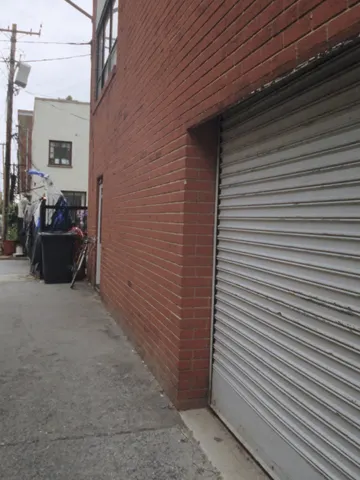
Remove all graffiti, spray-paint tags, and stickers from the walls, doors, and surfaces in this uploaded photo. Reconstruct the brick, metal, or painted texture underneath exactly as it would look if it had never been tagged — matching the original material's color, texture, and weathering precisely.

Keep the composition, camera angle, and framing of this uploaded photo completely unchanged. Preserve the lighting direction, shadows, and time of day exactly as they appear — do not brighten, flatten, or restyle the scene. Any people, vehicles, bikes, bins, or other objects in the frame must stay exactly as they are.

Do not smooth or repaint the entire wall — only clear the graffiti-covered areas, keeping the natural grain, cracks, stains, and imperfections of the surrounding surface intact. Avoid a plastic, airbrushed, or rendered look; the wall or door should still read as real material, not a flat texture fill.

The final result should look like the same street or building photo, but with every trace of graffiti and tagging cleanly gone, as if the wall had just been repainted or was never marked at all.
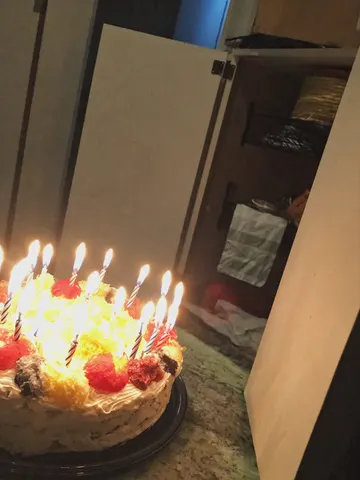
Remove the melted candle wax drips from this uploaded photo. Locate every trail of wax running down the side of the cake, pooling on the frosting, or hardened on the table or plate, and rebuild that area with smooth, undisturbed frosting or a clean surface that matches the surrounding texture, color, and lighting exactly.

Keep the cake's actual shape, layers, decorations, candles, and any writing or toppings completely unchanged — only the wax drips should disappear, not the cake itself. Preserve the composition, camera angle, and every other object in the frame precisely as it was.

Do not smooth, soften, or blur the frosting texture in the repaired areas — match the same slightly imperfect, hand-iced texture and lighting as the rest of the cake. Avoid any plastic or overly airbrushed look, keep natural grain and color variation intact, and make sure the fix is invisible rather than looking like a patch.

The final result should look like a beautifully clean cake photo, as if the candles were blown out before any wax ever had the chance to drip.
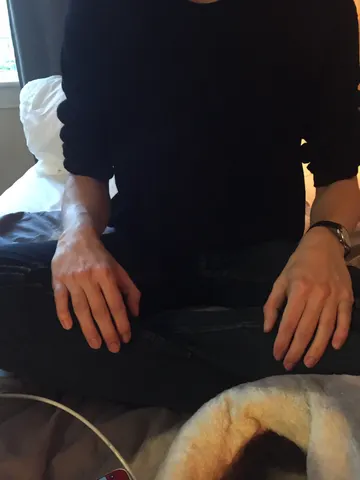
Remove all traces of pet hair and fur from the clothing, furniture, or surface in this uploaded photo. Carefully lift away every stray hair, clump, and fine fuzz clinging to fabric, cushions, or blankets, leaving the material looking freshly brushed and lint-free.

Keep the subject's identity, pose, composition, and framing completely unchanged. Preserve the exact lighting, shadows, colors, and fabric texture and weave — do not smooth, flatten, or re-render the material itself, only eliminate the loose hair sitting on top of it.

Avoid any plastic, waxy, or over-smoothed look. Keep natural fabric grain, creases, and realistic texture intact; this is a cleanup of debris, not a skin or surface retouch. No new wrinkles, colors, or objects should be introduced.

The final result should look like the exact same photo, freshly lint-rolled, with every last pet hair gone.
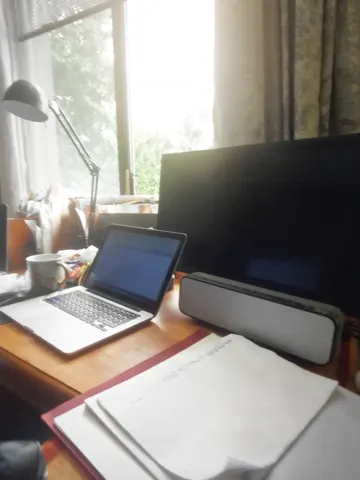
Clean up the tangled cables and cords in this uploaded photo. Remove the messy tangle of wires draped, looped, and pooled across the desk and floor, so only the essential cords remain neatly routed or tucked out of sight behind the devices — no more rat's nest of cables in view.

Keep the exact identity of the room, the furniture, the devices, and the composition of the original photo untouched. Do not move the laptop, monitor, speaker, or any other object, and do not change the lighting or camera angle — this is a cable cleanup, not a redecoration.

Avoid making the desk look sterile, staged, or AI-plastic. Keep it looking like a real, lived-in desk — the mug, notebook, and small everyday clutter should stay exactly as they were. The one or two remaining necessary cords should look real, with slight natural bends, not perfectly straight CGI lines.

The final result should look like the same desk right after someone spent five minutes actually organizing the cords — tidy, believable, and still yours.
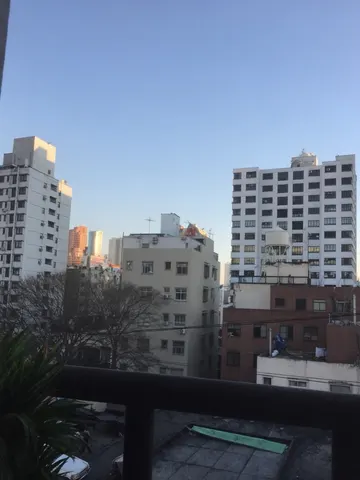
Clear the haze and smog from this uploaded photo. Cut through the thick atmospheric murk sitting over the skyline and restore crisp, true contrast to every building edge, rooftop, and antenna from foreground to the farthest tower on the horizon.

Keep the composition, camera angle, and framing exactly as shot — do not crop, straighten, or recompose the scene. Preserve the actual buildings, their proportions, and the time-of-day lighting and shadow direction; only remove the haze layer sitting between the lens and the skyline, not the buildings themselves.

Avoid over-sharpening or an artificial HDR look — keep natural color grading, authentic sky tones, and the original grain and texture of the photo. Do not smooth or plasticize any surfaces, and do not invent new buildings, signage, or details that were not in the original frame.

The final result should look like the exact same photo taken minutes later once the air had cleared — the same skyline, same light, just crisp and clean instead of choked with smog.
Remove every piece of confetti, streamers, and paper scatter from this uploaded photo. Look for confetti fragments resting on skin, hair, clothing, the floor, tables, and any other surface, and carefully erase them, reconstructing the surface underneath — skin texture, fabric weave, floor grain, tabletop finish — exactly as it would look without the confetti ever having landed there.

Keep the person's identity, facial features, expression, and pose completely unchanged. Preserve the original composition, camera angle, and framing exactly as shot. Do not alter the lighting, shadows, color temperature, or white balance of the scene — match the existing exposure so the cleanup is invisible.

Do not smooth or soften skin, do not add plastic or airbrushed texture anywhere in the image, and keep the natural photographic grain and noise level of the original photo intact. Avoid any warping, blurring, or duplicated background elements where the confetti used to be — the reconstructed areas should look like they were never disturbed.

The final result should look like the exact same photo, taken in the same moment, just without a single piece of confetti anywhere in frame.
Remove all construction elements from this uploaded photo — cranes, scaffolding, orange traffic cones, chain-link fencing, construction vehicles, and any barriers or debris blocking the view. Reconstruct whatever the construction was covering (building facade, street, sky, sidewalk) so it reads as a complete, natural continuation of the scene around it.

Keep the composition, camera angle, and framing of this uploaded photo exactly as they are. Preserve the building's real architecture, the existing lighting and time of day, and the true colors of the scene — do not shift the color grade or add a filter.

Do not smooth, plastic-coat, or oversharpen any surfaces. Keep the same grain and noise level as the original photo, and make sure new textures (brick, glass, concrete, sky) match the resolution and detail of the untouched parts of the image, with no warped lines or blurry patches where the construction used to be.

The final result should look like the photo was taken on a day with zero construction happening — the same building, same street, same light, just clear.
Remove the stain from this uploaded photo. Study the fabric around the spill, mark, or discoloration and rebuild that section so it matches the surrounding weave, color, and texture exactly — cotton grain, subtle wrinkles, and natural fabric sheen included. Do not flatten, blur, or smooth the material into a plastic-looking patch; the repaired area must have the same fine texture and light fabric noise as the rest of the garment.

Keep everything else in the photo completely unchanged: the person's identity, pose, body proportions, the room, the lighting direction and color temperature, and the framing must all stay exactly as they are. Do not retouch skin, hair, or background — this is a fabric fix only, not a full photo edit.

Avoid any AI smoothing or over-sharpening artifacts around the repaired area. Keep natural photo grain and imperfections everywhere else in the frame so the whole image still reads as one continuous, unedited photograph.

The final result should look like the garment came straight out of the wash — no stain, no shadow of where it was, and no visible sign that anything was ever edited.
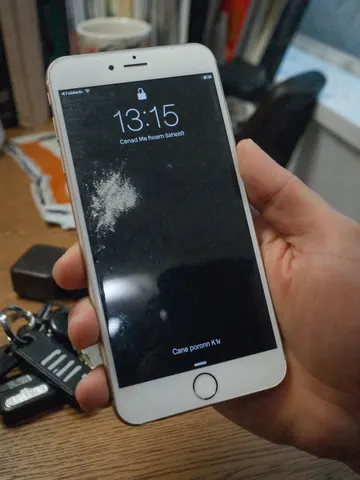
Repair the phone screen in this uploaded photo. Remove every crack, spiderweb fracture, and chip from the display glass completely, rebuilding the screen surface as smooth, flat, and undamaged — as if the phone just came out of the box.

Keep the phone's exact model, color, camera layout, and body in this uploaded photo completely unchanged. Preserve the exact camera angle, framing, composition, and background of the original shot, and keep the lighting, shadows, and any on-screen content or reflections consistent with how they naturally would look on an intact glass surface.

Do not add artificial gloss, an unnatural mirror-sheen, or a plastic-looking finish to the glass. Keep the natural surface texture, subtle fingerprint smudges, and true-to-life reflections a real phone screen would have — this is a repair, not a re-render. Do not alter the room, hands, or any other objects in the frame.

The final result should look like the phone photo was taken with a brand-new, flawless screen, with everything else in the shot untouched.
Smooth out every wrinkle, crease, and fold in the clothing in this uploaded photo. Focus on the fabric across the chest, shoulders, sleeves, and hemline of whatever the subject is wearing, and press it flat like it just came off a hanger, ready for a fit-check post.

Keep the subject's identity, face, pose, and body exactly as they are — do not change their expression, proportions, or the way they're standing. Preserve the original background, composition, and lighting of the photo; only the fabric itself should change.

Keep the material looking like real cloth as you flatten the wrinkles — preserve the natural fabric weave, stitching, and texture instead of turning it smooth, plastic, or waxy. Keep the photo's original grain and any mild noise so it still reads as a real photo, not an AI-smoothed render.

The final result should look like the outfit was freshly steamed and pressed seconds before the photo was taken — crisp, camera-ready, and completely natural.
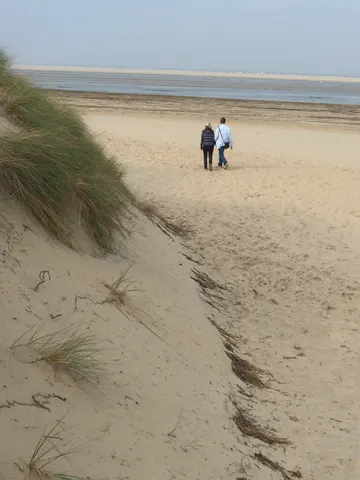
Clean up this uploaded photo by removing any visible litter — bottles, cans, plastic bags, wrappers, cigarette butts, or scattered trash — from the ground, sand, water, grass, or path. Rebuild the surface underneath naturally, matching the surrounding texture, color, and lighting so no gap, smear, or patch is visible where the litter used to be.

Keep the composition, camera angle, lighting, and overall mood of the original photo exactly the same. Do not add, move, or alter any people, structures, plants, or background elements — only remove the trash itself and restore what should naturally be underneath it.

Avoid smoothing, blurring, or over-sharpening the area around each removed item; keep the same natural grain and texture as the rest of the photo so the fix is invisible. No new objects, no warped ground lines, no plastic-looking patches.

The final result should look like the scene was always this clean — a natural, untouched landscape photo with no sign any litter was ever there.
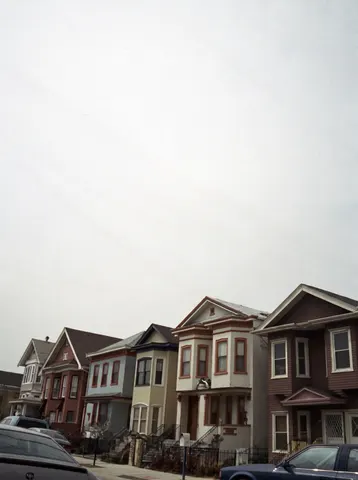
Remove the overhead power lines and utility wires crossing through this uploaded photo. Carefully erase every cable running across the sky and in front of the buildings, and reconstruct the sky and rooftops behind them so the area looks naturally clean and untouched.

Keep the composition, camera angle, lighting, and every other element of the scene completely unchanged — the houses, cars, sidewalk, and colors should stay exactly as they are. Only the wires and any attached hardware crossing open sky should disappear.

Do not smooth or flatten the texture of the buildings or sky while erasing the wires, and avoid leaving ghosting, blur patches, or warped edges where the cables used to be. The sky should look like a real, continuous photograph, with natural grain and cloud texture intact — no obvious retouch marks.

The final result should look like the photo was taken on a street with underground wiring — clean open sky, same scene, same everything else, just the clutter of lines gone.
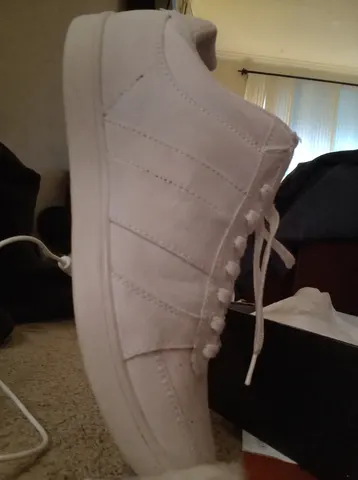
Remove the price tag sticker and barcode label from this uploaded photo completely. Reconstruct the section of the shoe underneath so the material, stitching, panel lines, and texture continue naturally and seamlessly, exactly as if the sticker had never been there. Keep everything else in the photo completely unchanged — the shoe's shape, color, laces, the shoebox, the room, the lighting, and the camera angle must all stay identical to the original.

Match the surrounding fabric or leather grain, subtle creases, and lighting falloff precisely where the sticker used to sit, so there is no smudge, blur, discoloration, or flat patch left behind. Do not smooth, plasticize, or over-sharpen the shoe's surface — preserve the same real material texture and mild photo grain as the rest of the image.

The final result should look like a genuine everyday photo of a brand-new shoe straight out of the box, with the tag off, as if it was never stuck on in the first place.
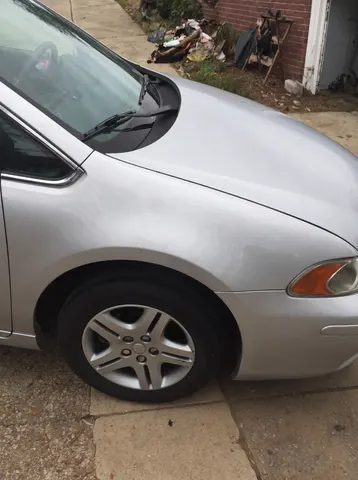
Repair the dent and scratched paint on the vehicle's door panel shown in this uploaded photo. Restore the metal to a smooth, factory-finish surface with no dent, no crease, and no scratch marks — the panel should look brand new.

Keep everything else in the photo exactly as it is: preserve the car's exact model, color, paint shade, badges, wheels, and any other body details untouched. Do not change the background, the driveway, the garage, the lighting, the reflections, or the camera angle in any way.

Do not warp or bend the car's body lines while removing the dent. Keep realistic paint reflections and highlights that stay consistent with the rest of the panel and the surrounding light. Avoid a plastic, CGI, or overly clean rendered look — retain the original photo's grain, noise, and natural lighting variance.

The final result should look like the car just rolled out of a professional body shop — flawless, factory-smooth paint with zero sign the damage ever existed.
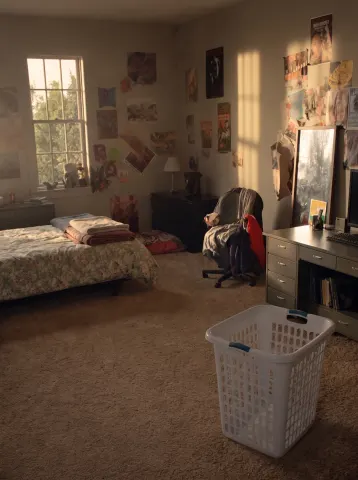
Clean and organize this room completely while keeping the exact same room, camera angle, furniture, architecture, windows, and lighting. Make the bed neatly with smooth bedding. Put every piece of clothing away — nothing left on the floor, chairs, or bed. Clear all surfaces so the desk and shelves look tidy and intentional, with remaining items neatly arranged. Remove all trash, wrappers, papers, tangled cables, and clutter from the floor. Empty the laundry basket and place it neatly. Straighten any crooked posters, frames, or mirrors.

Do not add new furniture or decor, and do not remove existing furniture — every piece stays exactly where it is. The floor, walls, and surfaces should look clean but real: keep natural wear, texture, and the original photographic grain and color grade.

The final result should read as the identical room photographed at the same moment, after a deeply satisfying clean — believable, lived-in, and spotless, not a staged showroom.
Preserve everything about the original subject:
identical face
identical hairstyle
identical clothing
identical pose
identical body proportions
identical expression
identical camera angle
identical framing
identical lighting direction
Replace only the plain white studio backdrop with a luxurious rooftop overlooking the New York skyline during golden hour.
The rooftop should feature elegant stone flooring, modern glass railings, tasteful greenery, and warm sunlight illuminating the skyline. Match the lighting perfectly so the subject naturally belongs in the new environment with realistic contact shadows and reflections.
The result should look like the photograph was originally captured on location rather than edited.
No text. No logos. No watermark.