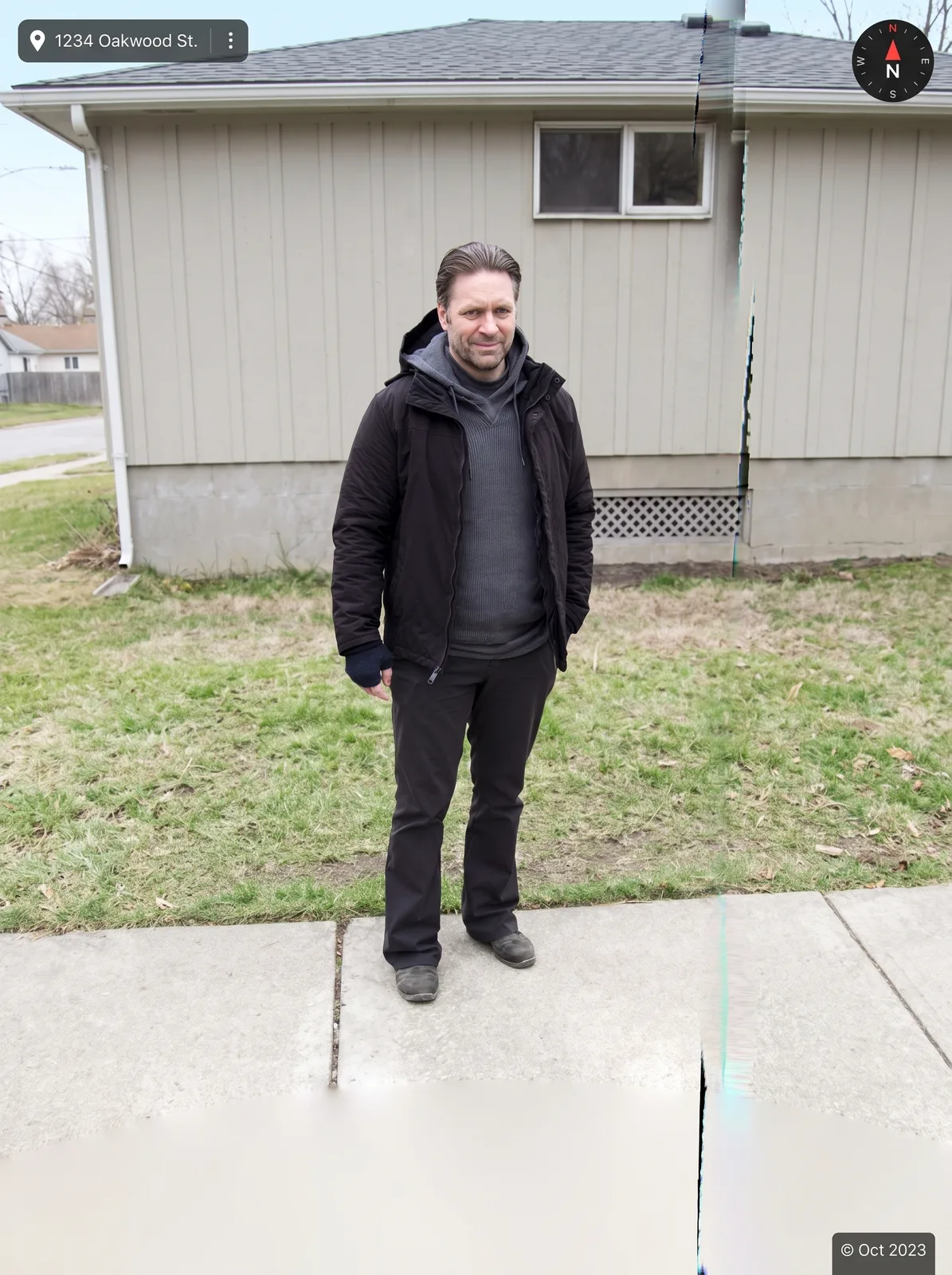
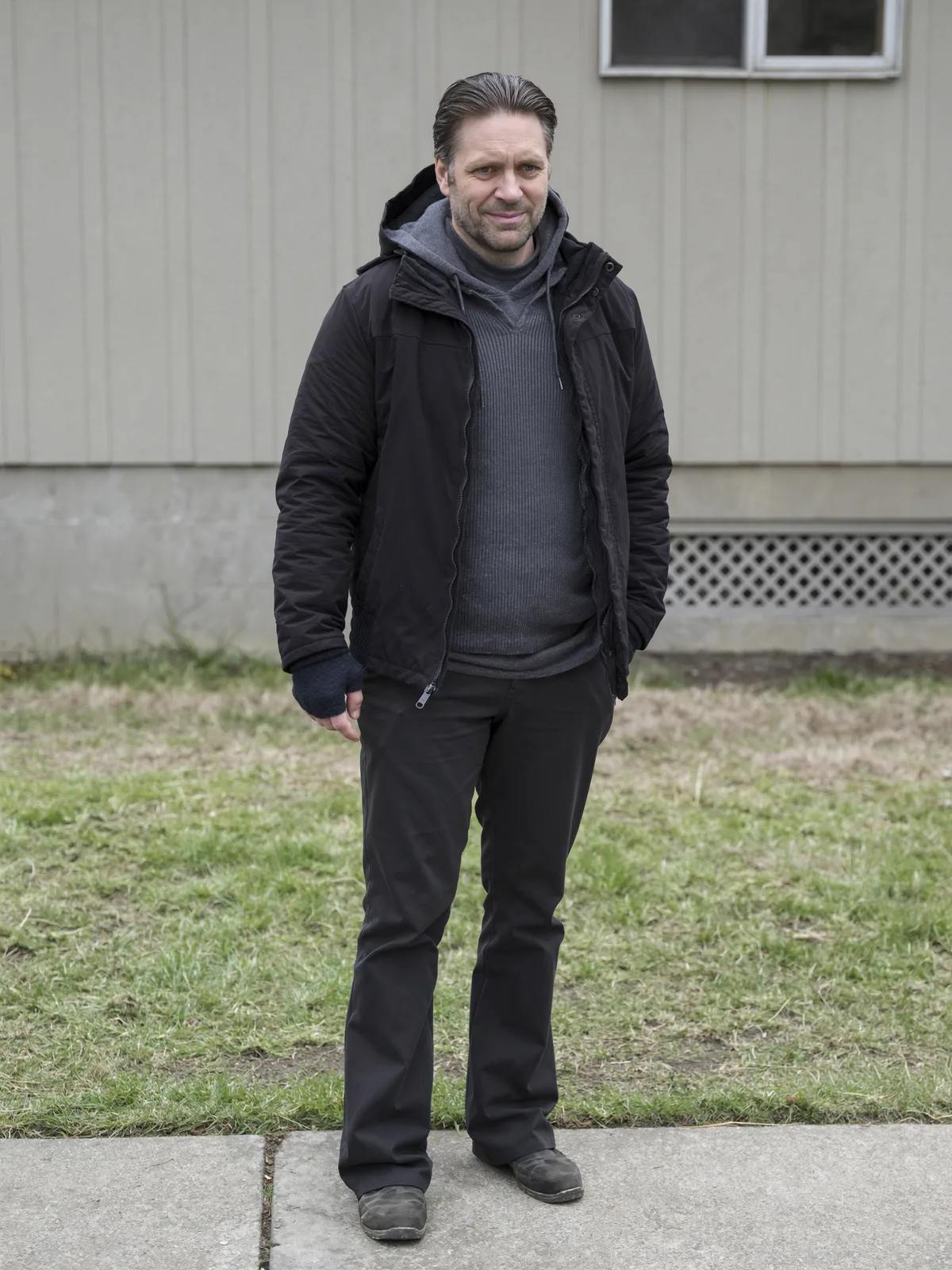
drag to compare — this is a real result from this exact prompt
Street View Camera Capture
0 steals· updated sep 2026
Full prompt
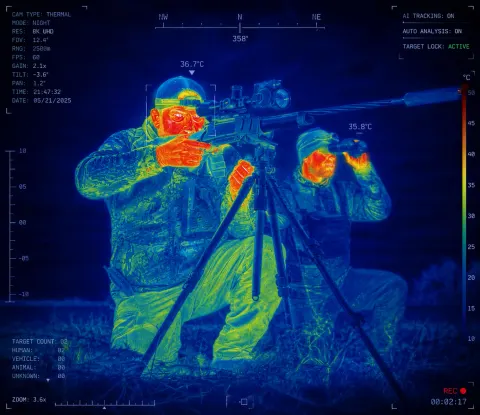
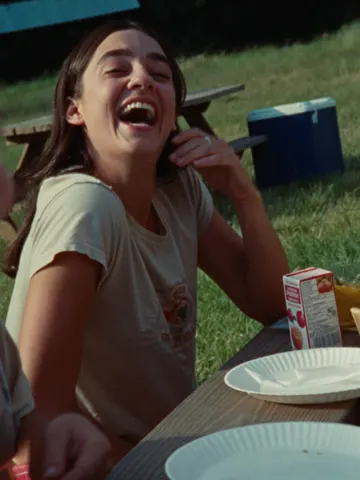
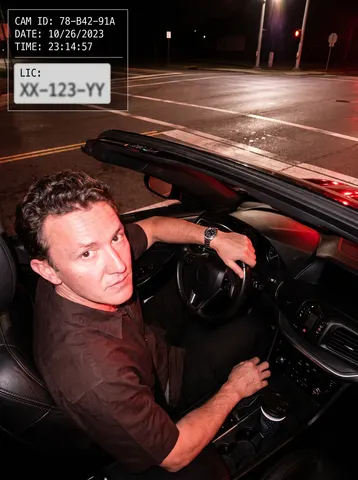
Reframe this uploaded photo as if it were captured by a street-mapping camera car passing by, in the exact recognizable style of an online map street-view screenshot. Keep the subject's face, identity, and pose fully recognizable, but render them from the slightly elevated, wide-angle fisheye perspective typical of a mapping car's roof-mounted camera, standing on a sidewalk or driveway with a subtly blurred, glitchy edge stitch line running through the frame like adjacent camera panels.

Add generic UI chrome overlaid on top of the photo like an online map screenshot: a compass icon in one corner, a small generic address-bar-style text box with an invented street name (never a real address), and a small capture-date stamp in a corner, all in a clean sans-serif UI font. Do not use any real mapping service name, logo, or brand — keep all interface elements completely generic and unbranded.

Preserve the low-fidelity, slightly compressed, slightly overexposed look of real street-mapping camera captures: soft color banding, mild lens distortion, and a flat midday lighting look. Do not smooth skin or add cinematic color grading — keep it looking exactly like a real low-quality panoramic camera capture, not a polished photograph.

The final result should look like a real online street-view screenshot that caught this exact person by surprise outside their home, complete with generic map UI overlays and a convincingly low-fidelity camera-car look.
How to use — free
01
Note from the curator
A full-body candid shot outdoors in front of a plain house gave the model a believable "caught outside" setup with clean fisheye distortion. The invented address text can occasionally drift toward looking like a real address — add "invented, clearly fictional street name only" if that happens.
02
Steal the prompt
Hit the button — the full prompt is on your clipboard.
03
Open Gemini or ChatGPT
Start a new chat and attach a clear photo of yourself (face visible, good light).
04
Paste & generate
Paste the prompt, send, and download your result. Tweak words to taste.
Questions
Is the Street View Camera Capture prompt free?
Yes — completely free. No login, no credits, no paywall. Click the copy button and the full prompt is yours.
Which AI tools work with the Street View Camera Capture prompt?
It's tested with Gemini and ChatGPT. Attach a clear photo of yourself, paste the prompt, and generate.
Can I edit the prompt?
Absolutely — that's the point. Swap any clause (lighting, mood, film stock, setting) to make the result yours.