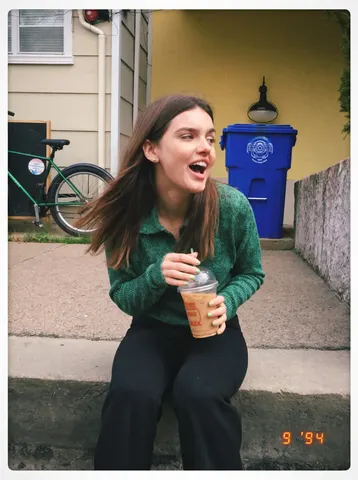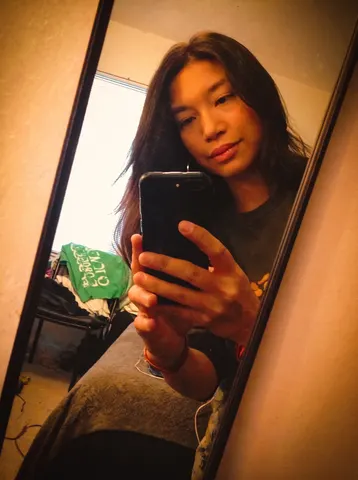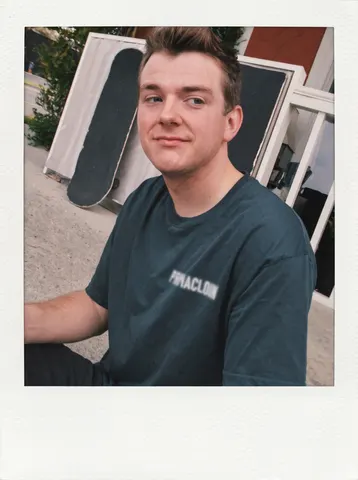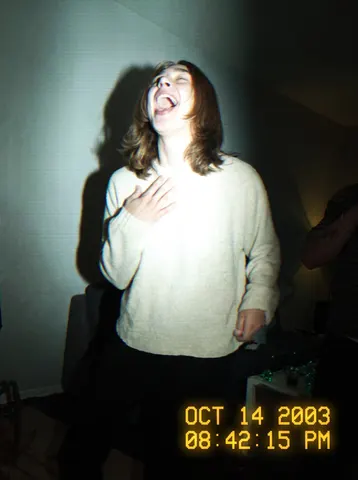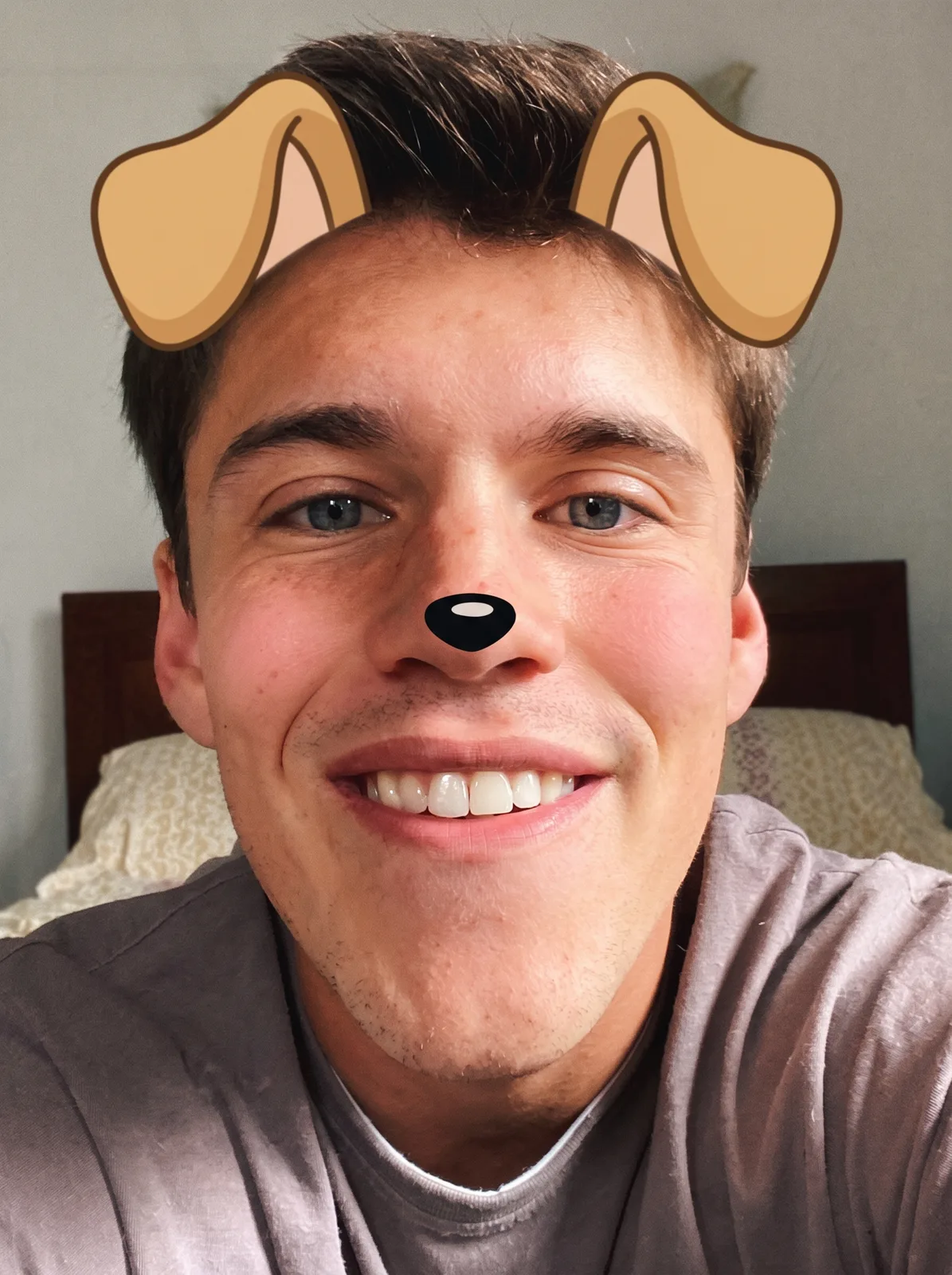
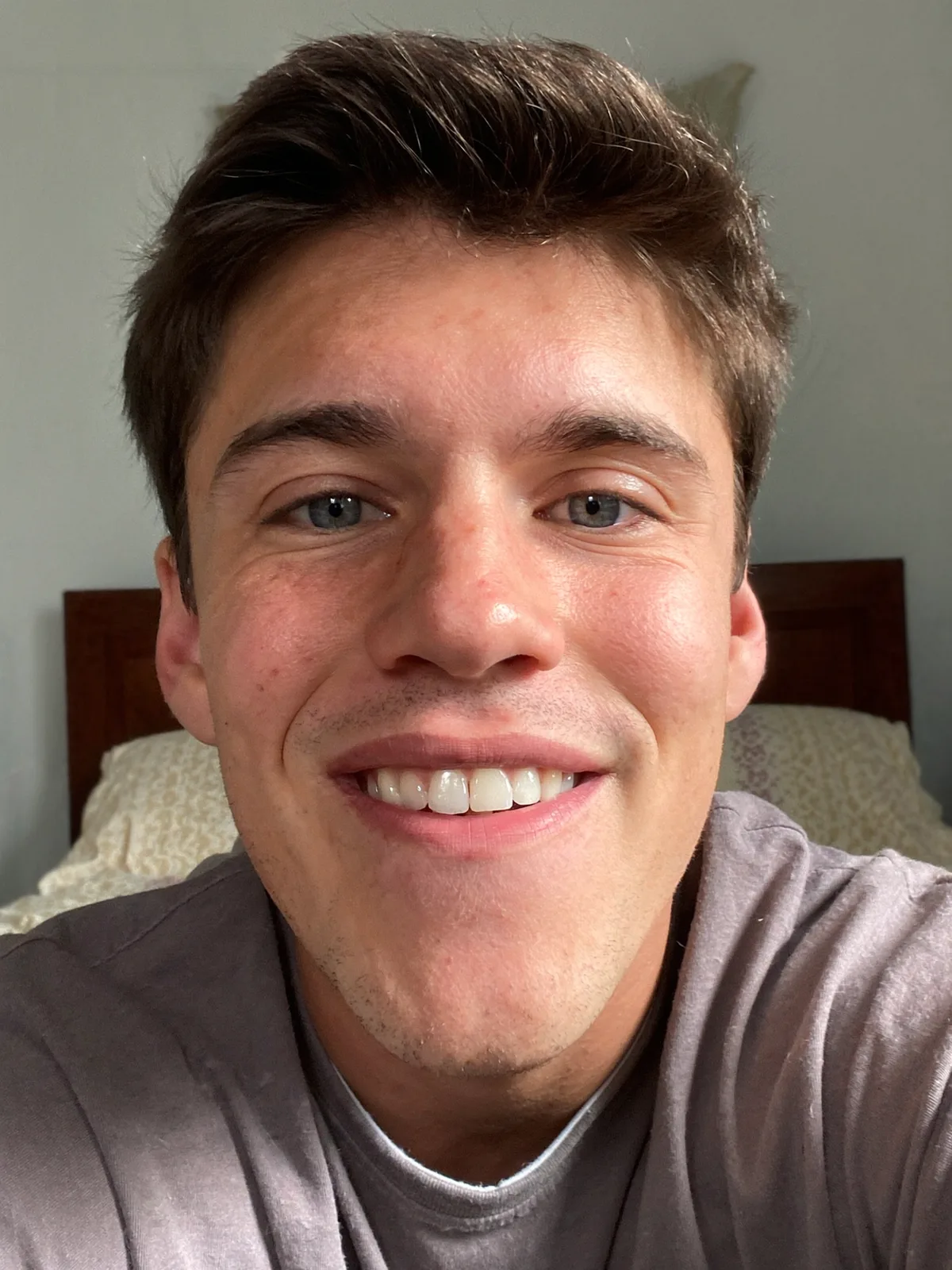
drag to compare — this is a real result from this exact prompt
Dog Ears Selfie
0 steals· updated sep 2026
Full prompt
Apply a nostalgic mid-2010s selfie-filter overlay to this uploaded photo: add cartoon dog ears on top of the person's head and a small black dog nose overlaid on their real nose, matching the head angle and lighting of the original photo exactly. Keep the person's actual face, expression, skin, and features completely unchanged underneath the overlay — the ears and nose sit on top like a filter, not a costume.

Add a soft pink rosy-cheek blush overlay on the cheeks, a warm on-camera flash look with slightly blown-out brights, and a close, slightly-above eye-level selfie framing typical of that era. Keep it understated — no visible app logo, no brand name or wordmark anywhere in the image.

Preserve the original background blurred behind the subject and keep the grain and slight softness of a real front-facing phone camera from that period — do not sharpen or upscale into a modern crisp look. Avoid smoothing the skin into a plastic finish; keep visible pores and natural texture beneath the filter effect.

The final result should look like a real screenshot of a nostalgic mid-2010s dog-ears selfie filter photo, casual and a little grainy, taken on a front-facing phone camera.
How to use — free
01
Note from the curator
Best source is a bright, front-facing selfie with the face centered and clearly lit, head roughly straight-on. On an angled or tilted head the ears can sit slightly off the head's contour instead of hugging it. If that happens, add "match the dog ears exactly to the head tilt and angle in the source photo."
02
Steal the prompt
Hit the button — the full prompt is on your clipboard.
03
Open Gemini or ChatGPT
Start a new chat and attach a clear photo of yourself (face visible, good light).
04
Paste & generate
Paste the prompt, send, and download your result. Tweak words to taste.
Questions
Is the Dog Ears Selfie prompt free?
Yes — completely free. No login, no credits, no paywall. Click the copy button and the full prompt is yours.
Which AI tools work with the Dog Ears Selfie prompt?
It's tested with Gemini and ChatGPT. Attach a clear photo of yourself, paste the prompt, and generate.
Can I edit the prompt?
Absolutely — that's the point. Swap any clause (lighting, mood, film stock, setting) to make the result yours.