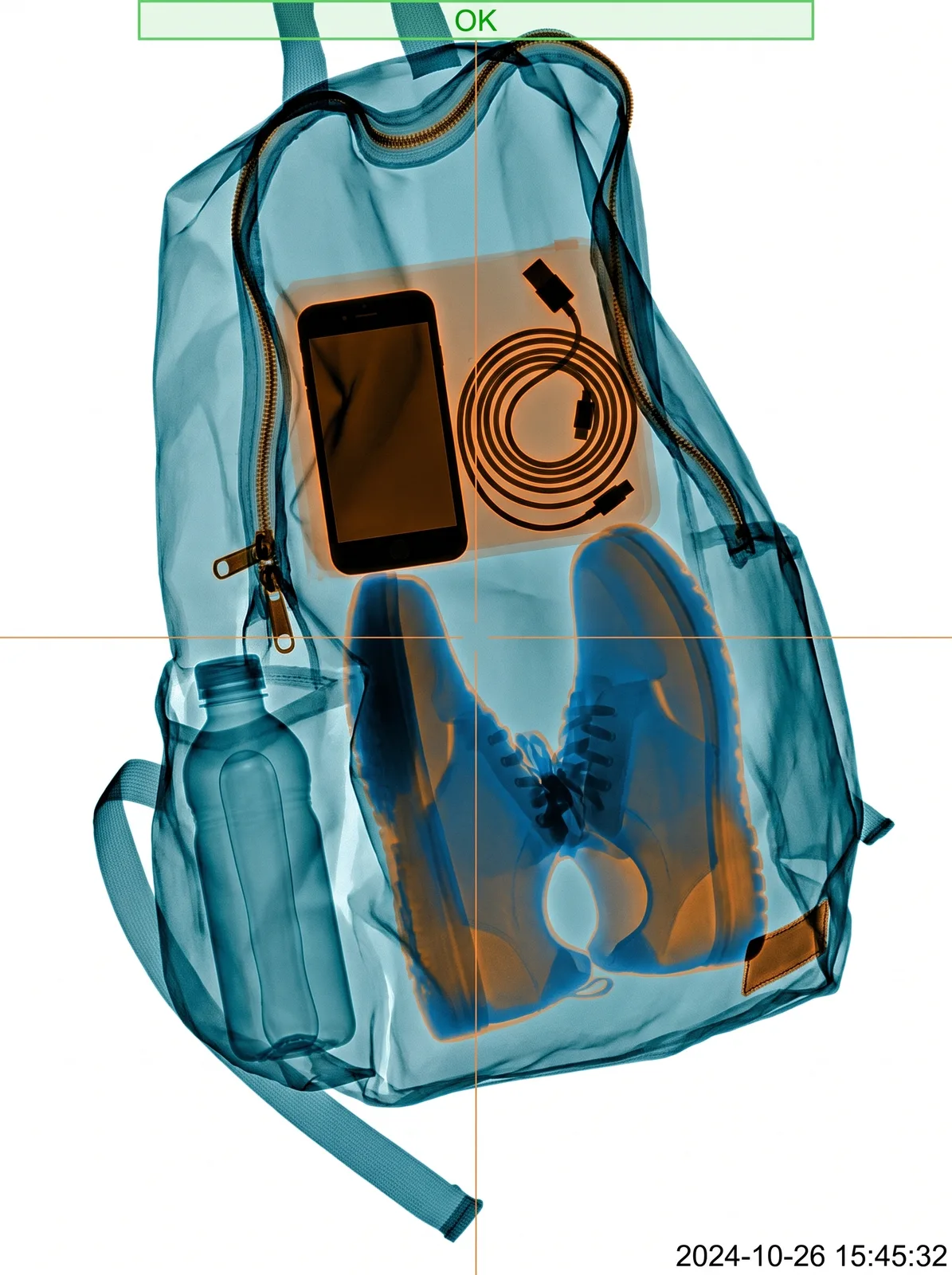
drag to compare — this is a real result from this exact prompt
Airport X-Ray Scan
0 steals· updated sep 2026
Full prompt
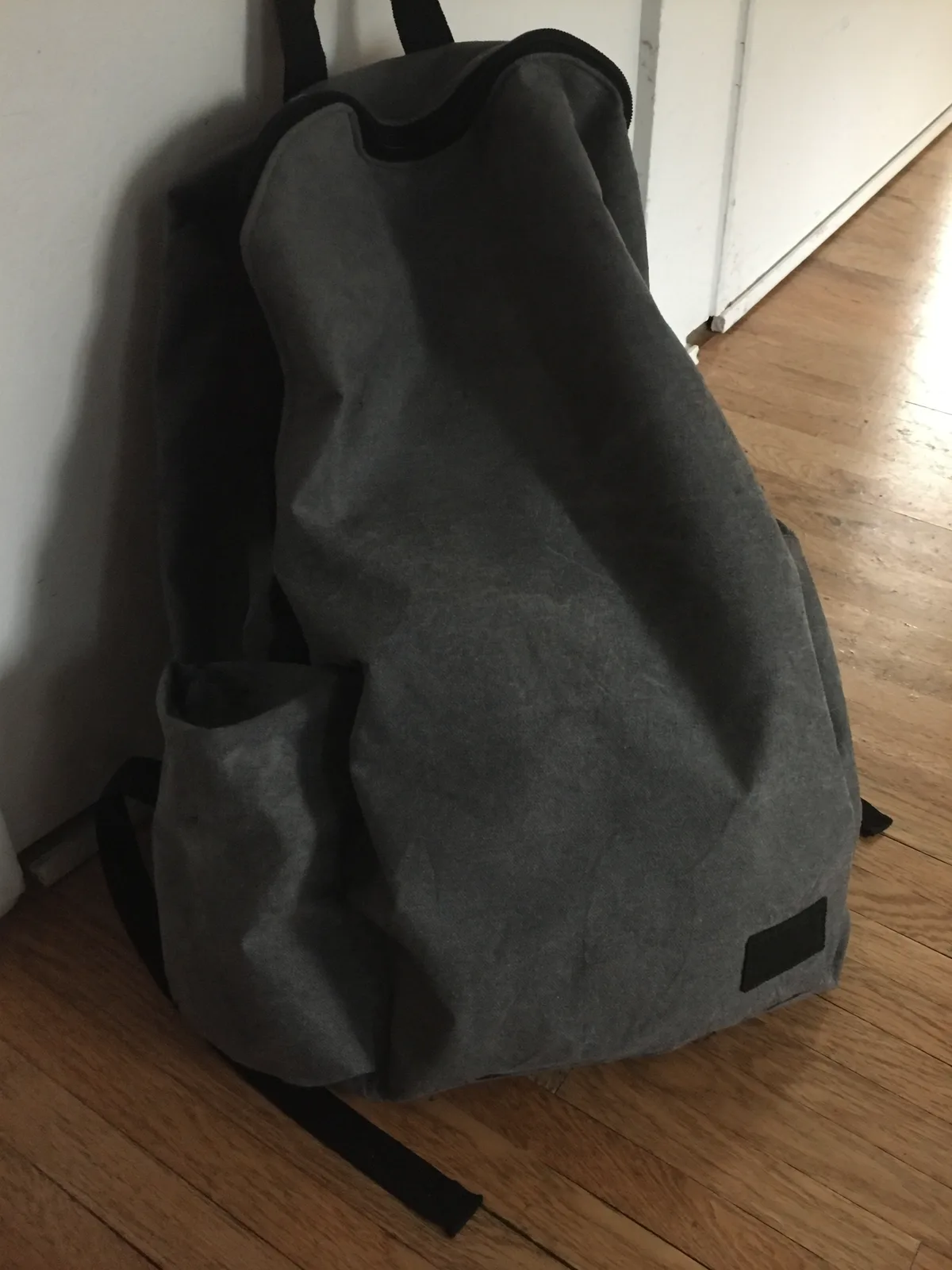
Transform this uploaded photo of a bag into a simulated airport carry-on X-ray security scan image. Recreate the object's exact shape, size, and proportions from the photo, but render it in the flat blue-and-orange false-color X-ray palette typical of checkpoint baggage scanners, with dense objects rendered in darker orange/black and organic or fabric items in blue-green, following realistic X-ray density mapping.

Show faint internal silhouettes of everyday objects that would plausibly be inside the bag (a phone, a coiled charger cable, a pair of shoes, a water bottle) as semi-transparent layered shapes, consistent with how a real X-ray scanner reveals contents through the bag's outer material. Add a thin scanning readout overlay: a faint crosshair or scan-line graphic, a small on-screen date/time stamp in a plain monospace font, and a thin green status bar in a corner — no airport name, no airline name, no real company logo or wordmark anywhere in the image.

Keep the bag's overall outline, straps, and silhouette accurate to the original photo so it is still clearly recognizable as the same bag. Do not add soft grain, light leaks, blur, or camera-lens artifacts — this is a flat digital scanner readout, not a photograph, so keep edges crisp and the false-color rendering clean.

The final result should look like a real airport security X-ray scan screenshot of the bag from the photo, in the blue-and-orange scanner color palette with a faint HUD readout overlay.
How to use — free
01
Note from the curator
Use a bag photo with a plain, unbranded surface and a clean silhouette against a simple background — a bag with a printed label or patch on it can carry that marking through into the scan. Keep the object filling most of the frame so the scanner shape reads clearly. If contents look sparse, add "fill the visible interior with plausible everyday object silhouettes."
02
Steal the prompt
Hit the button — the full prompt is on your clipboard.
03
Open Gemini or ChatGPT
Start a new chat and attach a clear photo of yourself (face visible, good light).
04
Paste & generate
Paste the prompt, send, and download your result. Tweak words to taste.
Questions
Is the Airport X-Ray Scan prompt free?
Yes — completely free. No login, no credits, no paywall. Click the copy button and the full prompt is yours.
Which AI tools work with the Airport X-Ray Scan prompt?
It's tested with Gemini and ChatGPT. Attach a clear photo of yourself, paste the prompt, and generate.
Can I edit the prompt?
Absolutely — that's the point. Swap any clause (lighting, mood, film stock, setting) to make the result yours.