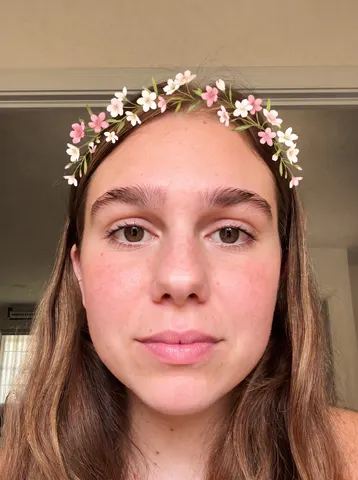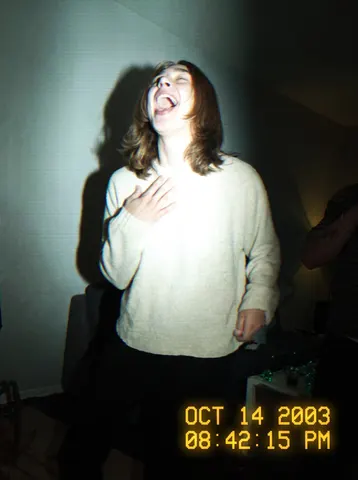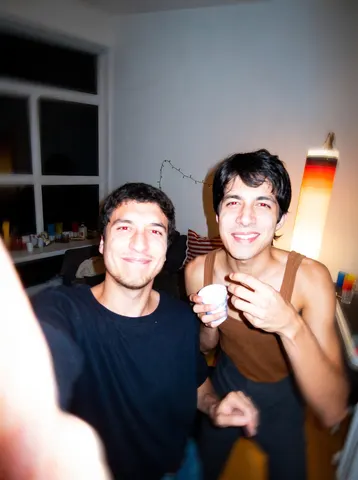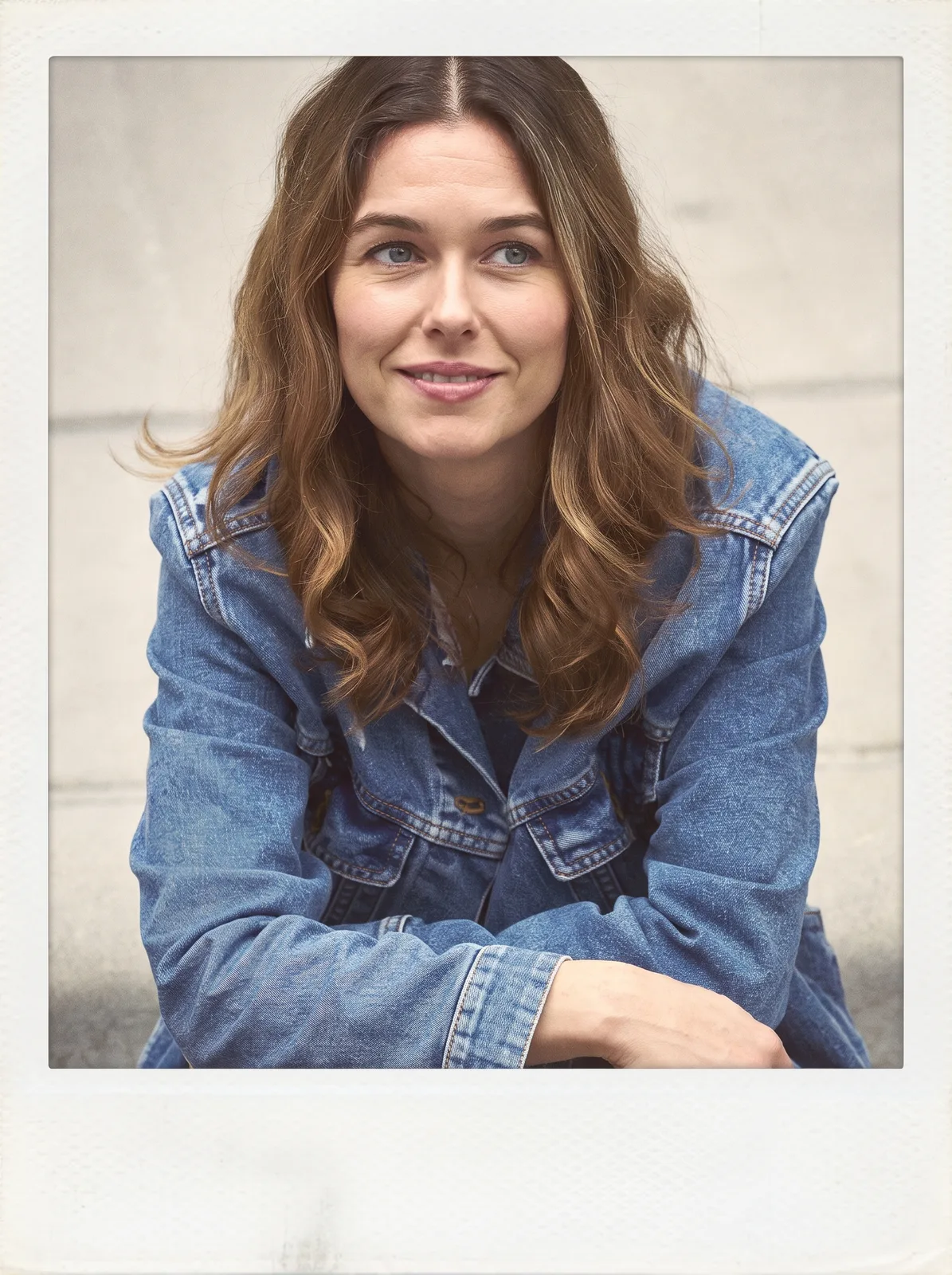
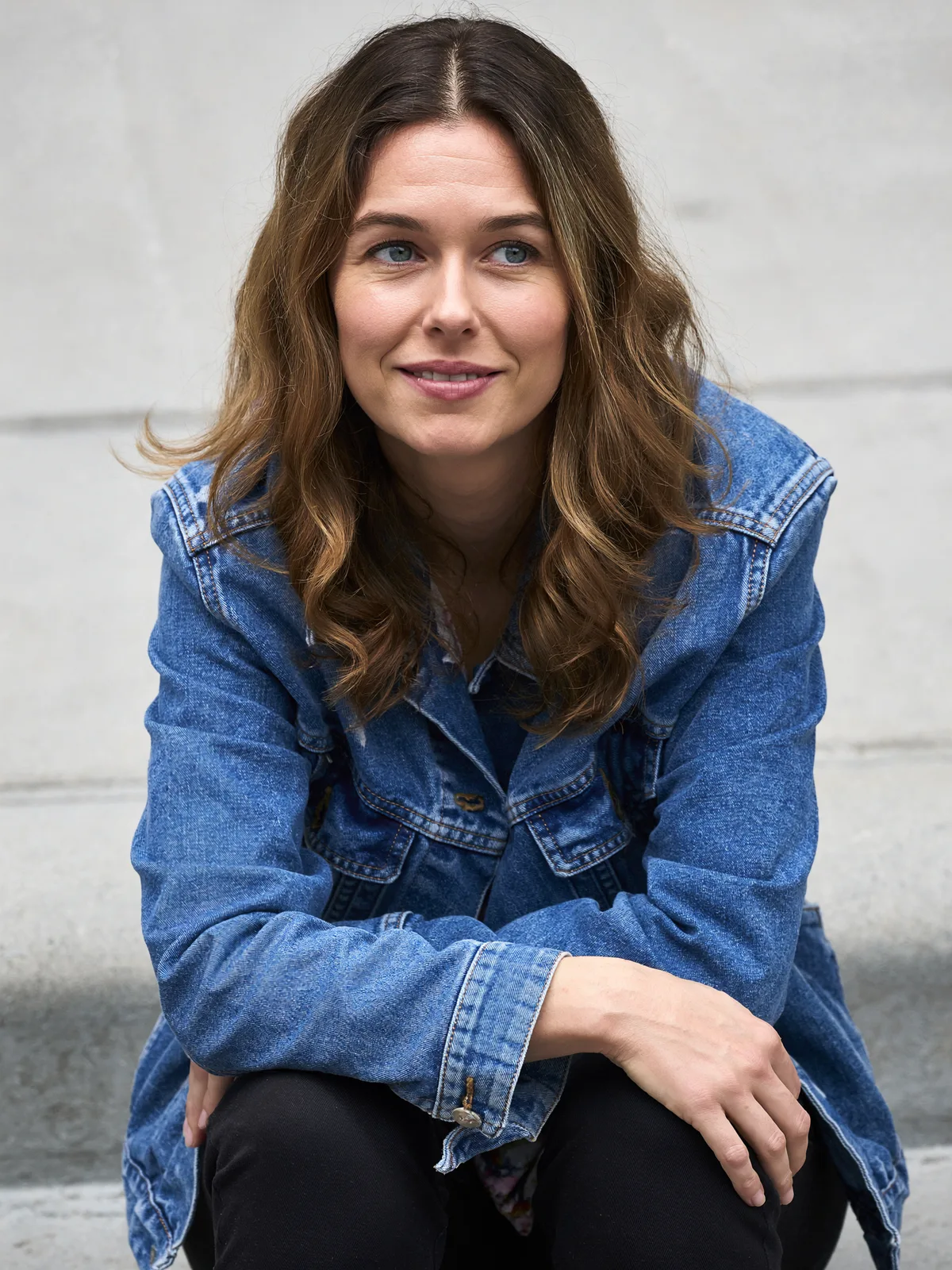
drag to compare — this is a real result from this exact prompt
Washed Square Border
0 steals· updated sep 2026
Full prompt
Take this uploaded photo and turn it into a faded square-format photo with a clean white border, in the style of mid-2010s photo-sharing app edits. Crop the image into a square format and add a solid white border frame around it, wider at the bottom like an old instant-photo layout. Apply a washed-out, slightly desaturated color grade with lifted shadows, a warm faded highlight tone, and a subtle matte film look.

Keep the person's identity, facial features, pose, and composition exactly the same as the original — only change the color grade, crop, and border. Preserve natural skin texture and grain; do not apply beauty smoothing or plastic skin, and do not add any real app logos, watermarks, or UI icons anywhere in the image.

The final result should look like an authentic faded square photo with a white border from that era, not a modern polished edit.
How to use — free
01
Note from the curator
Best source: a well-lit outdoor portrait or lifestyle shot with a plain background and no props holding text or logos. Most likely failure: the model pulling the border toward a polaroid look instead of a flat square frame. Fix: add "even white border on all four sides, not an instant-photo shape" if it skews.
02
Steal the prompt
Hit the button — the full prompt is on your clipboard.
03
Open Gemini or ChatGPT
Start a new chat and attach a clear photo of yourself (face visible, good light).
04
Paste & generate
Paste the prompt, send, and download your result. Tweak words to taste.
Questions
Is the Washed Square Border prompt free?
Yes — completely free. No login, no credits, no paywall. Click the copy button and the full prompt is yours.
Which AI tools work with the Washed Square Border prompt?
It's tested with Gemini and ChatGPT. Attach a clear photo of yourself, paste the prompt, and generate.
Can I edit the prompt?
Absolutely — that's the point. Swap any clause (lighting, mood, film stock, setting) to make the result yours.