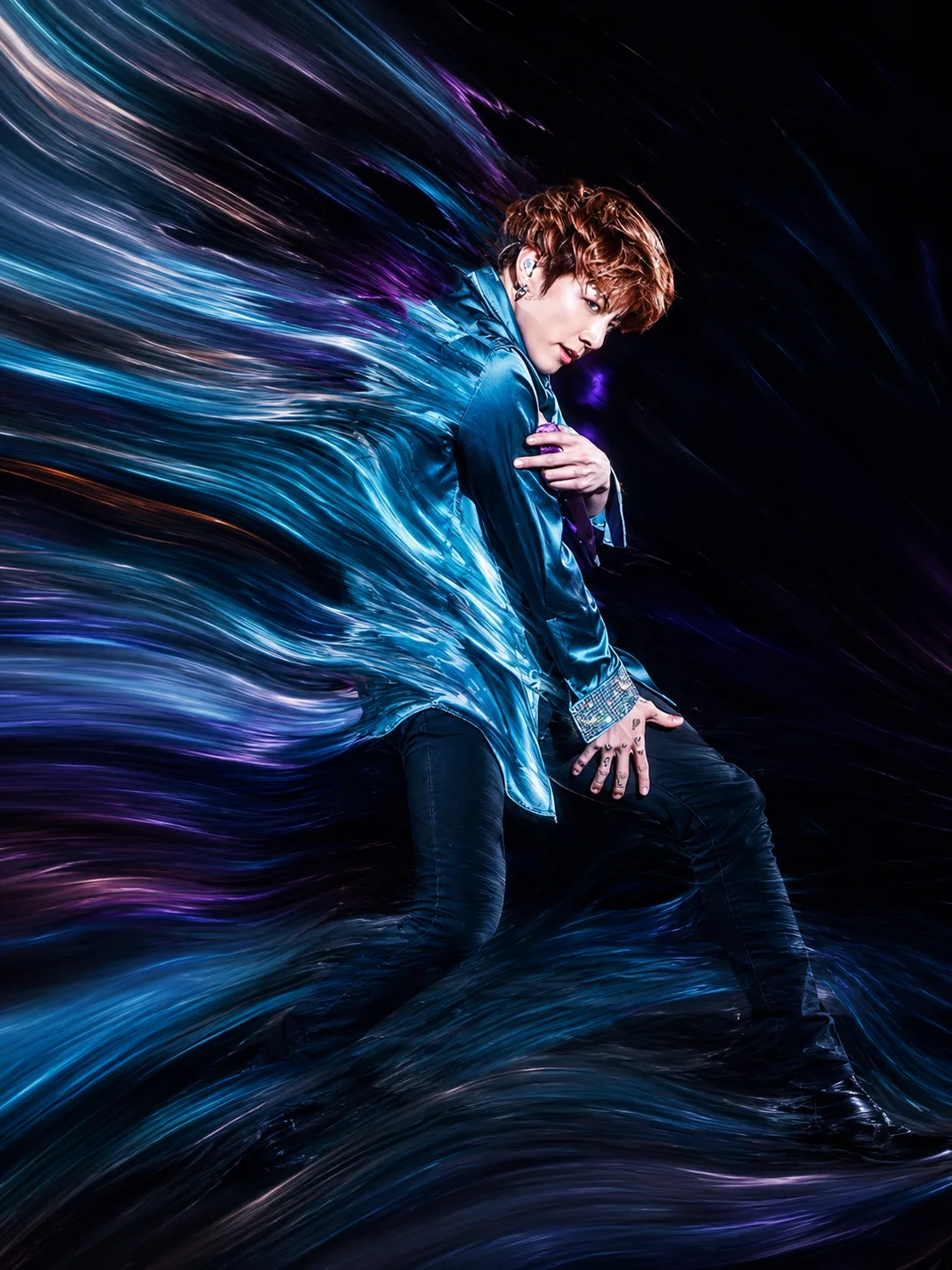
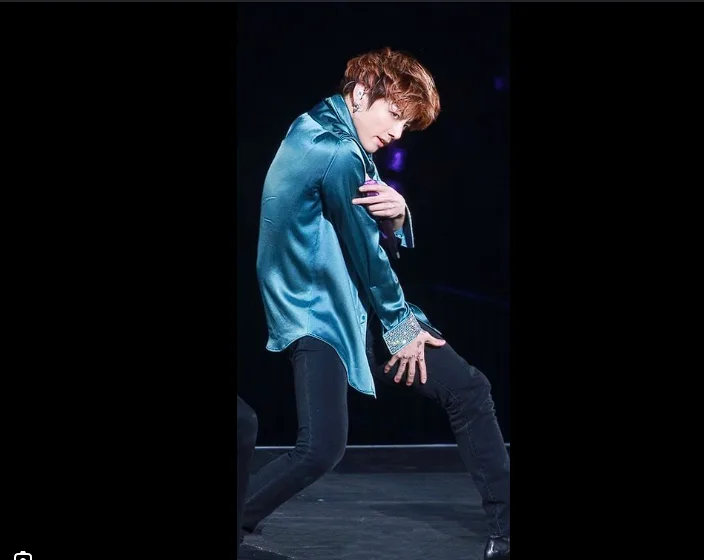
drag to compare — this is a real result from this exact prompt
img2imgAbstract
The Photoshop Fluid Ribbon Effect
0 steals· updated jul 2026
Full prompt
Transform the uploaded image into a premium pixel stretch digital artwork while keeping the main subject perfectly sharp, detailed, and recognizable. Preserve the original identity, silhouette, lighting, and composition of the subject. Extract the colors, textures, and atmosphere from the image and extend them outward into smooth, flowing pixel-stretch ribbons that follow elegant curves and dynamic motion. Create seamless transitions between the original photo and the stretched areas, with no glitches, broken pixels, or harsh edges. The stretched pixels should look silky, fluid, and organic-like streams of color, light, paint, smoke, or energy flowing through the scene. Maintain realistic depth, shadows, reflections, and natural lighting Style: Adobe Photoshop pixel stretch effect, liquid motion blur, flowing light trails, abstract energy waves, gallery-quality digital artwork, modern minimalist composition, cinematic photography, 8K ultra-high resolution, premium social media aesthetic. Keep the subject untouched and crystal clear while the environment transforms into artistic flowing motion.
How to use — free
01
Steal the prompt
Hit the button — the full prompt is on your clipboard.
02
Open Gemini or ChatGPT
Start a new chat and attach a clear photo of yourself (face visible, good light).
03
Paste & generate
Paste the prompt, send, and download your result. Tweak words to taste.
Questions
Is the The Photoshop Fluid Ribbon Effect prompt free?
Yes — completely free. No login, no credits, no paywall. Click the copy button and the full prompt is yours.
Which AI tools work with the The Photoshop Fluid Ribbon Effect prompt?
It's tested with Gemini and ChatGPT. Attach a clear photo of yourself, paste the prompt, and generate.
Can I edit the prompt?
Absolutely — that's the point. Swap any clause (lighting, mood, film stock, setting) to make the result yours.