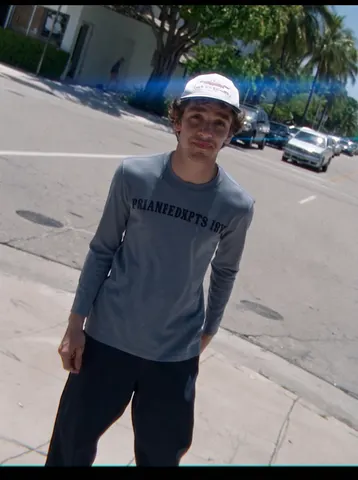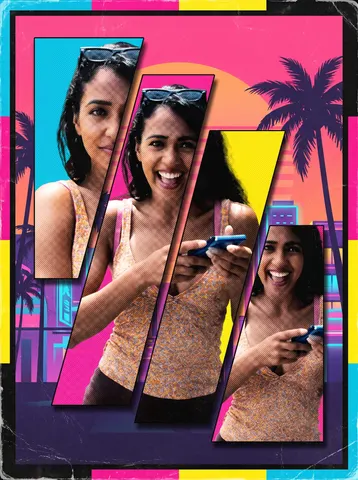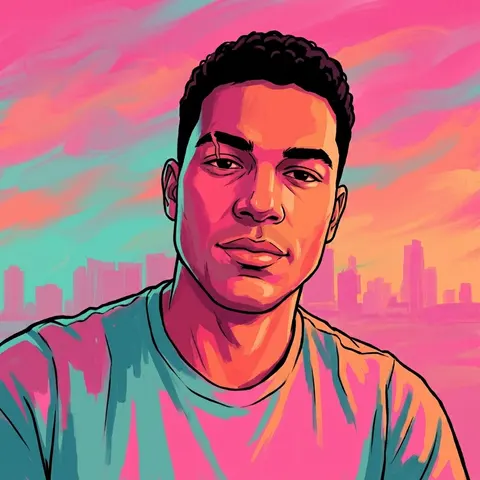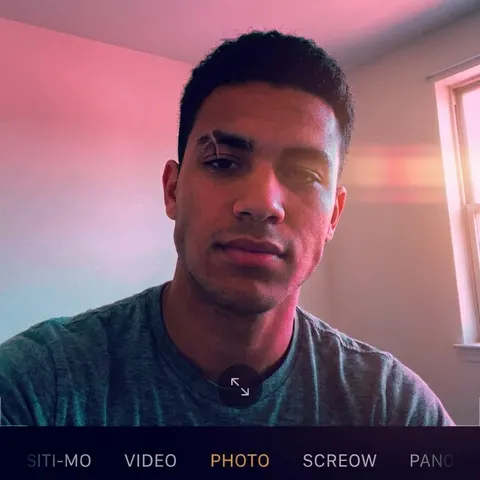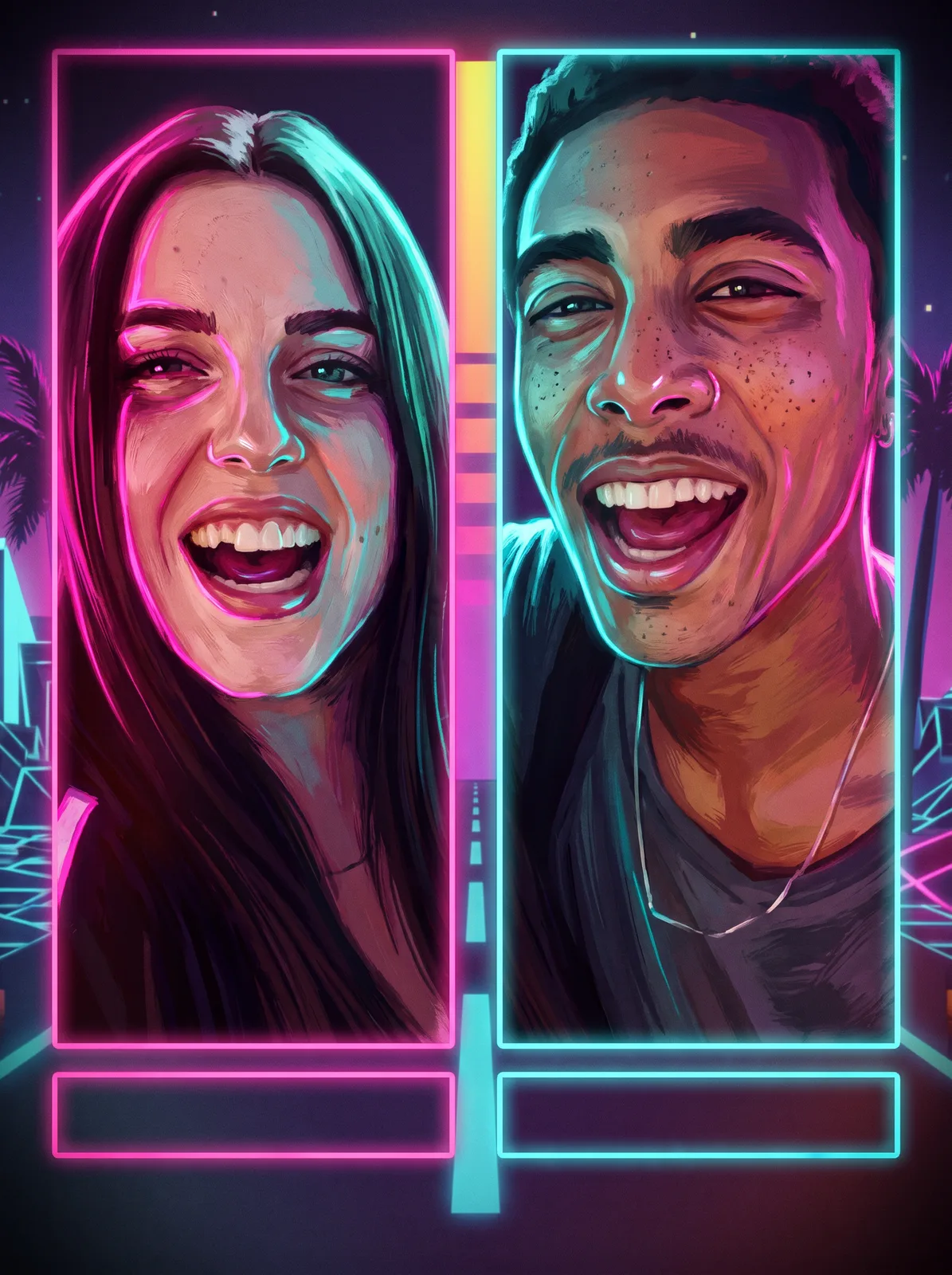
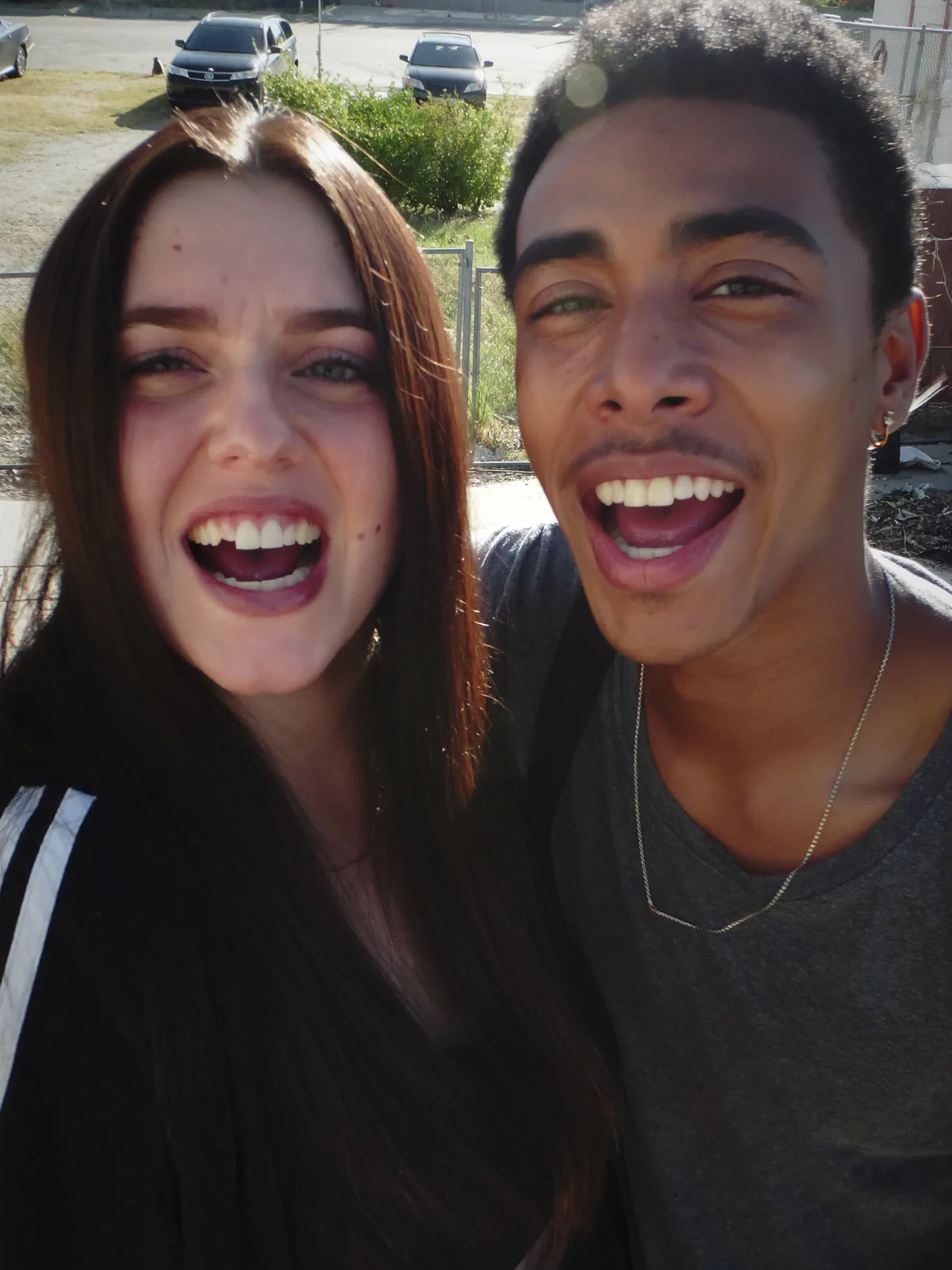
drag to compare — this is a real result from this exact prompt
Character Select Splash
0 steals· updated aug 2026
Full prompt
Transform this uploaded photo of two people into a split-panel duo character-select splash screen, rendered in painted retro-futuristic video game key-art style inspired by 1980s neon Miami. Divide the frame with a hard vertical seam down the center; place one subject fully on the left panel and the other fully on the right panel, each rendered as a heroic protagonist portrait with dramatic high-contrast rim lighting — hot pink and cyan neon light wrapping their faces from opposite sides.

Repaint both figures in thick, textured painted-illustration brushwork rather than photographic realism: visible brush texture, bold shadow shapes, slightly stylized proportions, and a warm film-grain overlay across the whole image. Add stylized UI framing typical of a character-select screen: a thin glowing border around each panel, a blank rectangular name-plate bar beneath each subject (no readable text, no logos, no real game or studio branding), and a soft vignette pulling focus to each face.

Preserve the identity, face shape, skin tone, hairstyle, and expression of each person exactly as in the source photo so both remain clearly recognizable — do not swap features or poses between the two subjects, and keep them in the same left/right arrangement as the original. Keep proportions anatomically correct: no melted hands, no warped eyes, no plastic or over-smoothed skin. Preserve visible skin texture and pores beneath the painted style; avoid airbrushed, waxy rendering.

The final result should look like an official character-select splash screen from a stylish open-world crime game — two painted hero portraits glowing under neon rim light, split by a clean center seam, ready to post as key art.
How to use — free
01
Steal the prompt
Hit the button — the full prompt is on your clipboard.
02
Open Gemini or ChatGPT
Start a new chat and attach a clear photo of yourself (face visible, good light).
03
Paste & generate
Paste the prompt, send, and download your result. Tweak words to taste.
Questions
Is the Character Select Splash prompt free?
Yes — completely free. No login, no credits, no paywall. Click the copy button and the full prompt is yours.
Which AI tools work with the Character Select Splash prompt?
It's tested with Gemini and ChatGPT. Attach a clear photo of yourself, paste the prompt, and generate.
Can I edit the prompt?
Absolutely — that's the point. Swap any clause (lighting, mood, film stock, setting) to make the result yours.